
Alpine Halo 9 Manual
PDF manual · 88 Pages
English



Ask a Question
Frequently Asked Questions
Wireless Apple CarPlay works with iPhone 6s and later models that support CarPlay and have Siri enabled. For wireless CarPlay, ensure the unit’s Wi‑Fi is turned on and pair the iPhone via Bluetooth, or use a Lightning cable for wired CarPlay.
Is this answer helpful?
The unit supports MP3, WMA, AAC (m4a), FLAC, WAV and APE file extensions. Use certified USB flash drives and avoid adding audio extensions to non-audio files. If playback issues occur, reformat or use a different certified drive.
Is this answer helpful?
Yes. The device list can store up to 10 Bluetooth/Wi‑Fi devices and one Apple CarPlay/Android Auto device via USB. You can set auto connection for the last connected device and choose functions like Hands Free and Bluetooth Audio per paired device.
Is this answer helpful?
Download the update or Car-by-Car data from Alpine’s website, copy it to a USB flash drive, plug it into the unit, then use the About > Firmware Version or Car by Car Update menu. Do not power off or change ignition position during the update.
Is this answer helpful?
Use Time Correction to delay closer speakers so all audio reaches the listener simultaneously. Combine parametric EQ, X-OVER settings and Media Xpander for clarity, and save configurations to presets for quick recall.
Is this answer helpful?
Video and TV playback are restricted while driving; the system must be installed so the driver cannot view video unless the vehicle is stopped and parking brake applied. Many functions are disabled or limited while the vehicle is in motion.
Is this answer helpful?
Only iPhones and USB flash drives are supported on the unit’s USB port; USB hubs are unsupported. Avoid exposing drives to heat or moisture, fix them so they don’t interfere with driving, and always change source before removing a USB device to prevent data corruption.
Is this answer helpful?
Advantages and Disadvantages
Advantages

- Large 9-inch responsive touchscreen with extensive smartphone integration (Apple CarPlay and Android Auto).
- Comprehensive sound tuning: 13-band parametric EQ, time correction, X-OVER, Media Xpander, bass engine and presets.
- Supports multiple camera inputs, dash cam integration, and adjustable camera guides for parking and towing.
- Wide format support and source flexibility: USB, iPod, HDMI, Bluetooth audio, DAB/DAB+, and AUX inputs.
- Vehicle-specific firmware and Car-by-Car tuning via USB plus rich system and security settings (languages, dimmer, security code).
Disadvantages

- Some advanced features require optional accessories (CAN box, DAB antenna, HDMI selector, dash cam).
- Certain functions and adjustments are locked or unavailable while driving for safety.
- Professional installation recommended; wiring and setup can be complex for DIY users.
- USB device compatibility not guaranteed; only iPhone and certified USB flash drives are supported reliably.
- Extensive menu depth may present a learning curve for non-technical users.
Product Description
Alpine Halo 9 — Alpine Halo 9 Manual
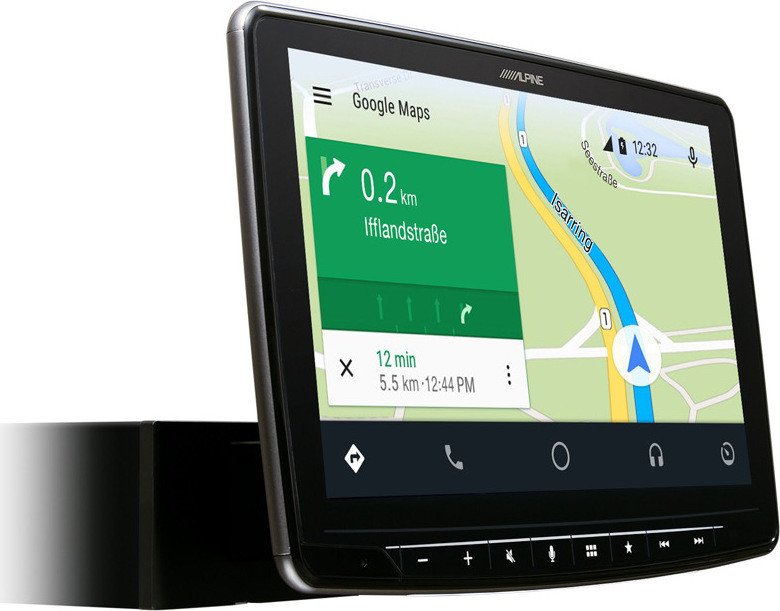
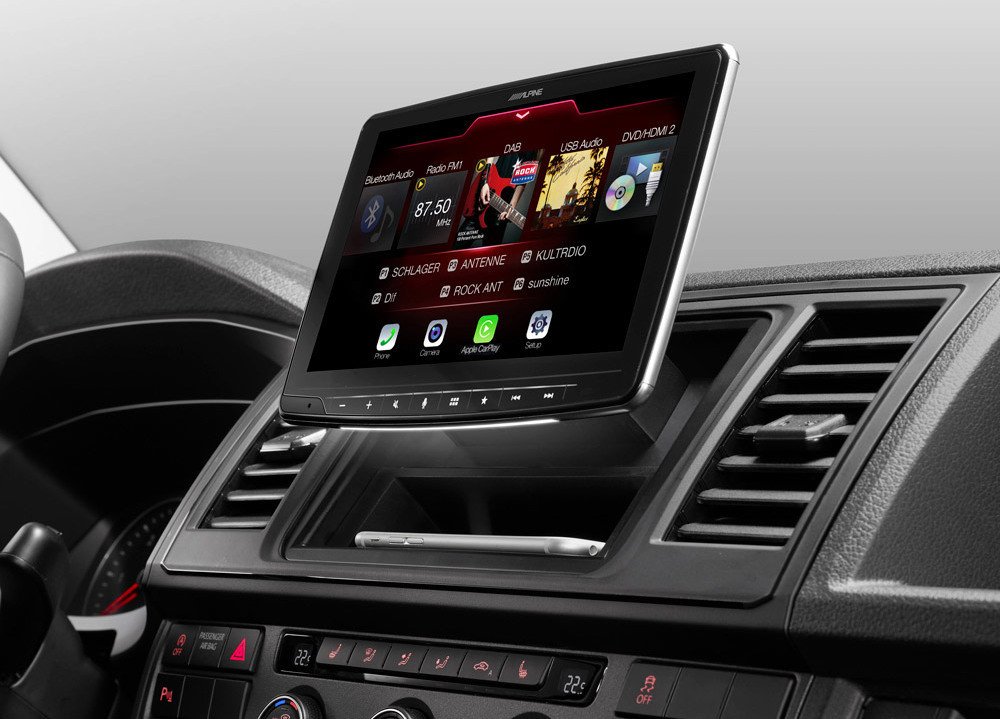
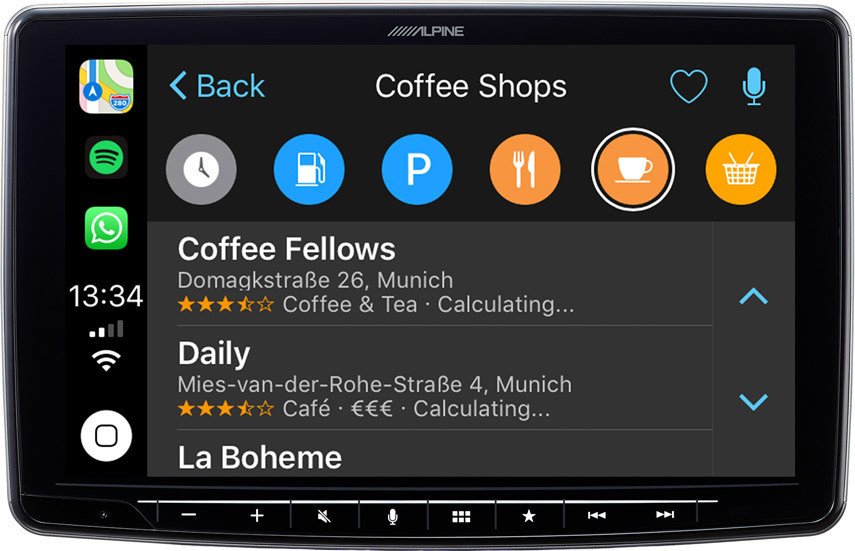
The Alpine Halo 9 is a premium 9-inch digital media station designed to bring a modern, high-performance infotainment experience to your vehicle. With a large, responsive touchscreen and deep integration for Apple CarPlay and Android Auto, the Halo 9 offers seamless smartphone connectivity, hands-free calling, navigation, and media playback. It supports both wired and wireless connections, Bluetooth audio and phone functions, and advanced USB/iPod compatibility for a variety of audio formats including MP3, WMA, AAC, FLAC, WAV and APE.
Beyond smartphone integration, the Halo 9 is built for flexible in-car multimedia: HDMI input, auxiliary and USB video playback, and compatibility with optional dash cams and multiple camera inputs (rear, front, side) make it a versatile hub for entertainment and safety. The unit includes detailed camera guide adjustments, hitch guideline tools, and mute-on-reverse functionality to make parking and towing easier and safer.
Sound customization is a standout feature. The Halo 9 includes a full sound setup suite: Advanced and Basic parametric EQ with up to 13 bands, Media Xpander (MX) to enhance clarity in noisy environments, configurable crossover (X-OVER), time correction for precise staging, subwoofer control (level and phase), bass engine presets, and multiple preset memories. These allow installers and audiophiles to tailor the system to speaker characteristics and vehicle acoustics.
Installation and usability are carefully considered. The unit supports vehicle-specific updates (Car-by-Car tuning), firmware updates via USB, and a range of system and device settings—Wi‑Fi, Bluetooth pairing and PIN codes, device lists, auto connection, and comprehensive language, time, and security settings. Screen and lighting controls include dimmer, key illumination, and selectable display colors. Safety features are emphasized: restrictions on video while driving, clear warnings about installation and wiring, and guidance to use professional installation services.
The Halo 9’s radio section covers FM/AM, RDS, DAB/DAB+ features, PTY and TA interruption functions, and automatic station memory. Video and camera controls offer brightness, contrast, and color adjustments for connected inputs. The unit supports accessory integration such as an Alpine Bluetooth knob and optional CAN interface for climate and parking sensor displays. Overall, the Alpine Halo 9 balances rich connectivity, deep audio tuning, and practical vehicle integration for an advanced in-dash experience.
Notes
- Supports both wired and wireless Apple CarPlay (iPhone 6s and later) and Android Auto (Android 6.0+).
- Audio formats supported: MP3, WMA, AAC, FLAC, WAV, APE.
- Many functions disabled while driving for safety; professional installation recommended.
- Firmware and car-specific tuning updates via USB.
Search for 166 Manuals online


Type-in Brand or Model