
ASUS VG248QG, 24" Manual
PDF manual · 30 Pages
English



Ask a Question
Frequently Asked Questions
Depending on input, the VG248QG supports 48–165 Hz via DisplayPort (max 165 Hz) and up to 144 Hz on HDMI in some modes. DVI/DP/HDMI can support 85–144 Hz in various configurations; consult the input-specific supported modes when configuring higher refresh rates.
Is this answer helpful?
No. ELMB (Extreme Low Motion Blur) must be disabled to enable Adaptive-Sync/Variable Refresh Rate. ELMB works at specific refresh rates (85/100/120 Hz), while Adaptive-Sync dynamically adjusts refresh rate (DP: up to 165 Hz; HDMI: up to 144 Hz in supported modes).
Is this answer helpful?
Use the dedicated GamePlus and GameVisual hotkeys on the monitor. GamePlus activates crosshairs, timers, FPS counter and alignment tools. GameVisual cycles through picture presets (Scenery, Racing, Cinema, RTS/RPG, FPS, sRGB, User) to quickly tune the display for content or game type.
Is this answer helpful?
The stand offers tilt from -5° to +33°, swivel ±90°, 130 mm height adjustment and 90° pivot for portrait orientation. The arm/base is detachable for VESA 100 x 100 mm mounting if wall or third-party arms are preferred.
Is this answer helpful?
Yes—features include a multi-level blue light filter (TUV Low Blue Light certified at its highest setting), brightness controls and recommendations for breaks and eye exercises. Proper setup, periodic rests and lower blue light levels help reduce eye strain.
Is this answer helpful?
The package typically includes the monitor, base/stand, power adapter and cord, optional DisplayPort/HDMI/DVI cables depending on region, an audio cable, quick start guide and warranty card. Verify your package contents and contact your retailer if items are missing.
Is this answer helpful?
Check power and signal connections, confirm the PC and monitor are on, inspect cables for bent pins, try another monitor to rule out GPU issues, perform an All Reset via the OSD if colors are off, and contact service if hardware faults persist.
Is this answer helpful?
Advantages and Disadvantages
Advantages

- Very low response time (1 ms GTG) and high refresh up to 165 Hz (DP) for fluid, low-latency gaming.
- Ergonomic stand with tilt, swivel, height and pivot adjustments plus VESA mount compatibility.
- Gaming features: GamePlus overlays, FPS counter, timer and GameVisual picture presets for quick optimization.
- Multiple digital inputs (DP, HDMI, DVI) and audio ports increase connectivity options.
- TUV-certified Low Blue Light level and on-screen settings help reduce eye strain during long sessions.
Disadvantages

- TN panel viewing angles and color accuracy are inferior to IPS alternatives for wide-angle color work.
- USB 3.0 hub is not available, limiting peripheral connectivity through the monitor.
- ELMB and Adaptive-Sync cannot operate simultaneously, restricting combined blur reduction and variable refresh.
- Higher refresh rates via overclocking may cause image degradation and require manual tuning.
- Built-in speakers (2W x2) are basic and may not satisfy users wanting robust audio.
Product Description
ASUS VG248QG, 24" Manual — Overview
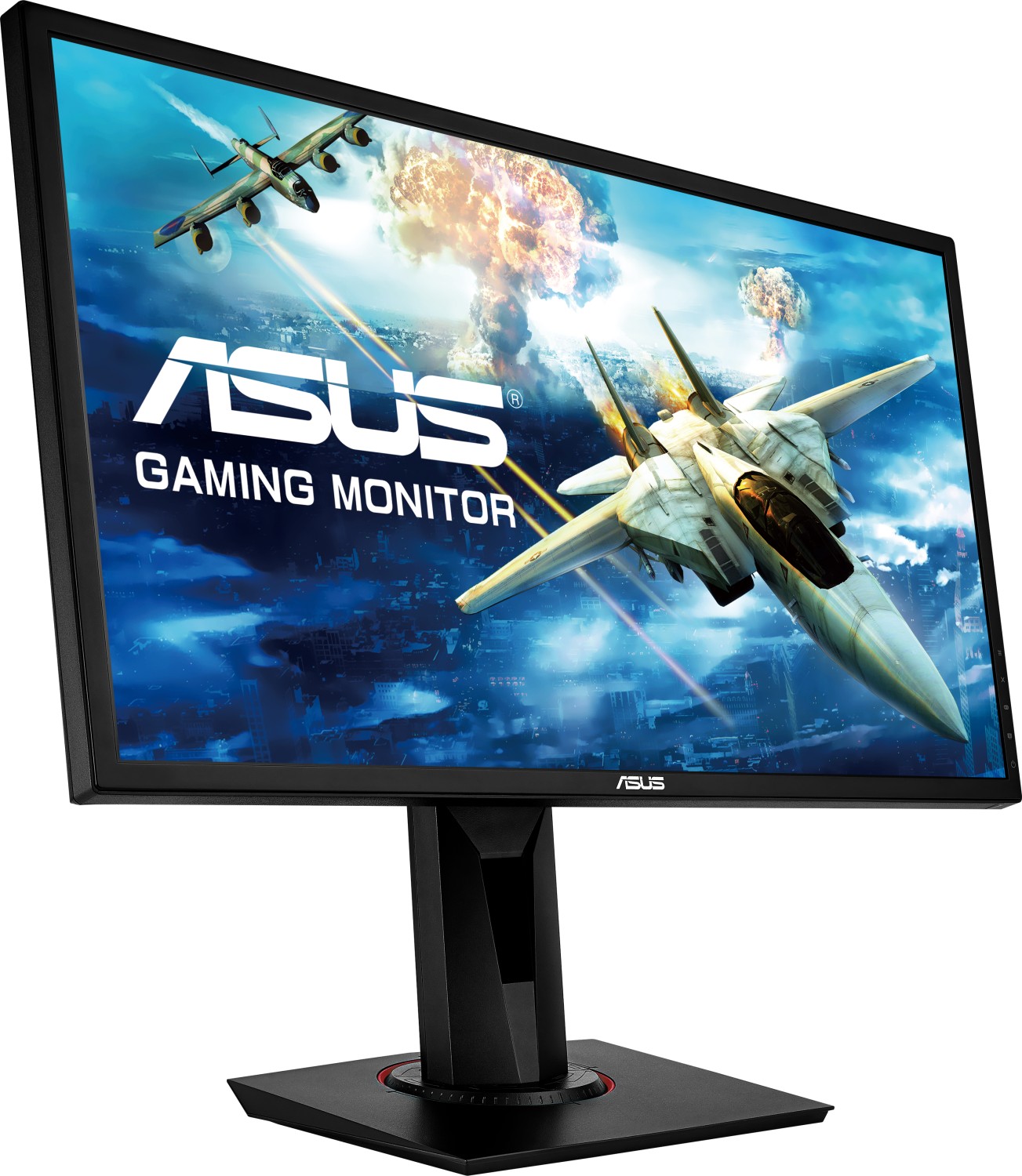
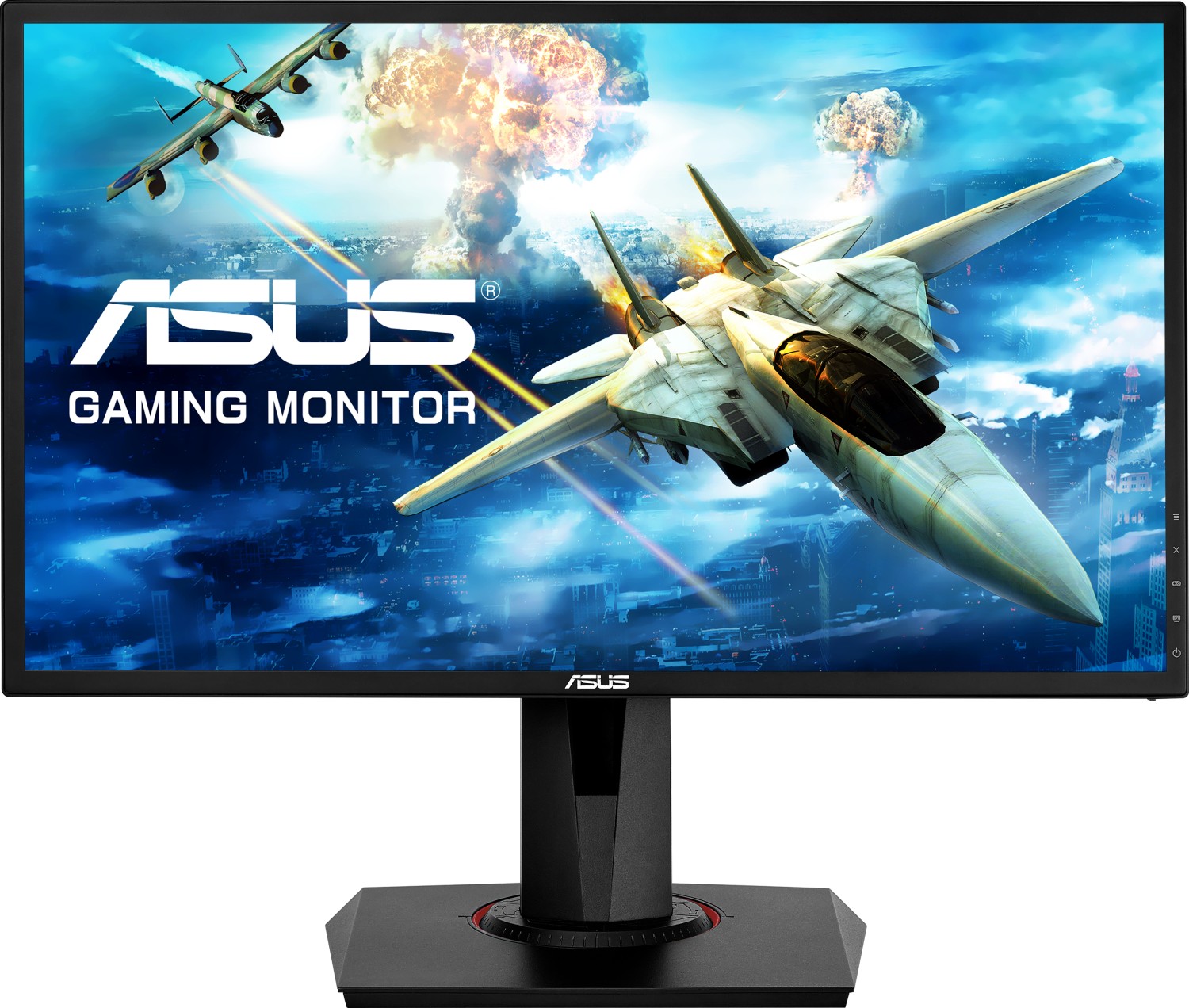
The ASUS VG248QG is a 24-inch Full HD (1920x1080) gaming monitor engineered for fast-paced play and responsive visuals. Boasting a native 1 ms (GTG) response time, up to 165 Hz refresh rate (DisplayPort) and support for Adaptive-Sync/Variable Refresh Rate, the VG248QG reduces motion blur and screen tearing for smoother gameplay. Its 24" TN-panel delivers bright imagery (350 cd/m² typical) and vivid colors across 16.7 million displayable shades, while ASUS GameVisual and GamePlus features offer on-screen enhancements tailored for different gaming genres.
Key features and handling
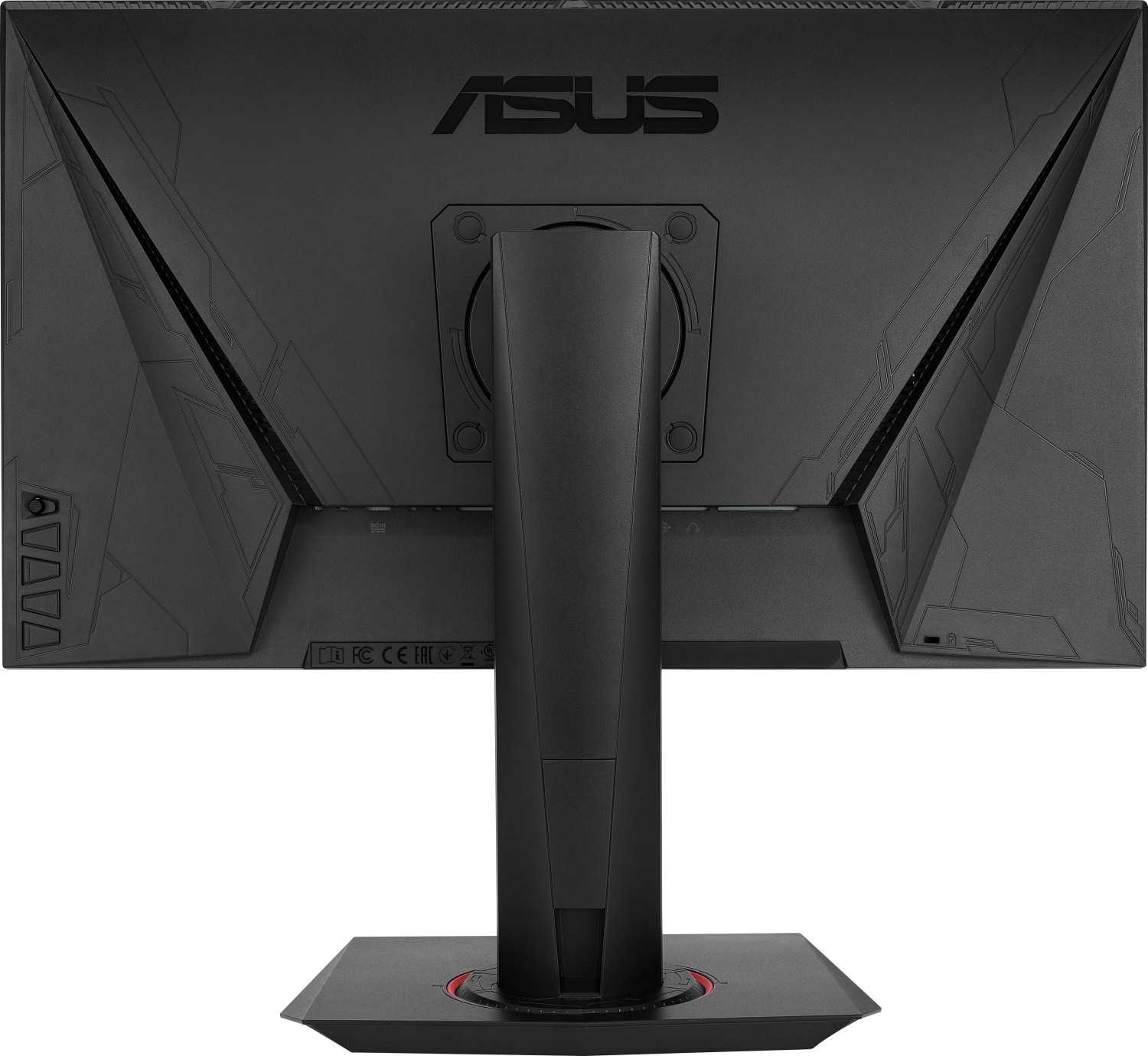
The monitor includes multiple digital inputs—DisplayPort 1.2, HDMI, and DVI (Dual-Link)—plus audio-in and an earphone jack for convenient connectivity. Built-in 2W stereo speakers and a bundled power adapter and cables simplify setup. The stand supports -5° to +33° tilt, ±90° swivel, 130 mm height adjustment and 90° pivot for portrait orientation. A VESA 100 x 100 mm mount and Kensington lock add mounting flexibility and security.
Game-focused tools such as GamePlus provide crosshair overlays, FPS counters, timers and alignment guides to assist competitive play and multi-monitor setups. GameVisual supplies preset modes (Scenery, Racing, Cinema, RTS/RPG, FPS, sRGB, User) for quick picture tuning. ELMB (Extreme Low Motion Blur) and Adaptive-Sync are available with caveats: ELMB requires specific refresh rates and cannot be used simultaneously with Adaptive-Sync.
Practical notes on use
The monitor includes a blue light filter with multiple levels (including a TUV Low Blue Light certified setting) to reduce eye strain, along with guidance for healthy viewing habits and recommended breaks. The OSD is navigated via a 5-way button and dedicated hotkeys for GamePlus and GameVisual. Detailed safety, care and troubleshooting guidance emphasize correct cable connections, ventilation, cleaning methods and when to contact service technicians.
Final impression
The ASUS VG248QG is positioned as a value-minded competitive gaming display: responsive, adjustable and feature-rich for gamers who want high refresh rates and low latency in a compact 24" form. Its combination of ergonomic adjustments, gaming utilities and multiple input options makes it a strong choice for esports and fast-action titles.
Notes
- Best refresh rates vary by input: DisplayPort supports up to 165 Hz; HDMI top rates differ. Overclocking refresh rates can affect image quality.
- ELMB and Adaptive-Sync are mutually exclusive—disable one to use the other.
- Use shielded cables and follow safety/cleaning instructions to ensure compliance and longevity.
Search for 166 Manuals online


Type-in Brand or Model