
Headphones Manuals
Manuals


Headphones Manuals
Introduction
Headphones manuals are indispensable resources for anyone who owns or plans to purchase headphones. They bridge the gap between the product’s features and the user’s ability to utilize them safely and effectively. A well-written manual provides clear instructions on setup, operation, troubleshooting, maintenance, and warranty information. Whether you own basic wired earbuds, advanced noise-cancelling over-ear models, or professional studio headphones, manuals help you maximize performance, prolong lifespan, and avoid common pitfalls.
Purpose and Scope
The primary purpose of a headphones manual is to ensure users can start using their device quickly and correctly. Manuals typically cover product features, technical specifications, pairing procedures for wireless models, charging instructions, controls and button functions, care guidelines, and safety warnings. They also serve as an authoritative reference for troubleshooting and obtaining customer support or warranty service.
Key Sections of a Headphones Manual
Getting Started
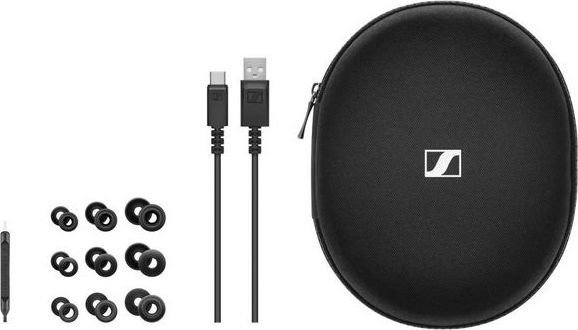
This section helps users with first-time setup. For wired headphones, it explains connector compatibility (3.5 mm jack, USB-C, Lightning) and whether any adapters are needed. For wireless headphones, this section covers initial charging, Bluetooth pairing, and the app installation process if an accompanying mobile app is available. Quick start guides often include diagrams showing each component and what accessories are included in the box.
Controls and Interface
A thorough manual outlines the functions of every button, dial, touch surface, or switch. It details how to play/pause, skip tracks, answer/end calls, adjust volume, and toggle modes like Active Noise Cancellation (ANC) or Transparency/Ambient modes. For multifunction controls, the manual specifies press-and-hold, double-press, and combination commands so users can avoid confusion and accidental changes.
Charging and Battery Management
Battery guidance is crucial for wireless headphones. Manuals describe charging times, battery life estimates under different usage scenarios (music playback, talk time, ANC on/off), and recommended charging practices. Many manufacturers include cautions about using the supplied cable and charger or certified alternatives, and guidance on storing the headphones long-term to preserve battery health.
Connectivity and Compatibility
This section explains Bluetooth versions supported, codec compatibility (SBC, AAC, aptX, LDAC, etc.), multipoint pairing capabilities, and compatibility with various devices (smartphones, tablets, laptops, gaming consoles). It may include step-by-step pairing instructions, how to reset connections, and guidance for using the headphones with voice assistants such as Siri, Google Assistant, or Alexa.
Noise Control and Sound Profiles
For headphones with ANC or ambient modes, manuals clarify how the different modes work, when to use them, and any limitations. Many manuals also guide users on adjusting equalizer settings through companion apps or device settings and explain the effects of sound profiles tailored for music, movies, or voice calls.
Microphone and Call Features
If the headphones include built-in microphones, the manual describes how to handle calls, mute/unmute, and use features like sidetone or beamforming. It should also include tips for optimizing call quality, such as positioning the microphone and reducing wind noise.
Maintenance and Care
Proper care extends the life of headphones. Manuals recommend cleaning methods for ear cushions, headbands, and ear tips, and advise on avoiding liquids, extreme temperatures, and prolonged exposure to sunlight. Replaceable parts such as eartips, cables, or cushions are identified, and instructions for safe removal and replacement are provided to prevent damage.
Troubleshooting
A troubleshooting section helps users diagnose common issues: no sound, one side not working, connection drops, poor battery performance, or microphone malfunctions. It lists simple fixes—like checking volume, cable connections, resetting the device, updating firmware, or reinstalling drivers—before suggesting contacting support. This helps reduce frustration and often resolves problems quickly.
Firmware and Software Updates
Many modern headphones benefit from firmware updates that improve performance, add features, or fix bugs. Manuals explain how to check for and apply updates, usually via a companion app or through a manufacturer’s website. They also outline the importance of keeping firmware current and precautions to take during the update process.
Safety and Regulatory Information
Safety warnings are essential. This section warns of risks from high volume levels that can cause hearing damage, provides safe listening guidelines, and includes cautions about using headphones while driving or in environments where awareness is necessary. Regulatory compliance, disposal instructions, and recycling information (such as WEEE, RoHS or battery disposal guidance) are also included to meet legal requirements.
Warranty and Support
The manual describes warranty coverage duration, what is covered or excluded, and how to obtain service. Contact information for support—phone numbers, email addresses, support portals, and links to online resources—is typically provided. Manufacturers often include instructions to register the product for extended warranty or to access exclusive offers.
Best Practices for Creating and Using Headphones Manuals
Clarity and Accessibility
A good manual uses simple language, consistent terminology, and a logical layout. Clear headings, numbered steps for procedures, and labeled diagrams help users quickly find the information they need. Including multilingual versions and accessible formats (large print, screen-reader-friendly PDFs) makes the manual usable for more people.
Visual Aids
Illustrations, diagrams, and icons accelerate comprehension—showing cable types, button locations, LED indicator meanings, and correct ways to wear or store the headphones. Step-by-step visuals for pairing or resetting can reduce user errors and support non-native language speakers.
Concise Troubleshooting Flowcharts
Flowcharts or decision trees guide users through diagnostic steps: identify the symptom, try simple fixes, and escalate if unresolved. This reduces unnecessary support requests and empowers users to resolve common problems themselves.
Up-to-Date Digital Manuals
Providing updated manuals online allows manufacturers to include changes made after product release, detailed FAQ pages, video tutorials, and downloadable firmware. QR codes printed on packaging that link to the digital manual or tutorial videos give users immediate access to help when unboxing or setting up.
Inclusion of Environmental and Safety Best Practices
Highlighting safe listening practices (like the 60/60 rule: listen at no more than 60% volume for no more than 60 minutes at a time), offering tips for hearing protection, and providing battery safety instructions are all part of responsible product documentation.
Specialized Considerations by Headphone Type
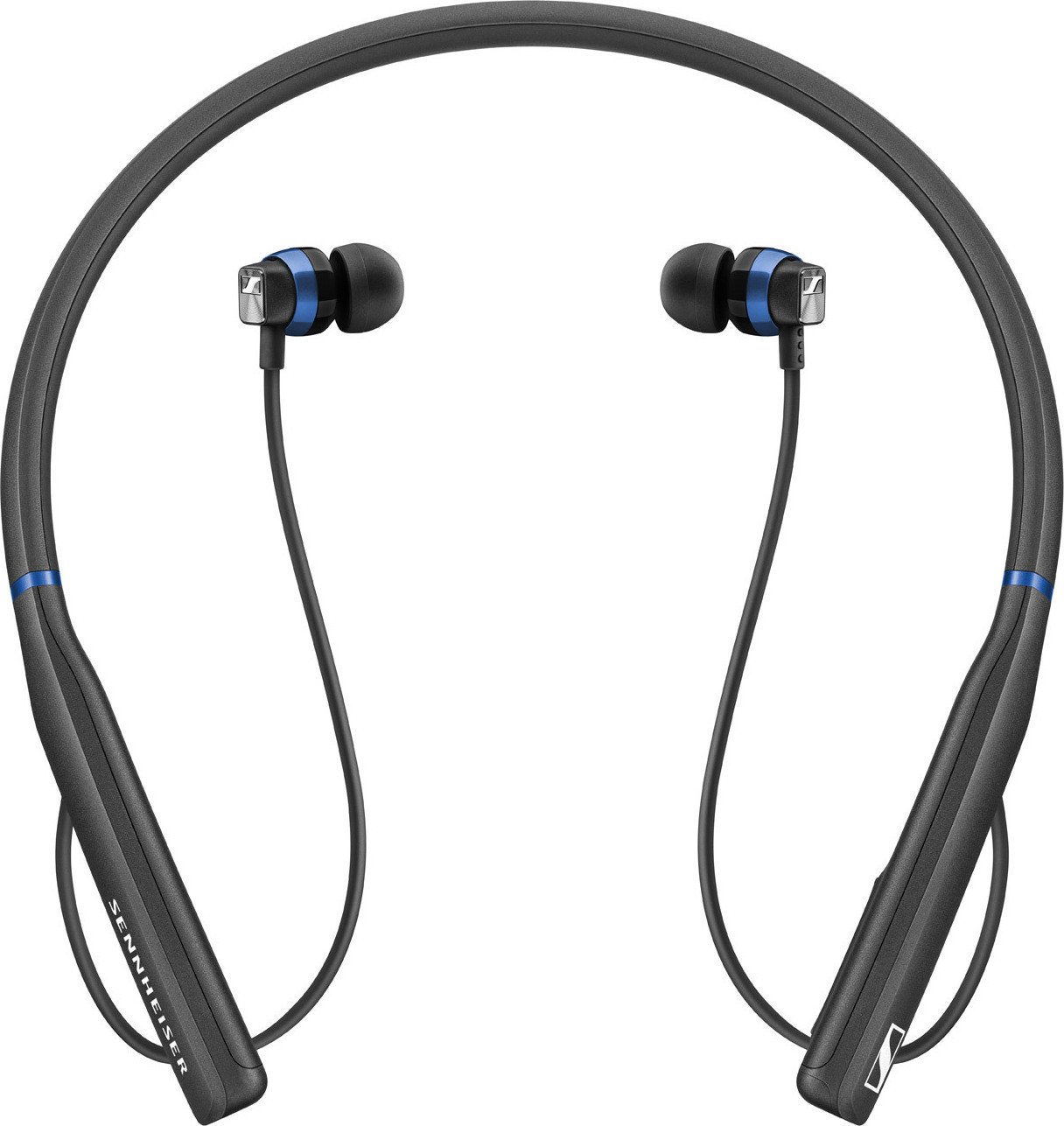
Wireless/Bluetooth Headphones
Relevant details include pairing, multipoint connections, codecs, battery care, and companion app features. The manual should explain interference causes and offer steps for reconnecting devices or clearing paired device lists.
Active Noise-Cancelling Headphones
Specific guidance on ANC calibration, best use cases (air travel, office), and possible side effects (ear pressure sensation) helps set user expectations. Instruction on toggling transparency modes and best practices for situational awareness enhances safety.
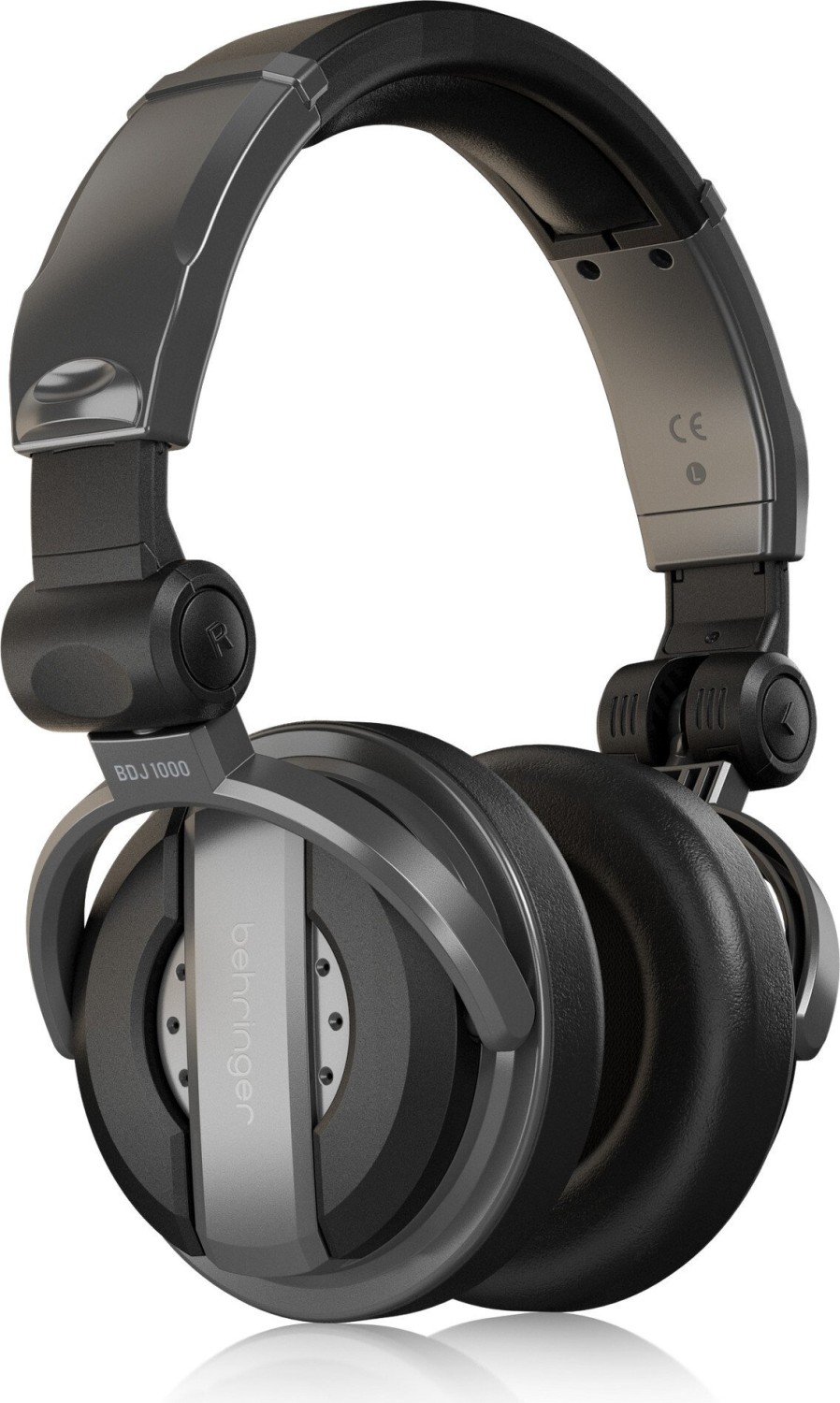
Wired and Audiophile Headphones
For high-fidelity wired models, manuals may include information about impedance, sensitivity, recommended amplifiers or DACs, balanced vs unbalanced connections, and tips for optimal listening setups.
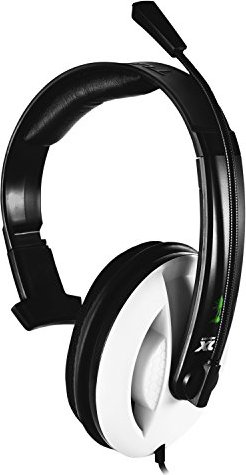
Gaming Headsets
Gaming manuals often include guidance on mic monitoring, surround sound configuration, software equalizers, compatibility with consoles, and how to customize RGB or sensory feedback features.
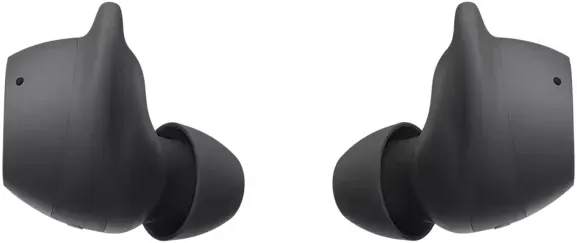
True Wireless Earbuds
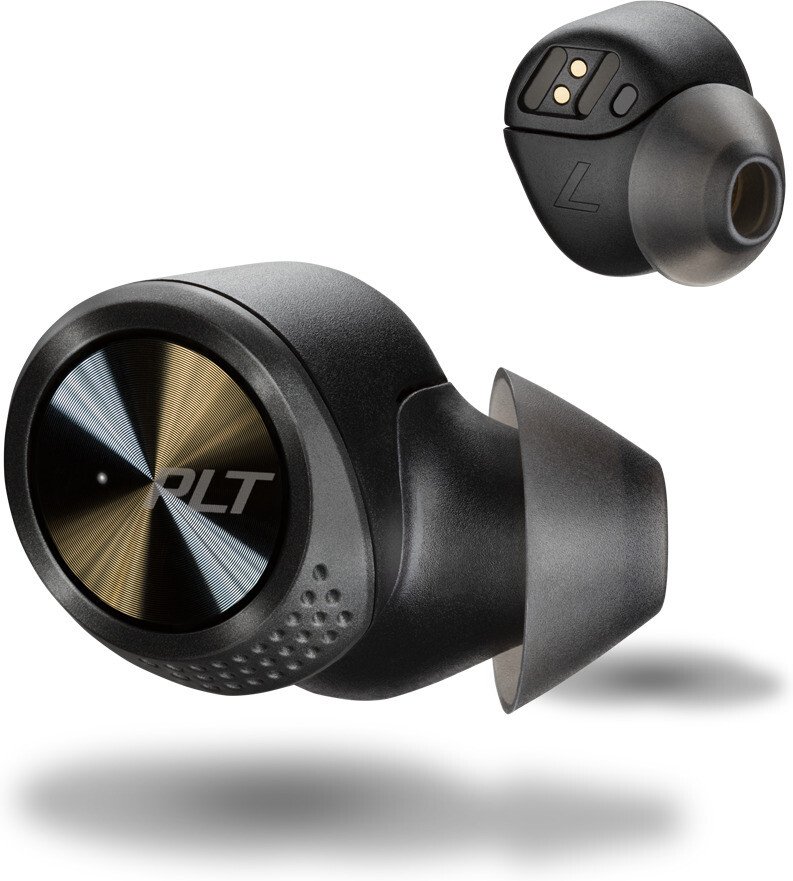
Because small earbuds have unique challenges, manuals emphasize fit and seal for sound quality, ear tip selection, charging case operation, find-my-earbuds features, and firmware pairings that manage left-right channel sync.
Conclusion
Headphones manuals are more than just a leaflet in a box—they are an essential tool for ensuring users get the most out of their device safely and effectively. A comprehensive manual reduces user frustration, improves product longevity, and lowers support costs. By combining clear instructions, helpful visuals, accessible formats, and up-to-date information, manufacturers can deliver a superior ownership experience that protects users and enhances satisfaction. Well-crafted manuals also serve as a reliable reference throughout the life of the product, from unboxing and setup to routine maintenance and troubleshooting.
Search for 166 Manuals online


Type-in Brand or Model