
Plantronics BackBeat Pro 5100 Manual
PDF manual · 14 Pages
English



Ask a Question
Frequently Asked Questions
Each earbud provides up to about 6.5 hours of listening, with the case offering roughly 13 extra hours. A 10-minute quick charge yields up to one hour of listening. LED indicators and voice prompts signal battery states.
Is this answer helpful?
Power on the charge case, remove the earbuds to trigger pairing mode (right earbud LED flashes red and white), enable Bluetooth on your device, and select PLT BBPRO5100. Follow prompts to pair the left earbud as requested.
Is this answer helpful?
Yes. Use mono mode by keeping the other earbud in the case. The primary earbud’s controls and connection remain active on the worn earbud. If you prefer the left earbud as primary, switch it in the BackBeat app.
Is this answer helpful?
Check volume and power, then power cycle the earbuds. Ensure they are paired correctly and firmware is current via the BackBeat app. If needed, delete PLT BBPRO5100 entries in your device Bluetooth list and re-pair.
Is this answer helpful?
Smart sensors pause media when earbuds are removed and resume when worn. During calls, putting both earbuds on answers and removing mutes depending on settings. Sensor behavior is customizable in the BackBeat app and may vary by application.
Is this answer helpful?
Delete PLT BBPRO5100 and PLT BBPRO5100_L from your device, power on both earbuds, tap the left earbud three times quickly then repeat on the right until LEDs flash; the earbuds will enter pairing mode—then select PLT BBPRO5100 in your device Bluetooth list.
Is this answer helpful?
Advantages and Disadvantages
Advantages

- Compact, lightweight design with multiple eartip sizes for a secure fit and good passive isolation.
- Up to 6.5 hours per earbud plus ~13 hours from the charging case, with 10-minute quick charge.
- Touch sensors and physical controls support playback, calls, volume, and voice assistants.
- BackBeat app enables customization, firmware updates, primary earbud switching, and Find MyHeadset.
- Automatic power on/off and DeepSleep mode conserve battery when out of range.
Disadvantages

- Some control functions and sensor behaviors vary by app and may not work with web-based apps.
- Primary earbud defaults to right side; switching sides requires the app.
- Mono mode and sensor features depend on correct pairing and app settings.
- Can connect to only one Bluetooth device at a time—no multipoint support.
- Troubleshooting may require deleting Bluetooth entries and re-pairing for reliable reconnection.
Product Description
Plantronics BackBeat Pro 5100 — Compact True Wireless Earbuds
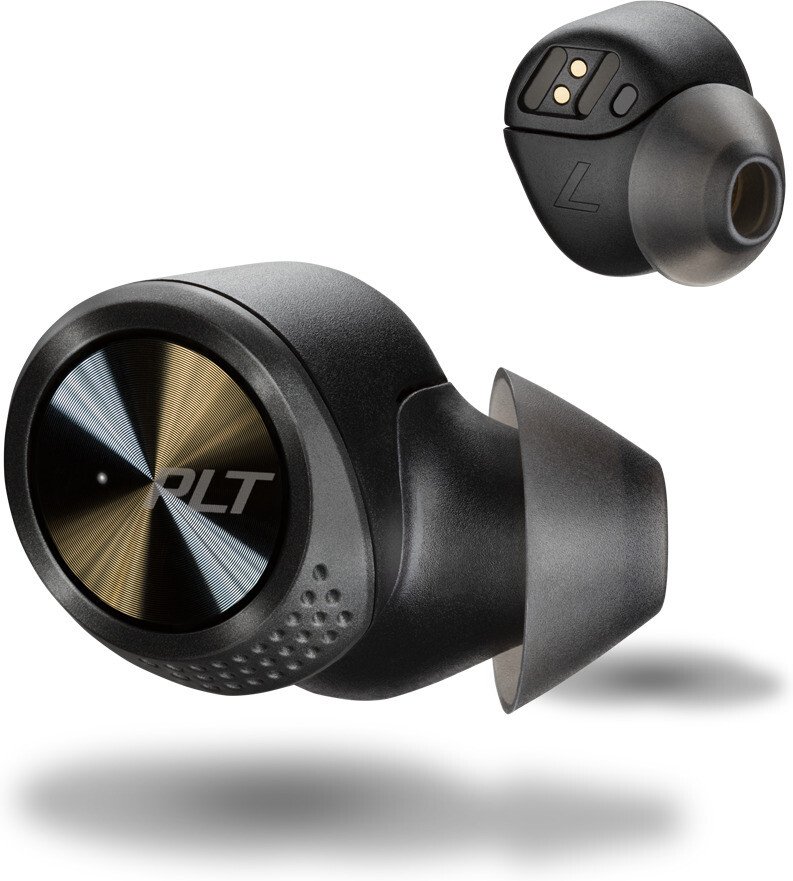
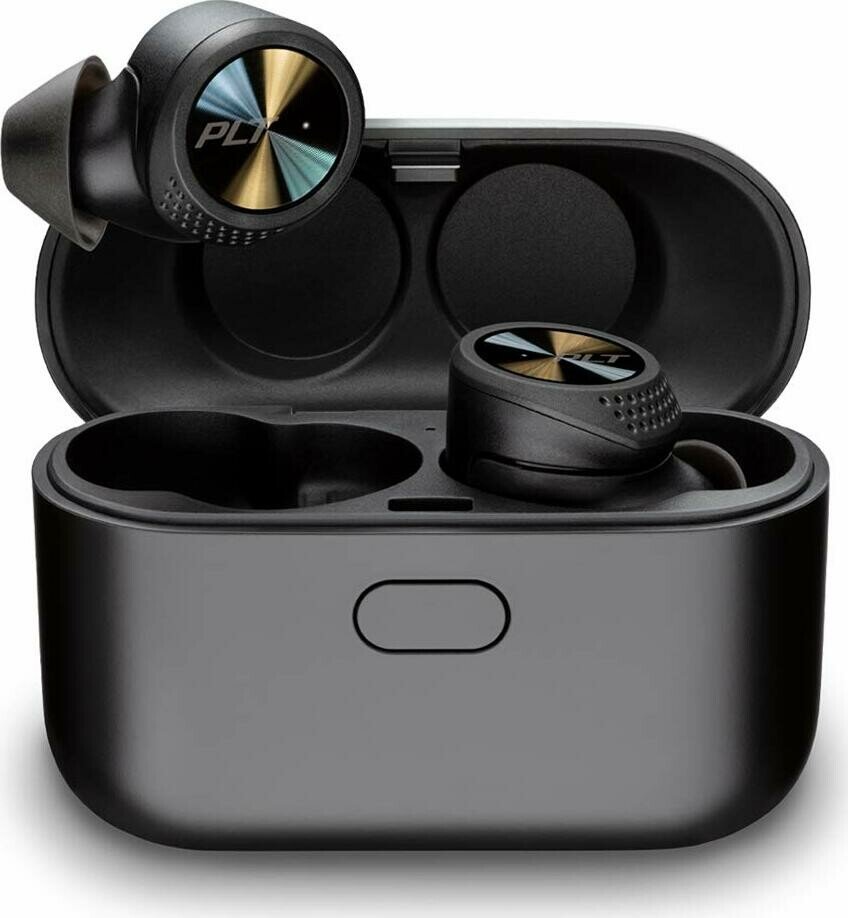
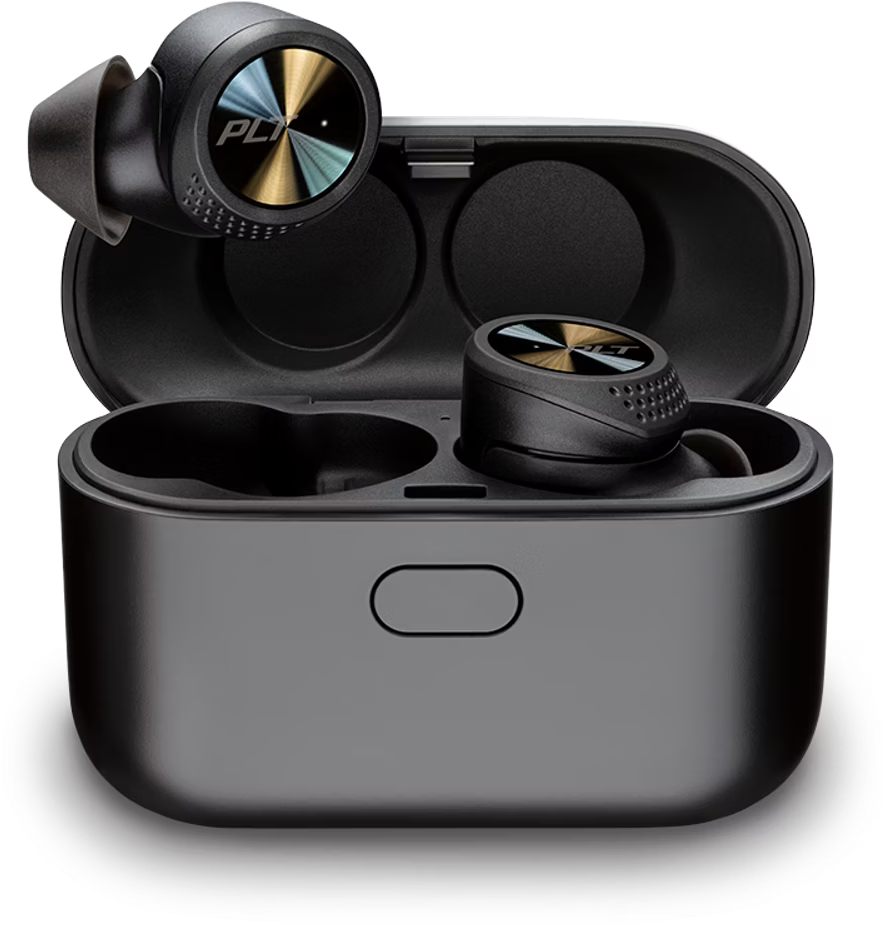
The Plantronics BackBeat Pro 5100 are lightweight true wireless earbuds designed for everyday listening, calls, and on-the-go convenience. They pair quickly with devices via Bluetooth, offer simple touch and sensor controls, and include a pocketable charging case that extends listening time. The right earbud acts as the primary unit by default for connections and control, while the left connects automatically to provide stereo audio.
Design and fit
These earbuds prioritize a secure, comfortable fit with three sizes of eartips so users can tailor isolation and bass response. The ergonomic housing rotates into the ear for stability during movement. The case holds extra charge, making the set ideal for commutes and short workouts.
Battery and charging
Each earbud delivers up to approximately 6.5 hours of playback on a single charge, with the charging case providing around 13 additional hours. A quick-charge feature gives significant listening time with just 10 minutes of charging. LED indicators on both earbuds and the case communicate charging and battery levels, and voice prompts indicate remaining battery when earbuds are worn.
Controls and features
Touch sensors and button presses handle volume, playback, track skipping, call management, and access to voice assistants (Siri/Google). Smart sensors pause and resume media automatically when you remove or insert earbuds; sensor behavior can be customized in the BackBeat app. Mono mode supports single-ear use, and a power-transfer function ensures audio and controls continue on the other bud if one loses power.
Setup and connectivity
Initial pairing is straightforward: powering on the case and removing earbuds triggers pairing mode. The BackBeat app for iOS and Android helps with customization, control switching between left and right primary earbud, firmware updates, and a Find MyHeadset feature. If a replacement earbud is needed, the guide provides steps to reconnect and re-pair.
Reliability and troubleshooting
DeepSleep conserves battery when earbuds remain out of range. Common troubleshooting tips cover pairing errors, single-ear audio issues, sensor behavior, and reconnecting to devices. Firmware updates through the BackBeat app and deleting old Bluetooth listings are typical fixes for connectivity problems.
Notes
- The right earbud is primary by default; you can switch primary controls in the app.
- Sensor functions and some control behaviors vary by app and platform.
- For best workout performance, disabling sensors in the app may help.
Search for 166 Manuals online


Type-in Brand or Model