
BenQ PD3220U, 31.5" Manual
PDF manual · 67 Pages
English



Ask a Question
Frequently Asked Questions
The BenQ PD3220U features a 31.5-inch 4K UHD panel with a native resolution of 3840 x 2160, providing high pixel density suitable for detailed photo and video editing work.
Is this answer helpful?
Yes. The monitor includes two Thunderbolt 3 ports supporting up to 40 Gbps data transfer and daisy-chaining. The primary Thunderbolt 3 port supports power delivery (model-dependent, up to 85W) to charge laptops while connected.
Is this answer helpful?
Use the built-in KVM switch to toggle keyboard and mouse control between Thunderbolt 3 and USB Upstream or other configured inputs. Assign KVM to a custom hotkey or enable Auto Switch for automatic switching when cables disconnect.
Is this answer helpful?
The PD3220U supports HDR10. To enable HDR ensure you use compatible HDR content, an HDR-capable source and certified cables. The monitor will display an OSD message (HDR: On) when HDR is detected; otherwise you can use HDR-emulated mode from Color > Color Mode.
Is this answer helpful?
Multiple professional color modes are provided including DCI-P3, Display P3, sRGB, Rec.709, CAD/CAM, and user-defined modes. DualView allows side-by-side comparison of two color settings for precise editing.
Is this answer helpful?
Typical package contents include the monitor, stand, base, back cover, power cord, DP-to-mini DP cable, HDMI cable, Thunderbolt 3 cable, USB cable, Hotkey Puck G2 and a quick start guide. Availability may vary by region and model.
Is this answer helpful?
Unplug the monitor before cleaning. Use a lint-free, non-abrasive cloth and avoid liquid, aerosol or glass cleaners. Do not place the monitor face down or apply pressure to the panel to prevent scratches or damage.
Is this answer helpful?
Advantages and Disadvantages
Advantages

- Accurate color modes (DCI-P3, Display P3, sRGB, Rec.709) for color-critical workflows.
- Dual Thunderbolt 3 ports with daisy-chaining and power delivery (up to 85W on main port).
- KVM switch built in to control two computers with one keyboard and mouse.
- Hotkey Puck G2 and Display Pilot software for fast, intuitive OSD control and customization.
- Ergonomic stand with height, tilt, swivel and pivot plus VESA mount support.
Disadvantages

- Full HDR experience depends on compatible HDR sources, cables, and content—may require HDR-certified HDMI/DP cables.
- USB-C downstream functionality and PD behavior vary by cable type and host compatibility.
- Large 31.5" size demands adequate desk space and careful handling to avoid screen pressure or scratches.
- Some advanced features require driver/software installation and admin rights on certain OS setups.
- Flicker-free performance may be affected by external factors like cable quality or unstable power.
Product Description
BenQ PD3220U, 31.5" Manual Overview
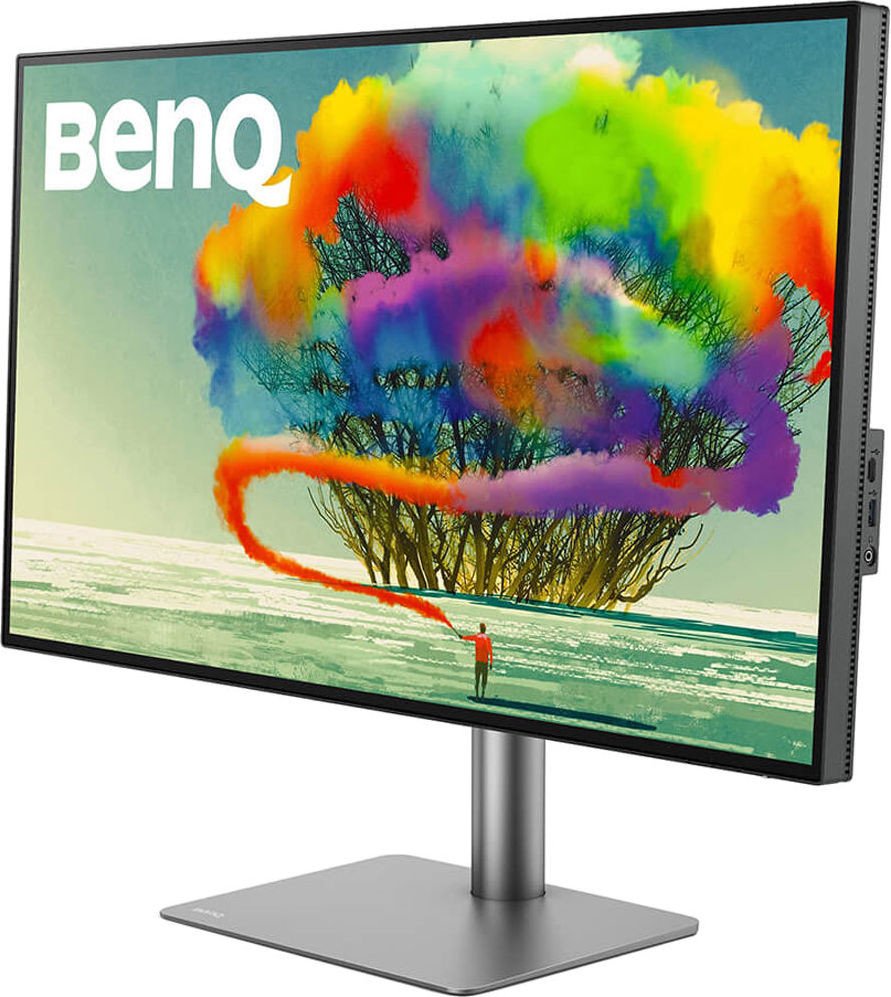
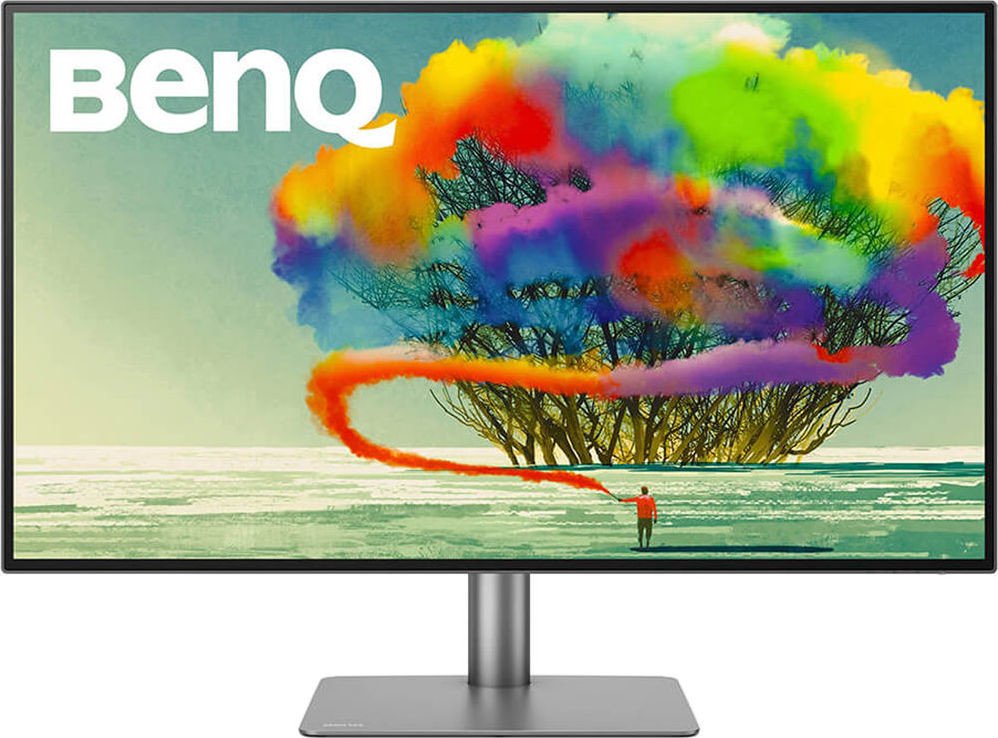
The BenQ PD3220U is a 31.5-inch professional-grade monitor engineered for creative professionals who demand accurate color, flexible connectivity and ergonomic design. It pairs a large 4K (3840 x 2160) display with industry-focused color modes—DCI-P3, Display P3, sRGB and Rec.709—so photographers, video editors and designers can rely on faithful reproduction for serious color-critical work.
Key Features and Experience
The PD3220U emphasizes connectivity and workflow convenience. Dual Thunderbolt 3 ports support up to 40 Gbps, daisy-chaining of additional displays, and laptop power delivery (up to 85W on the primary port). Multiple inputs including DisplayPort and two HDMI ports make it easy to connect desktops, laptops and media players. A built-in KVM switch simplifies multi-computer setups by letting you control two systems with a single keyboard and mouse.
Color and image controls are exhaustive: preset color modes, DualView for side-by-side comparisons, customizable color temperature and advanced gamma/hue/saturation adjustments. HDR10 support and an HDR-emulated mode help preview high dynamic range content when true HDR sources aren’t available. The monitor also includes ergonomic features—height, tilt, swivel and pivot—plus a VESA mount option for flexible installation.
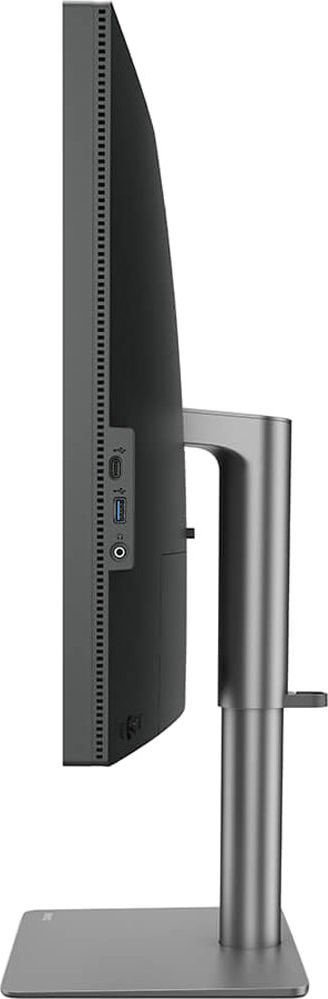
On the usability side, BenQ provides a dedicated Hotkey Puck G2 for rapid OSD navigation and mode switching, and the Display Pilot software offers additional on-screen control and rotation automation. Thoughtful touches include a headphone jack, USB 3.1 downstream/upstream ports for peripherals, organized cable routing and power management options.
Practical Notes
The PD3220U includes care and safety guidance—proper ventilation, approved power cord types, and handling instructions to avoid pressure on the screen. The monitor is designed for professional environments and includes BenQ ecoFACTS highlights aimed at reducing environmental impact across the product lifecycle.
Final Impressions
As a 31.5" 4K professional monitor, the BenQ PD3220U balances robust connectivity, precise color control and ergonomic flexibility. It’s well suited for studios and multi-device workflows where accurate color, HDR capability and convenient switching between systems are priorities.
Notes:
- Primary Thunderbolt 3 port can provide up to 85W power delivery (model-dependent).
- Use certified cables for full Thunderbolt 3 / HDR performance.
- Keep vents unobstructed and follow recommended cleaning and handling practices.
Search for 166 Manuals online


Type-in Brand or Model