

Canon imagePROGRAF Pro-4100S Manual
How many stars do you give the imagePROGRAF Pro-4100S manual?
PDF manual · 1041 Pages
English



/ 1041

Ask a Question
Frequently Asked Questions
The Pro-4100S uses Canon LUCIA PRO pigment inks in a multi-color configuration designed for wide gamut, deep blacks, and long-term image stability suitable for photographic and professional prints.
Is this answer helpful?
Yes. The Pro-4100S supports both roll and sheet workflows, including two-level roll switching and manual feeding; settings let you specify paper lengths, cutting methods, and paper source switching for mixed jobs.
Is this answer helpful?
Print jobs can be saved to the printer hard disk, stored in personal or common job boxes, protected with PIN codes or passwords, and released at the device to ensure secure, audited printing workflows.
Is this answer helpful?
Regular tasks include monitoring ink levels and replacing ink tanks, performing nozzle checks and print head cleaning, replacing the maintenance cartridge and cutter blade as needed, and following cleaning procedures for the roll unit and interior.
Is this answer helpful?
Yes. It supports ICC profiles, color calibration, and detailed color-management workflows via Canon drivers and preview tools, allowing precise calibration for photo, proofing, and graphic output.
Is this answer helpful?
The printer supports wired LAN, Wi‑Fi (where available), and Wireless Direct connections. Network setup and troubleshooting can be done via the operation panel, Remote UI web browser, or Canon network utility tools.
Is this answer helpful?
Follow the step-by-step troubleshooting instructions: remove jammed roll or sheet paper as directed, check cutter blade operation and alignment, verify paper type and loading, and consult the support code list for error-specific guidance.
Is this answer helpful?
Advantages and Disadvantages
Advantages

- Exceptional color accuracy and longevity with LUCIA PRO pigment inks.
- Robust roll handling including two-level roll switching and precise cutting.
- Comprehensive maintenance and troubleshooting guidance reduces downtime.
- Flexible connectivity: wired LAN, wireless, USB flash, and Remote UI control.
- Advanced job management: hard disk storage, PIN-protected jobs, and admin controls.
Disadvantages

- Large physical footprint and weight require dedicated workspace and handling.
- Consumable costs (ink, maintenance cartridges, cutter blades) can be significant for high-volume use.
- Complex setup and calibration may require experienced operators for optimal color results.
- Advanced features and network/security configuration add administrative overhead.
- Replacement parts and service can be costly compared with smaller desktop printers.
Product Description
Canon imagePROGRAF Pro-4100S — Professional Large-Format Precision
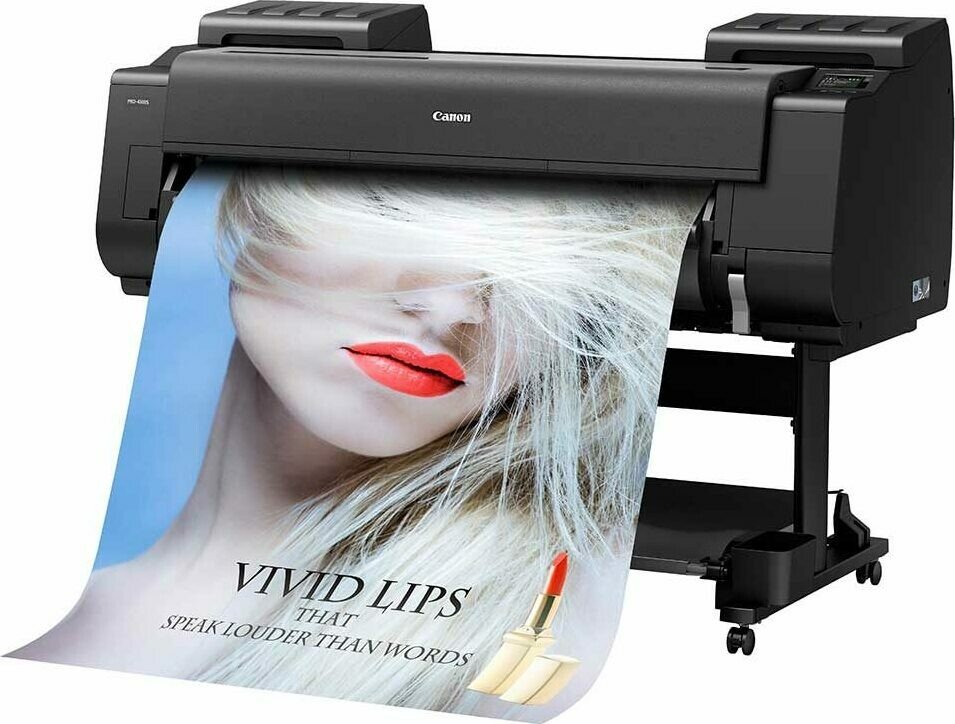
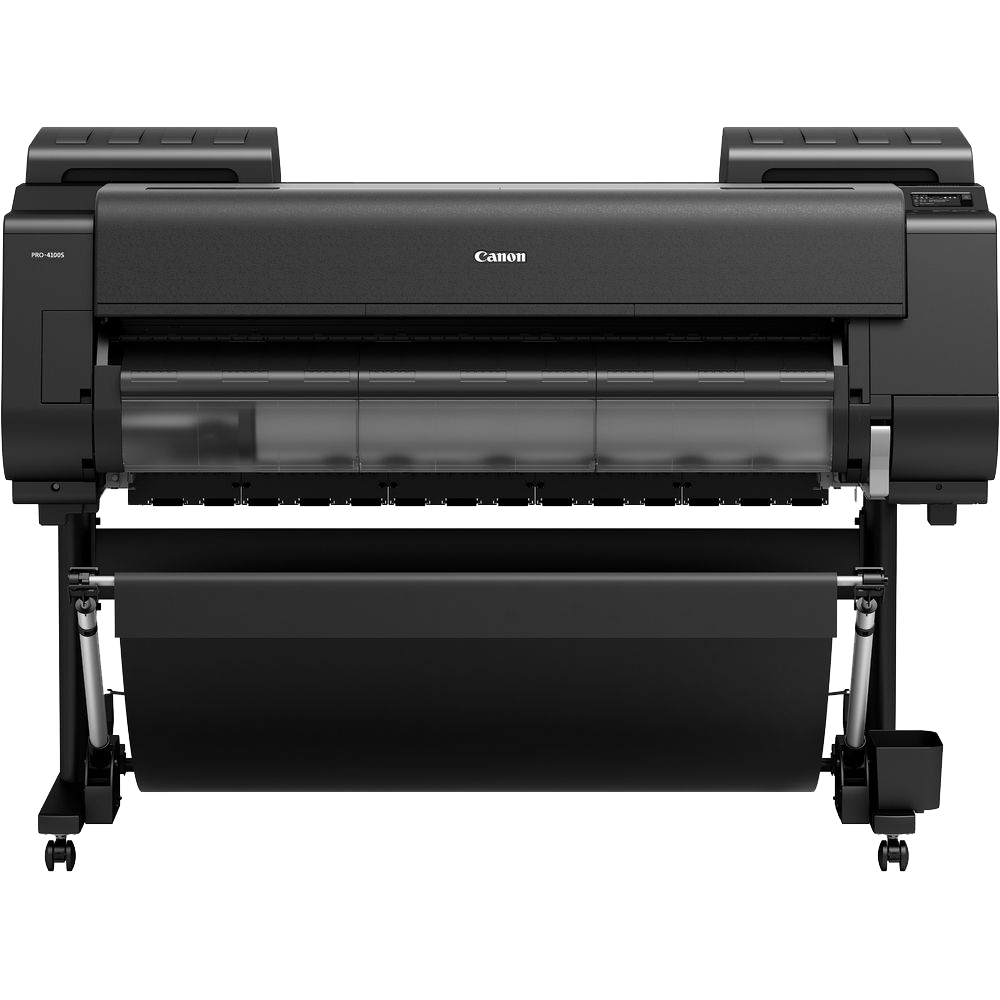
The Canon imagePROGRAF Pro-4100S is a high-performance large-format printer engineered for professionals who demand gallery-quality prints, reliable production, and flexible media handling. Built on Canon’s proven print engine and color management technologies, the Pro-4100S delivers sharp detail, smooth gradients, and consistent color across photographic, fine art, proofing, and signage workflows. Its robust construction, thoughtful paper handling and roll management, and comprehensive connectivity options make it ideal for busy studios, print shops, and design departments.
Key features and workflow advantages
Equipped to handle a wide variety of media, the Pro-4100S supports multiple roll configurations, two-level roll switching, and precise cutting and feeding methods to streamline long-run and mixed-media jobs. The six-color LUCIA PRO pigment ink set produces expanded color gamut, deep blacks, and excellent longevity. Integrated maintenance tools — including easy ink tank swaps, a maintenance cartridge, and detailed procedures for nozzle checks and head cleaning — reduce downtime and preserve print quality.
The printer’s operation panel and touch-screen menus, together with a web-based Remote UI, provide intuitive control over advanced paper settings, job management, and administrator features. Network and connectivity options cover wired LAN, wireless, and direct USB/flash drive printing, while Canon’s driver utilities and color management support (ICC profiles, color calibration, and preview tools) let users fine-tune output for both photos and business documents.
Media, maintenance, and troubleshooting
Extensive documentation and on-device guidance cover handling roll and sheet media, specifying paper lengths, loading and removing rolls, and reducing dust during cutting. The Pro-4100S includes features for borderless printing, custom paper sizes, large banners, and high-precision poster tiling. Maintenance sections focus on ink tank replacement, print head cleaning and replacement, cutter blade service, and printer cleaning. A thorough troubleshooting and support system addresses paper jams, network issues, print quality problems (banding, color shift, smearing), and a comprehensive list of support/error codes.
Production control and security
This model supports job saving to the internal hard disk, personal and common job boxes, password protection, and PIN release for secure printing. Admin-level settings and firmware update capabilities ensure the printer can be managed and kept current in professional environments.
Notes
- Ideal for studios needing high-fidelity color and large-format output.
- Supports extensive roll and sheet workflows including two-level roll switching.
- Built-in network, security, and job-management features for busy production environments.
Search for 166 Manuals online


-
No results found.
Type-in Brand or Model