
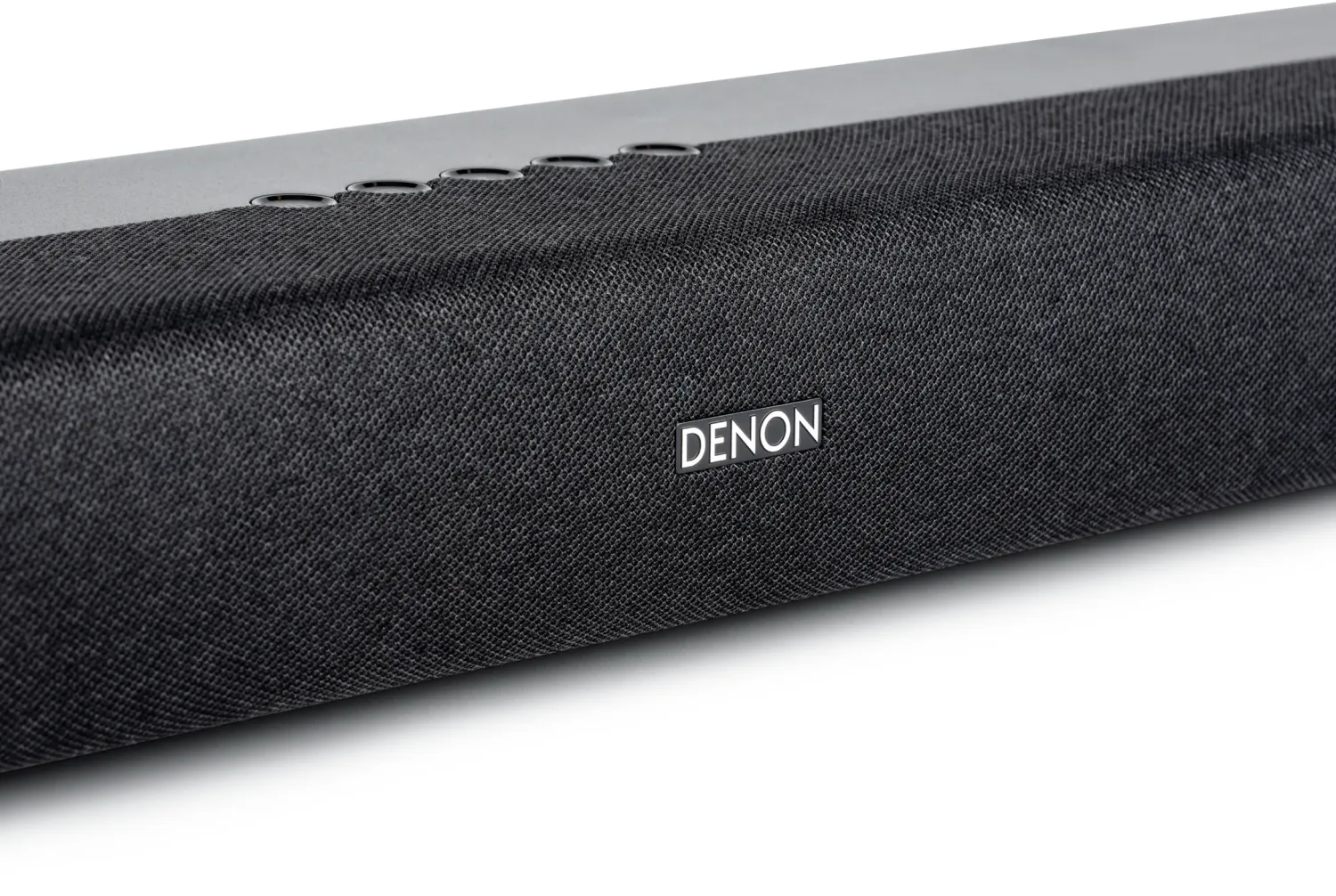
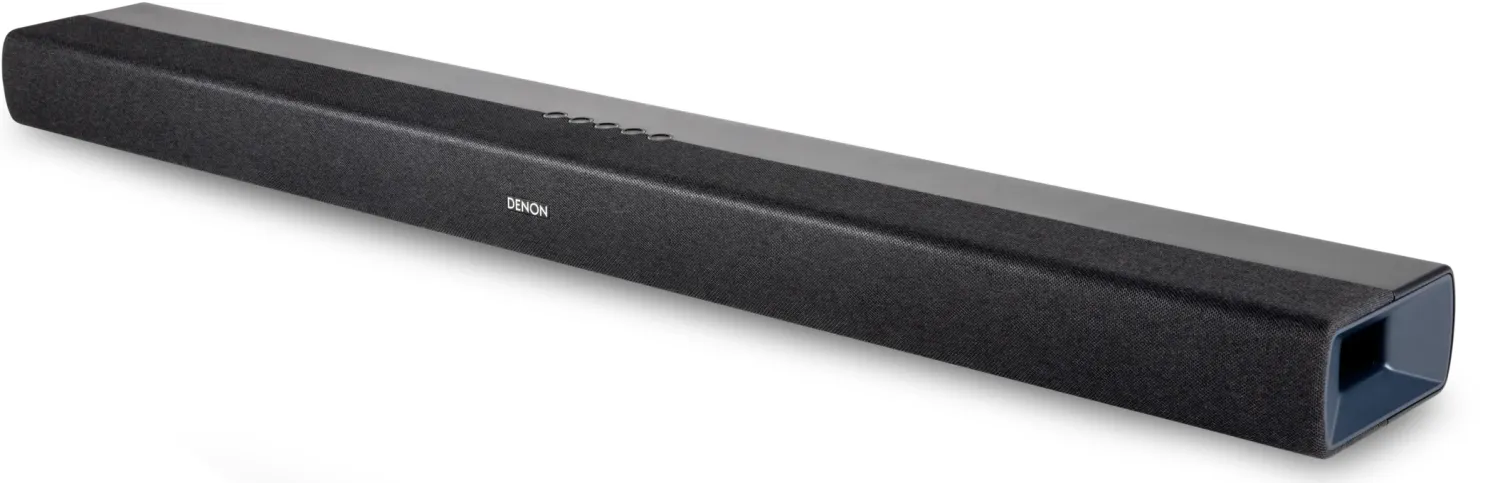

Denon DHT-S218 Manual
PDF manual · 45 Pages
English



Ask a Question
Frequently Asked Questions
Yes — the Denon DHT-S218 supports Dolby Atmos playback when connected to a TV with eARC or ARC that passes Atmos content. For full multichannel formats and best results use an eARC-compatible TV and enable the TV’s eARC/ARC and HDMI control settings.
Is this answer helpful?
Yes — the soundbar supports Bluetooth streaming, including Bluetooth LE Audio for compatible Android devices (Android 13+). Pairing is done via the Bluetooth input; select “Denon DHT-S218” or “LE-Denon DHT-S218” for LE Audio. Note that iPhone does not support Bluetooth LE Audio.
Is this answer helpful?
Use the SUBWOOFER OUT on the back of the bar to connect a powered subwoofer with an RCA cable. The built-in subwoofer output lets you adjust sub volume from the remote (BASS +/–) to integrate bass levels with the soundbar.
Is this answer helpful?
If your TV lacks eARC/ARC, you can connect via HDMI IN plus optical or AUX depending on the TV outputs. Optical provides digital audio, while the analog AUX works with older TVs. HDMI with ARC/eARC is recommended for best multichannel support.
Is this answer helpful?
Yes — control via HDMI-CEC (HDMI control) is supported when both devices are compatible and the TV’s HDMI control is enabled. There’s also a preset remote mode and an IR learning function to teach most TV remote commands to the soundbar.
Is this answer helpful?
No — the USB port on the DHT-S218 is intended for firmware updates and service only and does not support playback from USB flash drives.
Is this answer helpful?
The soundbar offers Auto Standby (turns off after 20 minutes of inactivity), Deep Standby to reduce power draw further, and a HDMI standby link option. These modes affect auto power-on behavior for Bluetooth, optical, and AUX inputs when enabled or in deep standby.
Is this answer helpful?
Advantages and Disadvantages
Advantages

- Dolby Atmos support via eARC for immersive multichannel audio.
- Multiple inputs (HDMI eARC/ARC, HDMI IN, OPTICAL, AUX) for flexible connectivity.
- Dialog Enhancer with three levels to improve speech clarity in films and shows.
- Compact, wall-mountable design with included HDMI cable for quick setup.
- Bluetooth 5.3 with LE Audio support and simple pairing for wireless streaming.
Disadvantages

- USB port does not support music playback—firmware/service only.
- Pure mode disables Dolby Atmos decoding when fidelity mode is selected.
- Bluetooth LE Audio support limited by device/platform (iPhone not supported).
- No built-in powered sub; deeper bass requires adding an external subwoofer.
- Some HDMI-CEC/HDMI control features depend on TV compatibility and settings.
Product Description
Denon DHT-S218 — Powerful Dolby Atmos Soundbar
The Denon DHT-S218 is a compact soundbar engineered to elevate TV, movie, and music playback with immersive Dolby Atmos support, clear dialogue enhancement, and versatile connectivity. It blends Denon’s audio heritage with practical features for modern living rooms: eARC/ARC HDMI for high-quality audio return, optical and analog inputs for legacy devices, and Bluetooth (including LE Audio support) for wireless streaming. The bar’s slim profile and wall-mountable design let you place it in front of or beneath a TV without obstructing remote sensors.
Key features and user experience
Denon focuses on straightforward setup and reliable operation. The included HDMI cable and support for eARC enable multi-channel, high-resolution audio from compatible TVs. If eARC isn’t available, optical and analog inputs provide fallback options. A dedicated subwoofer output lets you add an active sub for deeper bass, while on-board DSP modes (Movie, Music, Night, Pure) tailor the sound to the content. Pure mode preserves source fidelity, Movie and Music expand spatial presence, Night compresses dynamics for late-night listening, and a three-level Dialog Enhancer improves vocal clarity.
Bluetooth pairing is quick, and the soundbar supports Bluetooth LE Audio for compatible devices (with Android 13+ and supporting hardware). Controls are accessible via the included RC-1251 remote, the bar’s top-panel buttons, or by learning commands from your TV remote; HDMI-CEC control is also supported for unified operation. Power and standby behaviors can be customized (Auto Standby, Deep Standby, HDMI standby link) to balance convenience and energy savings.
Design and installation
The DHT-S218 is lightweight and compact, measuring under 900 mm in width and weighing approximately 3.6 kg, making wall mounting straightforward using the keyhole mounts. Denon includes guidance on placement, secure mounting, and cable routing to avoid strain. The rear panel hosts USB (firmware/service only), AUX IN, OPTICAL IN, HDMI IN, HDMI (TV eARC/ARC) and SUBWOOFER OUT for flexible integration with a range of source devices.
Performance highlights
Expect clear midrange and intelligible dialogue from the Dialog Enhancer, believable surround impressions from Dolby Atmos-enabled content (subject to source and TV eARC support), and easy wireless streaming with modern smartphones. The option to attach a powered subwoofer extends low-frequency impact for home cinema enthusiasts.
Notes:
- Pure mode disables Dolby Atmos decoding; Dolby Atmos content will be shown as Dolby (except Atmos) in that mode.
- Bluetooth LE Audio compatibility varies by device and platform (iPhone does not support LE Audio; Android needs version 13+ and LE support).
- USB port is for firmware updates/service only, not for USB audio playback.
Search for 166 Manuals online


Type-in Brand or Model