

Denon DHT-S316 Manual
PDF manual · 38 Pages
English



Ask a Question
Frequently Asked Questions
For the best experience use the supplied HDMI cable into the TV’s HDMI ARC port and enable HDMI Control/ARC in the TV settings. If the TV lacks ARC, use the optical input, or connect via analog AUX with a 3.5 mm cable. Turn off TV speakers or reduce their volume when using the soundbar.
Is this answer helpful?
Power on the soundbar, press the Bluetooth input button to select Bluetooth, enable Bluetooth on your phone/tablet, then select “DHT-S316” from the device list. The status LED will turn blue when paired. If pairing fails, move devices closer or retry after powering both units off and on.
Is this answer helpful?
Check that both units are plugged in and the subwoofer LED indicates power. Re-sync the wireless link: press BAR SYNC on the subwoofer, then hold the soundbar’s Bluetooth and volume+ buttons for 5 seconds until LED activity shows reconnection. Ensure no obstacles or strong interference block the wireless path.
Is this answer helpful?
Turn the soundbar on, then press and hold the power (c), input (d) and volume+ buttons on the main unit simultaneously for at least 5 seconds until all LEDs blink four times. Wait ~10 seconds, then press power to restart; settings will be reset to factory defaults.
Is this answer helpful?
Use MOVIE for immersive virtual surround, MUSIC to widen the soundstage for music, and NIGHT to compress dynamics for low-volume listening. Dialogue Enhancer has three levels to increase speech clarity without raising overall volume.
Is this answer helpful?
Yes, the DHT-S316 can remember up to eight Bluetooth devices. When you register a ninth device it replaces the oldest stored entry. Only one Bluetooth device can be connected and play audio at a time.
Is this answer helpful?
Confirm the TV and soundbar both have HDMI Control/CEC and ARC enabled in their settings. Not all TVs support every CEC function, so some features may be limited; if problems persist, control the external device directly and verify HDMI cable connections.
Is this answer helpful?
Advantages and Disadvantages
Advantages

- Slim 5 cm soundbar fits under most TVs or mounts on the wall for clean setup.
- Wireless subwoofer delivers impactful bass and can be placed up to 9 m from the soundbar.
- Support for Dolby Digital and DTS with Denon Dialogue Enhancer for improved speech clarity.
- Multiple connection options: HDMI ARC, optical, analog AUX and Bluetooth streaming.
- Simple setup and HDMI Control enable shared power and remote control with compatible TVs.
Disadvantages

- Full HDMI Control and ARC features depend on TV compatibility and settings.
- Bluetooth supports only one active connection at a time and may experience dropouts near interference.
- Subwoofer pairing can occasionally require manual resync if the wireless link drops.
- Limited advanced room calibration or multi-room features compared with higher-end models.
- Maximum startup volume may be capped by the built-in volume limit (resets to 18 if exceeded).
Product Description
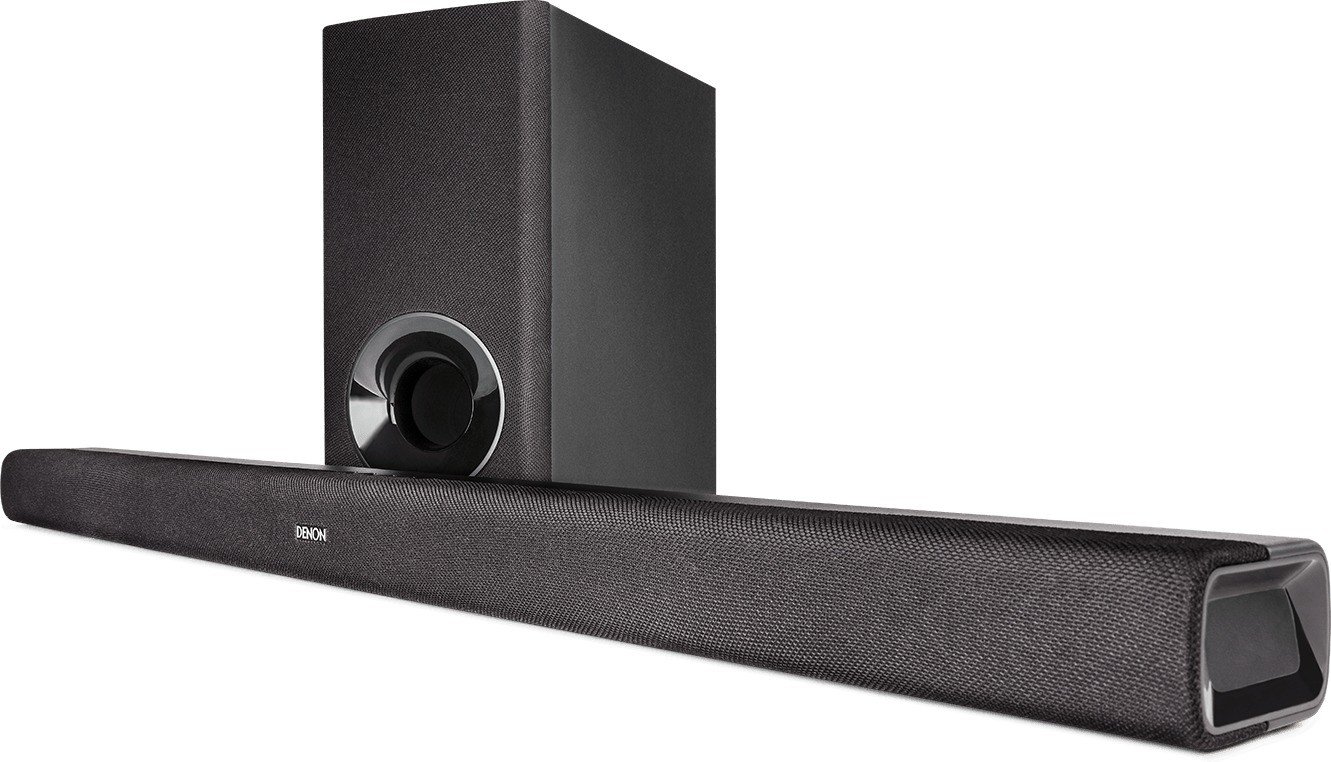
Denon DHT-S316 — Powerful Compact Soundbar with Wireless Subwoofer
The Denon DHT-S316 brings cinematic audio to smaller living rooms with a slim, two-way soundbar and a wireless subwoofer that delivers punchy low end without clutter. At just 5 cm high, the soundbar fits neatly under most TVs or can be wall-mounted using the included template and spacers. Setup is straightforward: use the supplied HDMI cable with ARC for the simplest single-cable connection, or choose optical or analog AUX inputs. Bluetooth streaming allows phones and tablets to play music directly, while HDMI ARC and HDMI Control enable seamless integration with compatible televisions for shared power and remote control.
Sound quality emphasizes clarity and immersion. Denon’s virtual surround processing with Dolby Digital and DTS decoding enriches movies and TV, while the Dialogue Enhancer makes speech easier to understand without raising overall volume. Preset audio modes (Movie, Music, Night) let you tailor the sound to content and listening conditions; Night mode compresses dynamics for late-night viewing. The subwoofer pairs wirelessly up to 9 meters away for flexible placement; LEDs and easy sync buttons help re-establish connections if needed.
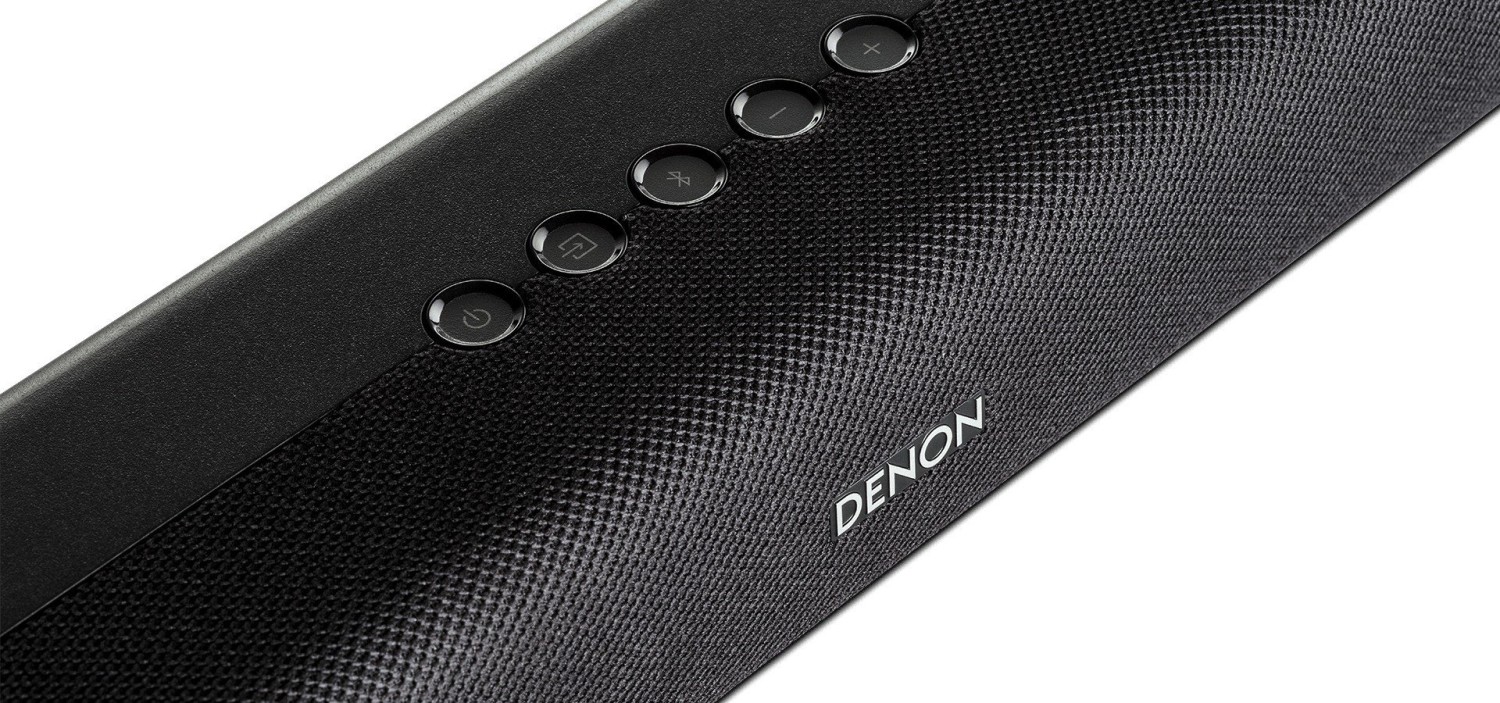
Controls are simple: onboard buttons for power, input and volume, plus a compact remote featuring subwoofer level, audio modes, mute, and three-stage Dialogue Enhancer. Important safety and placement guidance recommends avoiding obstruction of TV IR sensors, securing wall-mounting with appropriate hardware, and keeping cables tidy to prevent hazards. Built-in features include auto-standby after inactivity, Bluetooth standby (auto power-on when devices connect), and a volume limit that prevents the system from powering up above a preset loudness.
Practical troubleshooting and maintenance tips are included: check connections and input selection if no audio is heard, verify remote batteries and line-of-sight, re-pair Bluetooth devices when needed, and follow the factory reset procedure when behavior is abnormal. The package contains necessary accessories such as HDMI and optical cables, power cords, remote with AAA batteries, and a wall-mount template.
Technical highlights include support for PCM, Dolby Digital and DTS, low standby power consumption, and compact dimensions (soundbar approx. 900 mm wide, 5 cm tall; subwoofer compact but weighty for deep bass). Denon provides brand licensing details and guidance on HDMI features like ARC, HDMI Control, volume passthrough and audio output switching.
Notes:
- Wall mounting requires appropriate screws for your wall type; consider professional installation for safety.
- Bluetooth pairing can register up to 8 devices; the 9th replaces the oldest entry.
- If subwoofer audio drops, re-sync using BAR SYNC and the soundbar’s pairing sequence.
- The system auto-enters standby after inactivity to save power.
- Use Night mode for late-night listening to preserve clarity at low volumes.
Search for 166 Manuals online


Type-in Brand or Model