

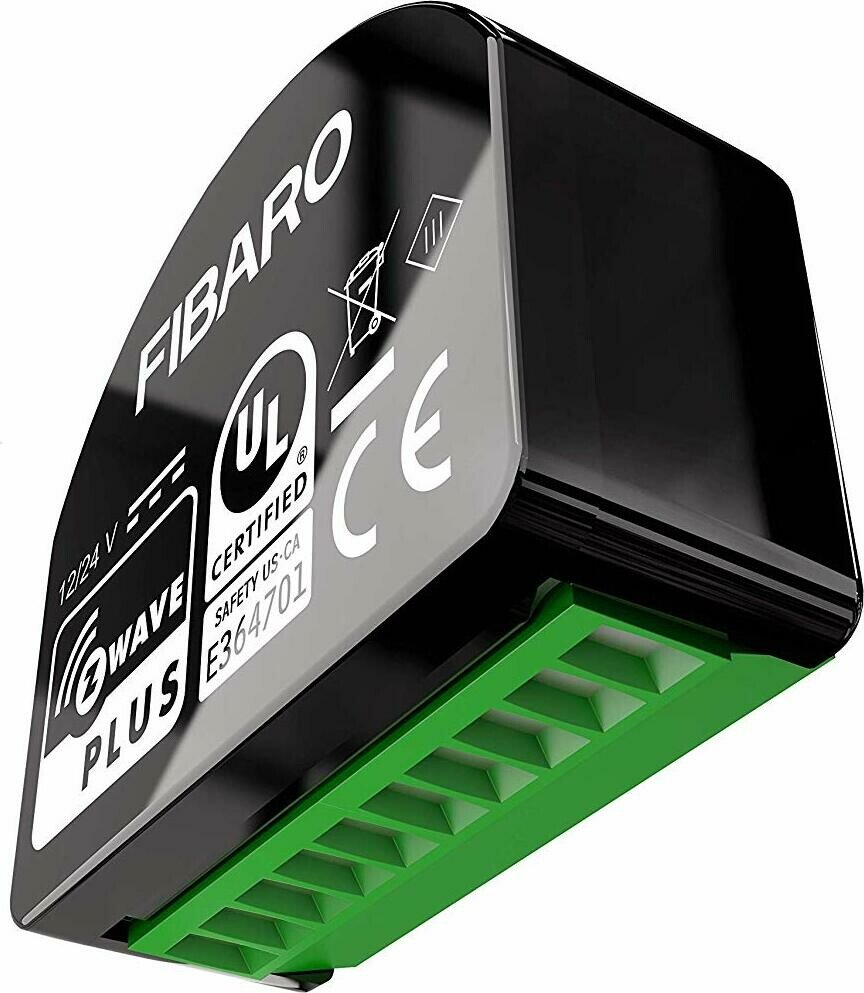
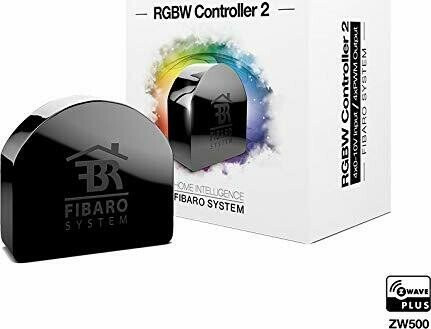
Fibaro RGBW Controller 2 Unterputz RGBW-Modul Schaltaktor mit Dimmer Manual
PDF manual · 38 Pages
English



Ask a Question
Frequently Asked Questions
The controller requires a stabilized 12V or 24V DC power supply with short-circuit protection. Do not exceed these voltages; incorrect supply can permanently damage the device.
Is this answer helpful?
It provides four PWM outputs (OUT1–OUT4) and four inputs (IN1–IN4). Outputs support RGB/RGBW or single-color strips, while inputs accept momentary/toggle switches or 0–10V analog sensors (configurable pull-up).
Is this answer helpful?
You can include manually by powering the device, setting your controller to add mode, and pressing the service button three times quickly. For SmartStart, add the product DSK/QR to a compatible controller and power the device within range; inclusion will happen automatically.
Is this answer helpful?
Maximum rated current is 6 A per channel and 12 A total. Combined power limits are 144 W at 12V and 288 W at 24V. Exceeding these values may damage the device.
Is this answer helpful?
Yes. The device reports active power (W) and energy (kWh) via the Meter command class and supports configurable periodic and change-based reporting intervals for energy and analog inputs.
Is this answer helpful?
Inputs can operate as analog (with or without pull-up), momentary switch, toggle switch (state change on input), or toggle with defined ON/OFF behavior. Parameters 20–23 set these modes per input.
Is this answer helpful?
By default the unit is in RGBW mode. Change parameter 150 to 1 to enable HSB mode, where IN1 controls Hue, IN2 Saturation, IN3 Brightness and IN4 White (OUT4).
Is this answer helpful?
Advantages and Disadvantages
Advantages

- Versatile: supports RGB, RGBW, single-color LEDs, halogen and 0–10V sensors.
- Z-Wave Plus: S0 and S2 security, SmartStart and wide command class support.
- Power metering: active power and energy consumption reporting for monitoring.
- Compact in-wall form factor that also acts as a Z-Wave repeater.
- Highly configurable inputs, scenes and association groups for advanced automations.
Disadvantages

- Requires a stabilized 12/24V DC supply and careful wiring to avoid damage.
- Per-channel limit 6 A and total limit may restrict very large LED runs.
- Configuration relies on Z-Wave controller UI; complex setups need technical know-how.
- No 0–10V output — outputs are PWM only (244 Hz).
- Indoor use only; not suitable for damp or wet locations.
Product Description
Fibaro RGBW Controller 2 Unterputz RGBW-Modul Schaltaktor mit Dimmer Manual
The Fibaro RGBW Controller 2 is a compact, in-wall Z-Wave Plus RGBW module designed to control LED strips, halogen lights and other compliant resistive loads. Supporting 12V or 24V DC supplies, four PWM outputs and four inputs, it combines flexible lighting control with energy metering and advanced Z-Wave integration. Ideal for smart-home enthusiasts and installers, the unit fits into standard enclosures and works as a network repeater to strengthen Z-Wave coverage.
Key Features and Use Cases
Fibaro’s RGBW Controller 2 supports RGB, RGBW and single-color LED strips, as well as analog 0–10V sensors and momentary or toggle switches. It offers per-channel PWM outputs (244 Hz) with up to 6 A per channel (12 A total), local and remote smooth transition times, and both RGBW and HSB white modes. The module reports power and energy consumption and exposes voltage readings from inputs as sensor multilevel values, enabling energy-aware automations and monitoring.
Installation is straightforward when following wiring diagrams: connect the stabilized 12/24V DC supply, assign inputs and outputs, verify connections, then add the device to a Z-Wave network either via manual inclusion (service button triple-click) or SmartStart. The onboard service button and LED provide clear visual feedback for inclusion, updates, menus and device status.
Advanced Control and Configuration
Configurable parameters let you tailor input behavior (analog, momentary, toggle), set scene triggers, adjust periodic and change-based reporting intervals for power and analog inputs, and assign association groups for direct device-to-device control without the main controller. The device supports security modes including S0 and S2 Authenticated, firmware updates over Z-Wave, and multiple command classes (Color Switch, Meter, Central Scene, Sensor Multilevel, etc.), making it versatile in complex smart-home setups.
Practical Notes
- Use momentary switches for the most intuitive local control and comfortable dimming behavior.
- Watch per-channel current limits (6 A) and total power (144W @12V, 288W @24V) to avoid damage.
- For long LED strips, prefer parallel shorter runs to prevent voltage drop and uneven brightness.
- When using 0–10V sensors, configure pull-up settings per input in parameters 20–23.
Notes:
- Default mode is RGBW; set parameter 150 to 1 to enable HSB mode.
- Resetting to factory defaults is possible via the menu (yellow LED) but should be a last resort for network removal.
Search for 166 Manuals online


Type-in Brand or Model