
Gudsen MOZA AirCross 2 Manual
PDF manual · 19 Pages
English



Ask a Question
Frequently Asked Questions
The AirCross 2 supports many mirrorless and DSLR models from Canon, Nikon, Sony, Panasonic, Fujifilm and more. It uses different cable types (M3C, MCSC, USB, Multi-CAN) for shutter and focus control; check the compatibility list to pick the correct connection type.
Is this answer helpful?
Mount and balance the camera with motor locks released, then use Auto-tune (Gimbal > Motor > Power > Auto-tune) to let the gimbal find optimal motor output. You can also choose preset power gears or manually set motor output 0–100 for each axis.
Is this answer helpful?
You can update via MOZA Master App (Bluetooth) or desktop software (USB-C). For PC updates, enter Boot Mode (long press center + power) and connect the gimbal; follow the software prompts. Ensure stable power and don’t disconnect during upgrade.
Is this answer helpful?
AirCross 2 offers accelerometer and gyroscope calibration and an offset adjustment. Perform accelerometer calibration if the camera isn’t level, gyroscope calibration if there’s drift, and use offset only as a temporary emergency leveling fix.
Is this answer helpful?
The standard 3000mAh Li-ion battery provides up to about 12 hours of runtime. Charge via USB-C; typical charging time is around 1.5 hours. Ensure the battery is seated properly and remove insulating film before use.
Is this answer helpful?
Yes—AirCross 2 supports electronic focus control (up to two focus motors) and remote shutter/record functions for compatible cameras when connected with the correct control cable and settings in the menu.
Is this answer helpful?
The gimbal offers pan/tilt/roll follow, All-Lock, FPV mode (360° rotation), Sport Gear for faster pan responsiveness, and Inception mode for roll rotations. Follow speeds and deadbands are adjustable in the menu and via the dial.
Is this answer helpful?
Advantages and Disadvantages
Advantages

- Lightweight yet supports 300–3200g payloads, suitable for mirrorless and small DSLRs.
- Long battery life up to 12 hours and quick USB-C charging.
- Extensive camera compatibility with shutter and focus control for many models.
- Advanced features: auto-tune, balance check, Inception, FPV and Sport Gear modes.
- Customizable buttons, smart wheel, and three saved configuration profiles.
Disadvantages

- Requires careful balancing and calibration for optimal performance.
- Complex menu and many cable types may confuse beginners.
- Some camera control may need half-plug or specific cables for certain models.
- Offset is only a temporary leveling fix; full calibration still required.
- Firmware upgrades require app/PC and stable connection; interruptions can fail upgrade.
Product Description
Gudsen MOZA AirCross 2 — Compact Pro Gimbal
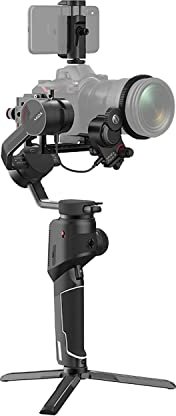
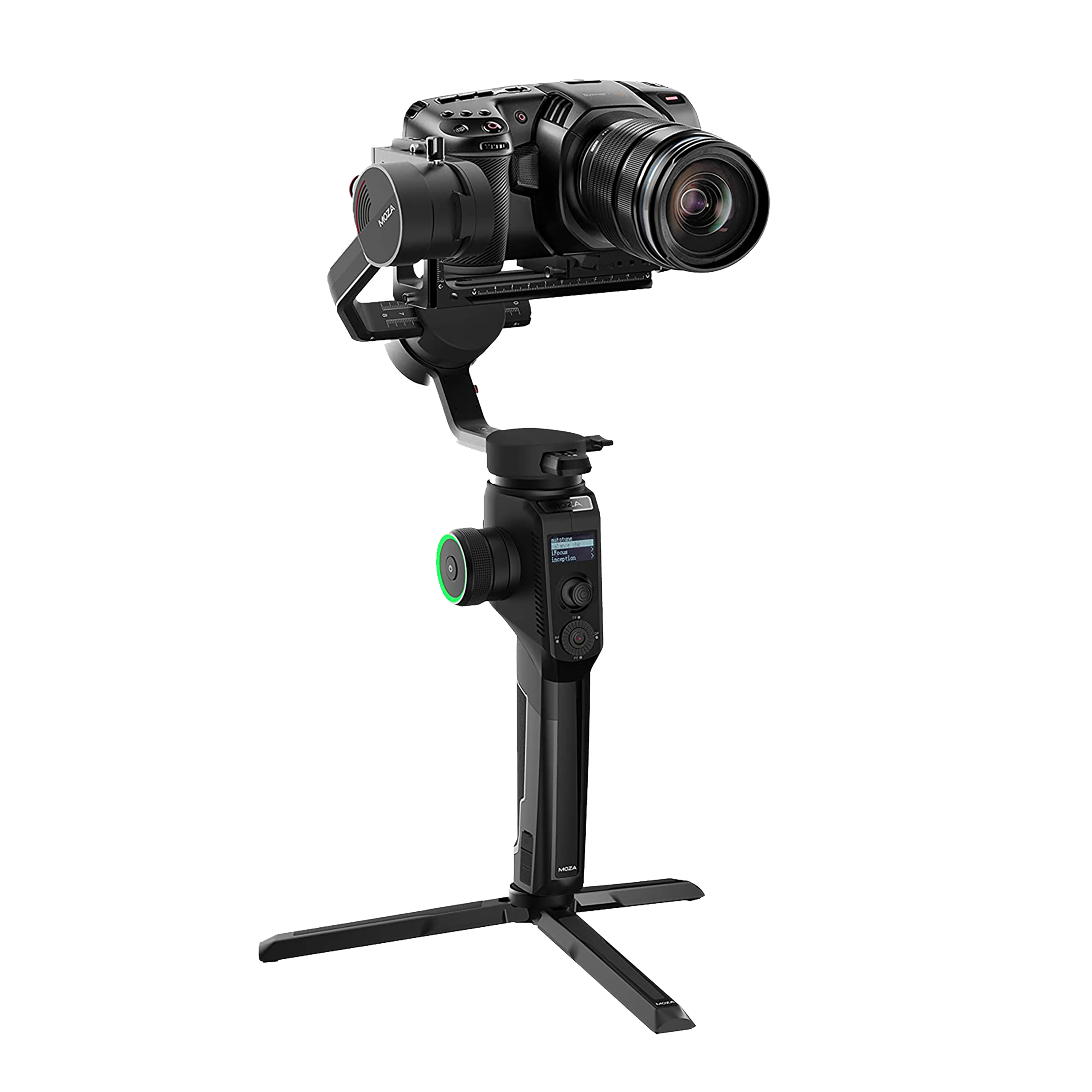
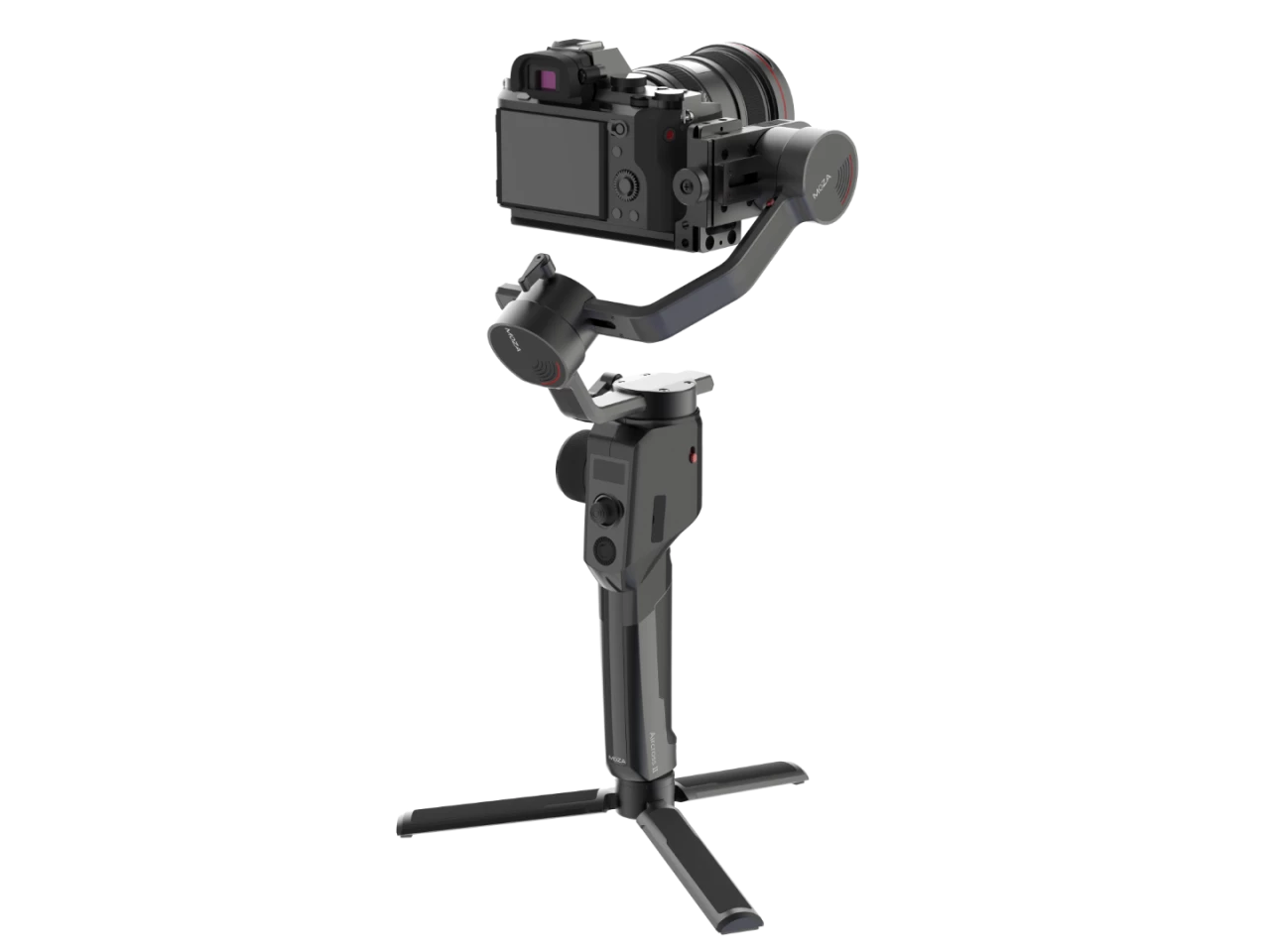
The Gudsen MOZA AirCross 2 is a lightweight, feature-rich 3-axis gimbal designed for mirrorless and small DSLR cameras, supporting payloads from 300g to 3200g. Built for run-and-gun shooters, vloggers, and indie filmmakers, it balances portability with advanced control: long battery life (up to 12 hours), quick-release mounting, Bluetooth and USB-C connectivity, and extensive customization via the MOZA Master app.
Design and Build
AirCross 2 weighs under a kilogram (battery excluded) and includes an Arca/Manfrotto-compatible quick release system and an L-bracket for horizontal or vertical mounting. The gimbal’s motors and locks simplify transport and setup. The OLED display and LED ring provide status feedback for battery, mode, and errors.
Performance and Controls
This gimbal supports three continuous 360° axes, multiple follow modes (pan/tilt/roll), FPV and Sport Gear modes for faster responsiveness, and an Inception mode for full-roll cinematic shots. A smart wheel controls focus or axis movement, and customizable buttons allow assigning functions like re-center, selfie, record, or photo. Manual positioning lets you physically position the camera and have it hold that angle.
Calibration and Tuning
AirCross 2 offers auto-tune for motor output, custom motor power and filter adjustments, accelerometer and gyroscope calibration, and an offset feature for quick emergency leveling. The balance check tool guides you through precise balancing of tilt and roll axes. Users can store up to three configuration profiles for different camera setups.
Camera Integration and Connectivity
Extensive camera control support is provided for many Canon, Nikon, Sony, Panasonic and other models via multiple shutter cable types (M3C, MCSC, USB, etc.). The gimbal can trigger recording, take photos, and control electronic focus (when supported). Firmware updates and deeper parameter control are available through the MOZA Master app (iOS/Android) or desktop software (Windows/Mac) via USB-C.
Additional Features
The AirCross 2 includes a phone holder for app-based object tracking, dual focus motor support, customizable follow speeds, and presets for motor output to match different payloads. Safety features include motor locks for transport and motor protection indications via the OLED/LED indicators.
Notes
- Payload range: 300–3200g; use auto-tune and motor power presets for best stability.
- Always unlock motor locks before powering on to avoid overheating or protection triggers.
- Use balance check and calibration routines for best results; offset is a temporary fix only.
Search for 166 Manuals online


Type-in Brand or Model