
HP Color LaserJet Pro MFP M182n, Laser, multicolor Manual
PDF manual · 164 Pages
English



Ask a Question
Frequently Asked Questions
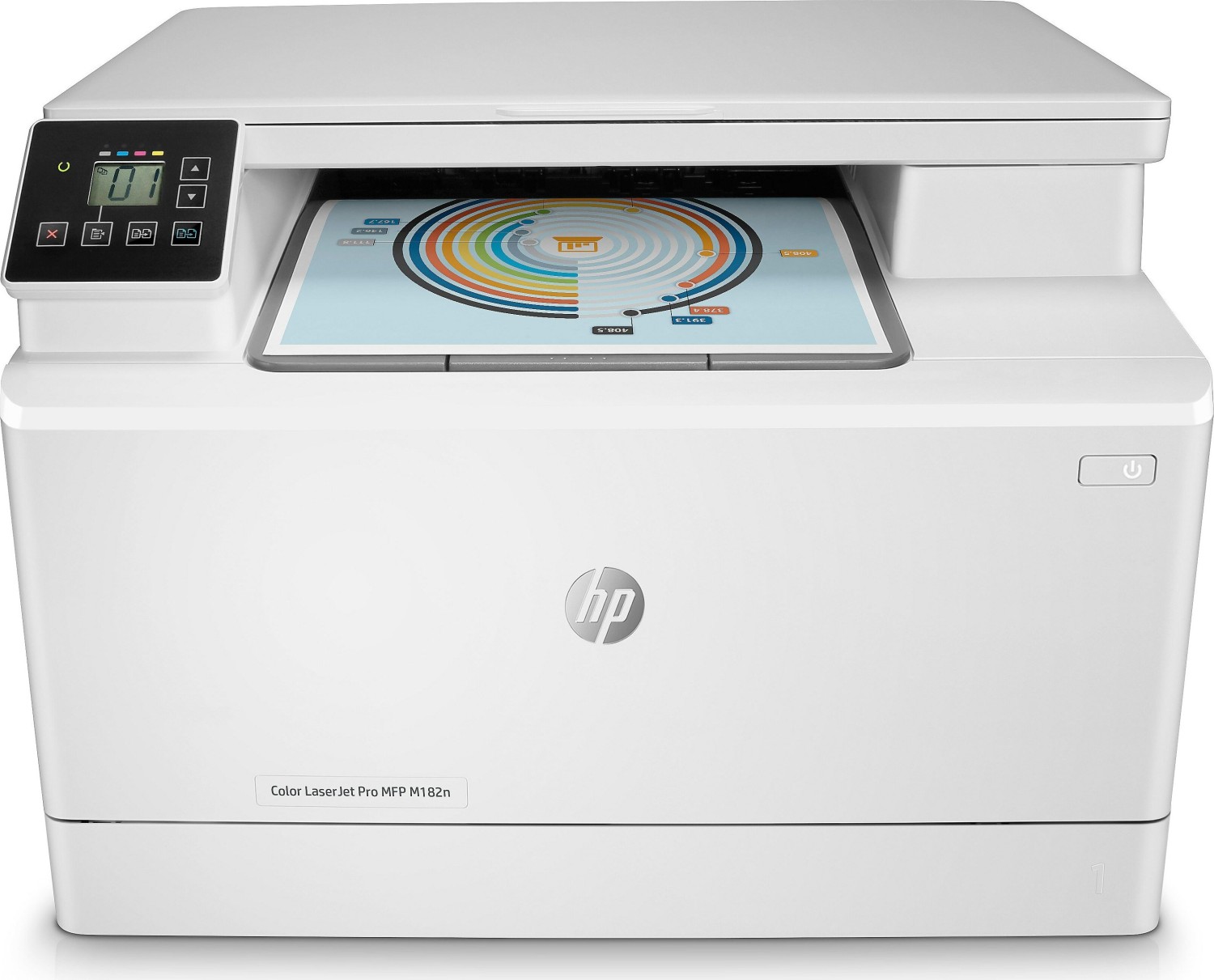
The M182n offers color laser printing, flatbed scanning, and copying. Certain variants add fax capability. It supports single-sided and manual duplex printing, multiple media types, and basic control-panel operations for small office workflows.
Is this answer helpful?
The printer uses four individual toner cartridges (black, cyan, magenta, yellow) such as HP 215A/216A depending on region. Cartridges are accessed via the front door; remove the drawer, lift out empty cartridges, and install replacements matching the color chips. Avoid exposing imaging drums to light.
Is this answer helpful?
Mobile options include Wi‑Fi Direct, AirPrint for Apple devices, HP ePrint (via email and HP apps), Android embedded printing, and Google Cloud Print compatibility. Enable required services and ensure firmware is current for full functionality.
Is this answer helpful?
Windows and macOS are supported with HP PCL drivers and HP Smart for macOS. Specific driver versions depend on OS release. Linux and UNIX printing support are documented on HP’s support pages. Always download the latest drivers from www.hp.com/support/ljM182MFP.
Is this answer helpful?
Follow tray loading guidance: do not overfill, align paper guides lightly against the stack, and use recommended orientation for envelopes, labels, and prepunched paper. For manual feed jobs, set paper type and source in the print driver before printing.
Is this answer helpful?
Automatic duplexing depends on the model and installed hardware. If the duplexer is not present, manual two-sided printing is available via driver or control-panel prompts where you flip and reload pages as instructed.
Is this answer helpful?
Visit HP’s support site for this model (www.hp.com/support/ljM182MFP) to download firmware updates, drivers, user guides, supplies ordering, troubleshooting steps, and access to HP Embedded Web Server tools for advanced configuration.
Is this answer helpful?
Advantages and Disadvantages
Advantages

- Compact multifunction design with color laser printing, scanning, and copying for small offices.
- Separate CMYK toner cartridges allow targeted replacements and predictable color management.
- Multiple mobile printing options (Wi‑Fi Direct, AirPrint, HP ePrint, Android printing).
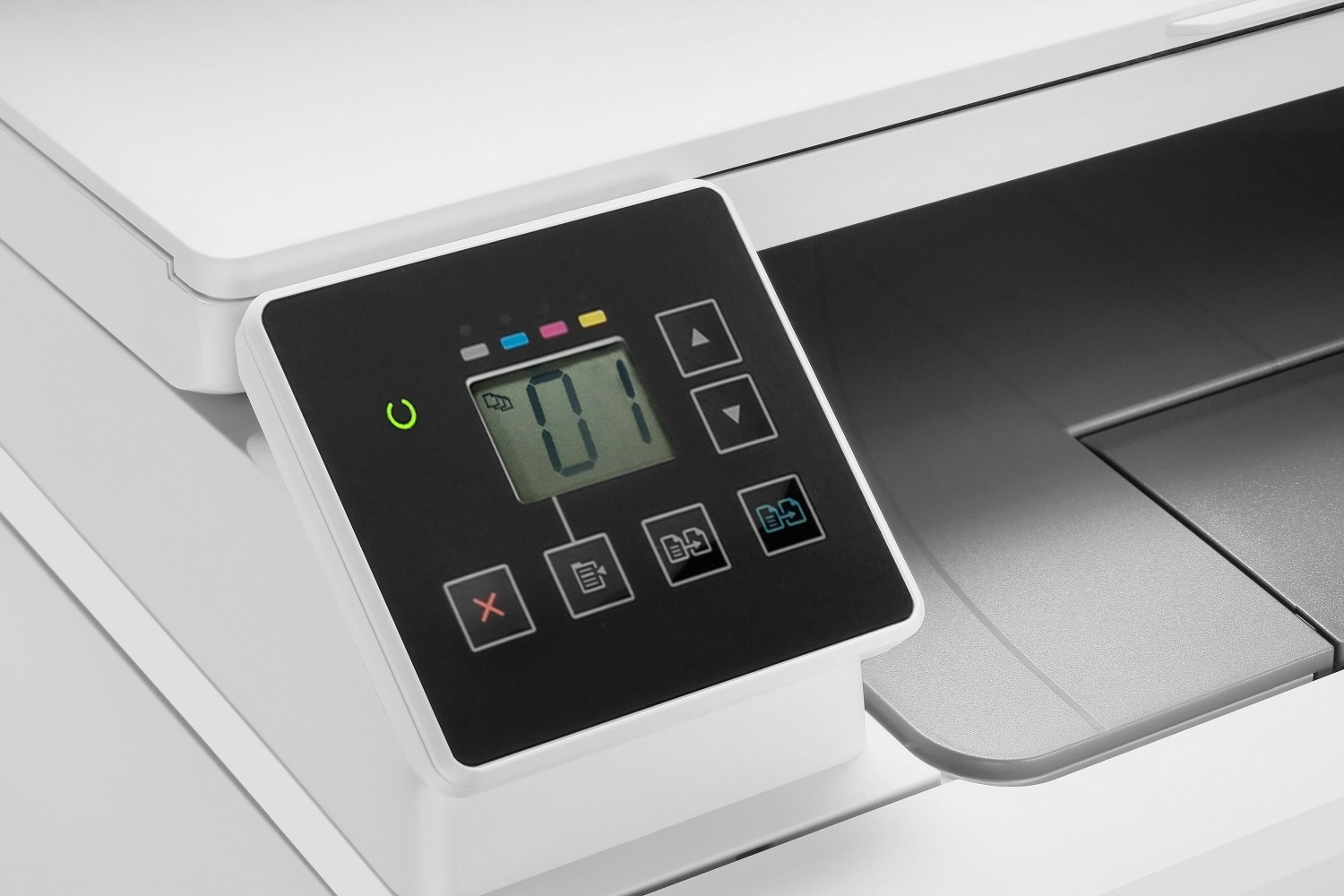
- Clear control-panel feedback with LED or 2-line LCD for easy operation and status messages.
- Detailed media handling including envelopes, labels, and duplex/manual two-sided printing.
Disadvantages

- Limited paper capacity (Tray 1 up to 150 sheets) compared with larger office models.
- No built-in advanced finishing (stapling/large input trays) — suited for low-to-moderate volume use.
- Fax features and some functions depend on specific model variants and analog phone setups.
- Some advanced print features require installing HP print drivers (not available via AirPrint).
- Firmware and mobile features depend on regular updates and HP Web Services registration.
Product Description
HP Color LaserJet Pro MFP M182n — Reliable Color Laser Multifunction
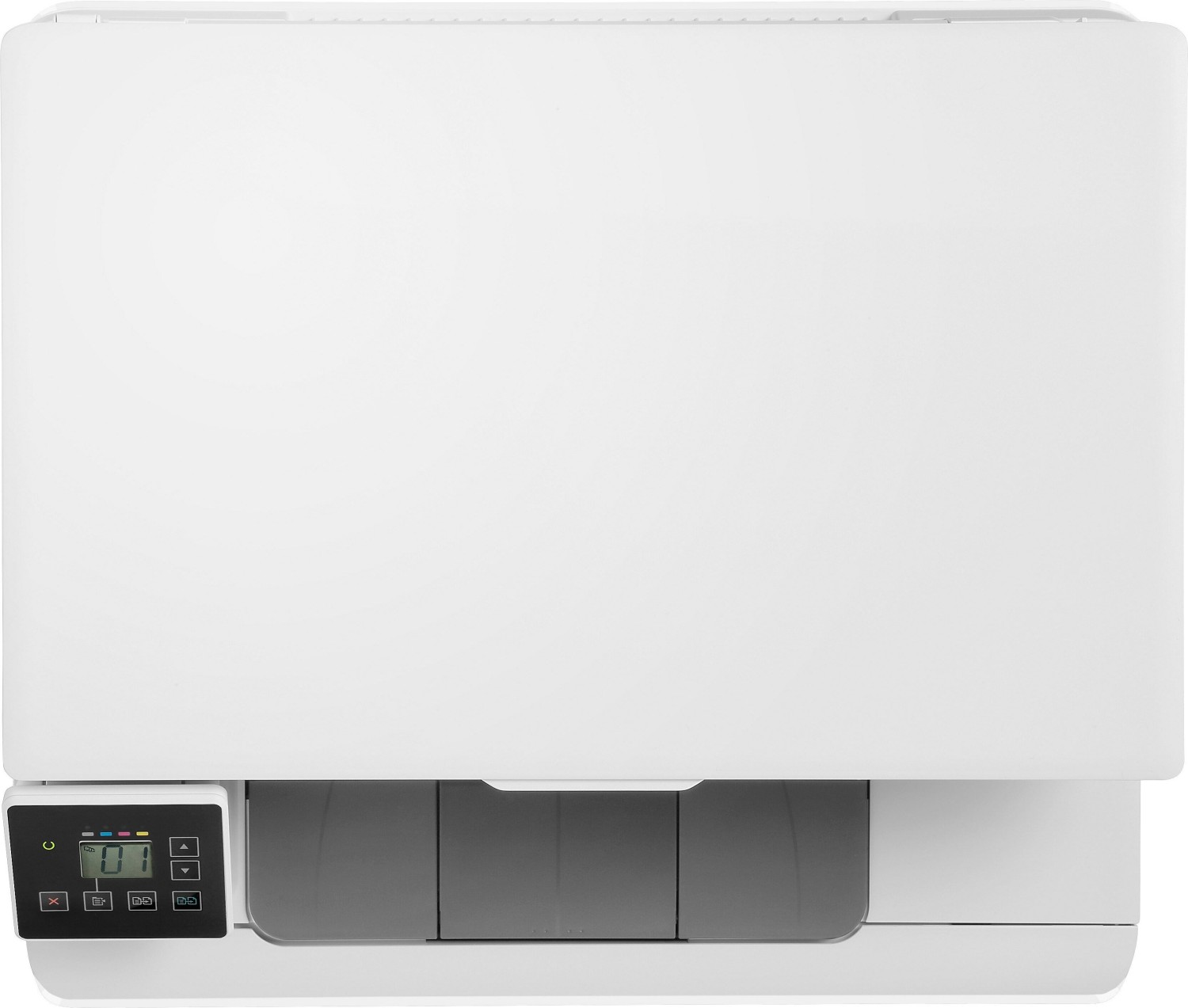
The HP Color LaserJet Pro MFP M182n is a compact, office-ready multifunction printer that blends dependable laser printing with color capability, basic scanning, copying, and optional fax functionality. Designed for small offices and home offices, the M182n offers a clear control panel, modest footprint, and straightforward paper handling, making everyday document tasks efficient without overwhelming workspace.
This model uses four individual toner cartridges (black, cyan, magenta, yellow), enabling targeted replacements and consistent color output for business documents, marketing flyers, and internal reports. Tray 1 supports a variety of media — from standard letter and A4 sizes to envelopes, labels, and postcards — with detailed guidance for loading and orientation to reduce jams and ensure accurate prints.
Setup and software support are streamlined: HP provides platform drivers for Windows and macOS (HP PCL drivers and HP Smart where appropriate) and offers mobile printing options including Wi‑Fi Direct, AirPrint, HP ePrint, Android printing, and Google Cloud Print compatibility. Firmware updates, troubleshooting resources, and supplies ordering are centralized through HP’s support site, keeping maintenance manageable.
The M182n emphasizes practical controls and user feedback: LED and 2-line LCD control-panel configurations give clear status, alerts, and menu navigation for copy counts, print density, duplex options, and network settings. Paper capacity and dimensions are optimized for smaller print volumes — Tray 1 accepts up to 150 sheets and specialty media limits are documented to prevent overfilling and jams.
For businesses that need reliable color output and simple multifunction features without enterprise complexity, the HP Color LaserJet Pro MFP M182n delivers predictable performance, accessible maintenance (front-loading toner drawers and replaceable trays), and a range of mobile and network printing workflows.
Notes
- Uses four separate HP 215A/216A toner cartridges (region dependent).
- Supports a wide range of OS drivers and mobile print methods; check HP support for latest compatibility.
- Keep firmware updated to enable current mobile printing features and improve reliability.
Search for 166 Manuals online


Type-in Brand or Model