
Kodak i2900 Manual
PDF manual · 62 Pages
English



Ask a Question
Frequently Asked Questions
The i2900 scans up to 60 pages per minute duplex at 200–300 dpi (letter). Supported output resolutions include 100, 150, 200, 240, 250, 300, 400, 500, 600 and 1200 dpi, with file outputs such as PDF, TIFF, JPEG, RTF and searchable PDF.
Is this answer helpful?
Yes. The scanner includes a built-in A4 flatbed for books, magazines, passports and other exception items. An optional A3 flatbed accessory is available for larger documents up to 11×17 inches.
Is this answer helpful?
Smart Touch provides nine programmable one-button tasks that can send scans to file locations, email, SharePoint, printers or other applications in formats like PDF, TIFF and searchable PDF. Tasks are configured via the Smart Touch interface or included Kodak Capture Desktop software.
Is this answer helpful?
Regular cleaning of rollers, imaging guides and background strips, periodic use of transport cleaning sheets, and scheduled replacement of consumables (feed module, separation roller, tires, pre-separation pad) as recommended. Use only Kodak-approved cleaning supplies to avoid damage.
Is this answer helpful?
Rear-side printing requires the Kodak Printer Accessory, proper driver configuration and an installed ink cartridge. The printer operates at full scanner speed and can stamp dates, sequential numbers and custom text via scanning software.
Is this answer helpful?
Host connection is USB 3.0 (USB 2.0 Hi-Speed compatible). Supported OS include multiple Windows versions, select Linux (Ubuntu 14.04/16.04), and macOS versions listed by Kodak. Drivers included: TWAIN, ISIS (Windows), WIA (Windows), TWAIN/SANE (Linux), TWAIN (macOS).
Is this answer helpful?
Refer to the indicator and error code table in the guide: common codes include U9 (jam), U2 (printer missing), U3 (document too long). Try suggested troubleshooting steps (check feeds, clean rollers, verify cables, update drivers) and contact Kodak Alaris support if the issue persists.
Is this answer helpful?
Advantages and Disadvantages
Advantages

- High throughput: up to 60 ppm duplex scanning at 200–300 dpi for efficient batch processing.
- Built-in A4 flatbed plus optional A3 accessory for versatility with exception documents.
- Smart Touch and Capture Desktop support one-button workflows and broad software integration.
- Robust paper handling: 250-sheet ADF, long-document support up to 160 inches (segmented), and rear exit for stiff media.
- Comprehensive maintenance guidance and replaceable consumables for predictable uptime and lifecycle management.
Disadvantages

- Weight and footprint may be substantial for very small workspaces compared to portable scanners.
- Consumables (tires, rollers, pads) require periodic replacement; high-volume use increases cost of ownership.
- Printer Accessory and some features require additional purchases and configuration to enable rear-side printing.
- Certain advanced features depend on compatible host computer specs (recommended Core i7 class) and USB 2.0/3.0 connection.
- Some cleaning materials (e.g., Staticide) may not be available in all regions and require careful handling per MSDS guidance.
Product Description
Kodak i2900 Overview and Features
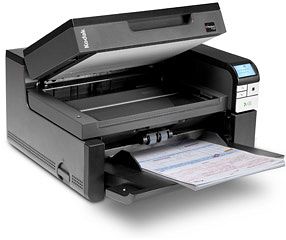
The Kodak i2900 is a compact, high-performance duplex color scanner designed for busy offices and departments that need reliable, high-volume document capture. Capable of scanning up to 60 pages per minute at 200–300 dpi, the i2900 combines a robust automatic document feeder (ADF) with a built-in A4 flatbed for handling exception documents like books, folders, passports, and thick items. Its dual-CCD imaging and versatile resolution range (100–1200 dpi) deliver crisp output across common formats including PDF, TIFF, JPEG, RTF, and searchable PDF.
Practical Capabilities and Workflow Integration
This model supports long-document scanning (up to 160 inches segmented), a 250-sheet ADF capacity, and both auto-feed and hand-feed paths. Users benefit from Smart Touch one-button workflows and Kodak Capture Desktop compatibility for streamlined capture, editing, and output to file systems, email, SharePoint, or printers. TWAIN, ISIS and other drivers are included for broad software support, and optional accessories—such as the Kodak Printer Accessory for rear-side printing and an A3 flatbed—extend functionality for specialized needs.
Design, Controls and Connectivity
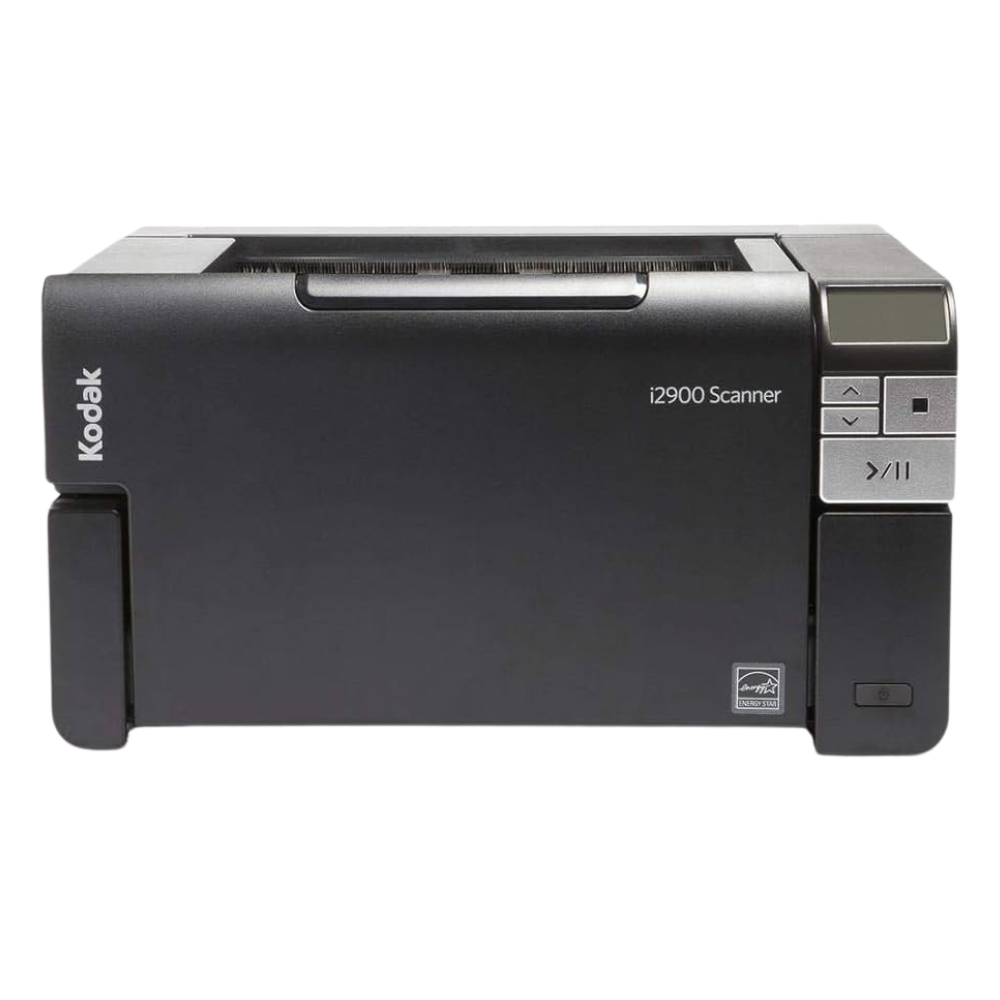
The i2900 provides an intuitive operator control panel with programmable task keys, start/stop buttons and status LEDs that report readiness and error conditions. Physically it’s engineered for desktop use with input/output tray extenders, adjustable side guides, a gap-release for stiff media, and a rear exit for straight-through paper path handling. Connectivity is via USB 3.0 and it supports a wide range of operating systems including Windows, select Linux distributions and macOS.
Maintenance, Consumables and Reliability
Kodak emphasizes preventive maintenance: recommended cleaning routines, transport cleaning sheets, roller cleaning pads and replacement schedules for consumables (feed module, separation roller, tires, pre-separation pads). Nominal consumable lifespans are provided (e.g., separation tires ~250k documents, feed module ~1M documents). Detailed troubleshooting, error codes, and replacement procedures help minimize downtime. The scanner is Energy Star qualified and shipped with a default 15-minute power-saver setting.
Notes
- Built-in flatbed supports A4; optional A3 flatbed expands to 11×17 in.
- Printer Accessory prints on rear side at full scanner speed; requires ink cartridge and driver configuration.
- Follow Kodak-recommended cleaning supplies and schedules to maintain image quality and feeder reliability.
Search for 166 Manuals online


Type-in Brand or Model