
LevelOne Manuals
Manuals
Categories

LevelOne Manuals
Overview
LevelOne Manuals are comprehensive guides created to help users install, configure, maintain, and troubleshoot networking and connectivity products manufactured by LevelOne. These manuals typically accompany hardware such as routers, switches, wireless access points, network adapters, IP cameras, and other consumer and small-business networking devices. They aim to provide clear, step-by-step instructions, technical specifications, safety information, and best-practice recommendations to ensure devices operate reliably and securely.
LevelOne Manuals are designed for a wide audience: from home users setting up a basic wireless network to IT professionals deploying multiple devices in a small office environment. Content is organized to help readers find quick setup instructions, delve into advanced configuration options, or reference technical details. Manuals can also include firmware update procedures, command-line examples (where applicable), and diagrams that illustrate wiring and network topologies.
Typical Structure and Contents
1. Introduction and Package Contents
Most LevelOne Manuals begin with an introduction that outlines the purpose of the device and lists package contents. This section helps users verify that all components, such as power adapters, Ethernet cables, mounting brackets, and installation CDs, are present before beginning setup.
2. Safety and Regulatory Information
Safety instructions and regulatory notices are standard. They cover electrical safety, proper ventilation, environmental operating conditions (temperature, humidity), and disposal instructions (e.g., WEEE compliance). This section may also detail warranty terms and customer support contact information.
3. Hardware Overview
The hardware overview provides photos or diagrams of the device, labeling ports and indicator LEDs. It explains the function of each physical element: power jack, reset button, WAN/LAN ports, SFP slots, power-over-Ethernet (PoE) interfaces, and antenna connectors. Visual cues help users perform correct physical connections and initial power-up.
4. Quick Installation/Setup Guide
A quick setup section offers a streamlined walk-through to get the device operational as fast as possible. It often includes:
- Unpacking and mounting instructions (desktop, rack, or wall mount)
- Connecting to power and network cables
- Initial login credentials and default IP address
- Using a web-based GUI or mobile app for first-time configuration
- Basic network settings (WAN connection type, DHCP, SSID and Wi‑Fi password)
This section is particularly useful for users who want minimal guidance to start using the device immediately.
5. Web GUI and Management Interface
Detailed manuals include a guided tour of the web management interface or companion application. Each menu item is documented with descriptions of settings and recommended values. Common subsections include:
- System Status and Diagnostics: viewing device health, CPU/memory usage, firmware version, and log files
- Network Settings: LAN, WAN, VLAN configuration, DHCP server options, and static routing
- Wireless Settings: SSID setup, security modes (WPA2/WPA3), channel selection, transmit power, guest networks, and access control lists
- Security: firewall rules, port forwarding, DMZ, intrusion prevention features, and VPN client/server setup
- Advanced Features: Quality of Service (QoS), bandwidth management, link aggregation (LACP), SNMP, and IPv6 support
Screenshots and example configurations help users understand how to adapt the device to their environment.
6. Command-Line Interface (CLI) and Advanced Configuration
For products supporting a CLI, manuals provide syntax and example commands for advanced users who require granular control. This may cover SSH access, telnet (if available), configuration save/restore commands, and diagnostic commands such as ping and traceroute. The CLI section is especially important for network administrators integrating LevelOne devices into larger infrastructure.
7. Firmware Upgrades and Backup
Instructions for checking and applying firmware updates are essential. Manuals explain how to safely back up current configurations, download the correct firmware file from the manufacturer’s site, and perform an upgrade via the web GUI or TFTP. It also outlines rollback procedures if an update fails, minimizing downtime and configuration loss.
8. Troubleshooting
A dedicated troubleshooting chapter addresses common issues and step-by-step remedies. Typical topics include:
- No power or LED indicators off
- No network connectivity or incorrect IP assignment
- Wireless clients cannot connect or experience poor performance
- Intermittent disconnections or latency problems
- Error codes and log interpretation
Troubleshooting sections often include flowcharts, diagnostic checklists, and tips for isolating problems.
9. Installation Examples and Use Cases
Manuals frequently present real-world deployment examples and recommended topologies, such as:
- Home network with ISP modem and router
- Small office with multiple VLANs, guest Wi-Fi, and QoS for VoIP
- Outdoor wireless bridging between buildings
- Surveillance camera deployments with PoE switches and NVR integration
These examples give practitioners practical templates they can adapt to their environments.
10. Technical Specifications and Appendices
At the end, manuals provide a detailed specifications table: supported network standards, throughput, radio frequencies and power levels, physical dimensions, weight, environmental ratings, and certifications (FCC, CE, etc.). Appendices may include MIB files for SNMP, regulatory statements, and a glossary of networking terms.
Style and Usability Considerations
LevelOne Manuals aim to balance clarity for novices and completeness for advanced users. Good manuals employ:
- Clear, concise language and consistent terminology
- Visual aids: labeled diagrams, wiring schematics, and annotated screenshots
- Step-by-step numbered procedures with expected outcomes
- Notes and caution boxes to highlight important safety or compatibility concerns
- Cross-references to relevant sections for deeper details
Many manuals also include a quick reference card for the most common tasks: resetting to factory defaults, locating default credentials, or performing a basic network test.
Common Devices Covered
LevelOne’s product line includes a variety of network hardware, and manuals are tailored for each category:
- Routers and Gateways: Home and SMB routers with NAT, firewall, and VPN features
- Switches: Managed and unmanaged Ethernet switches, PoE-enabled models, and modular chassis
- Wireless Access Points and Repeaters: Indoor/outdoor APs, mesh systems, and wireless bridges
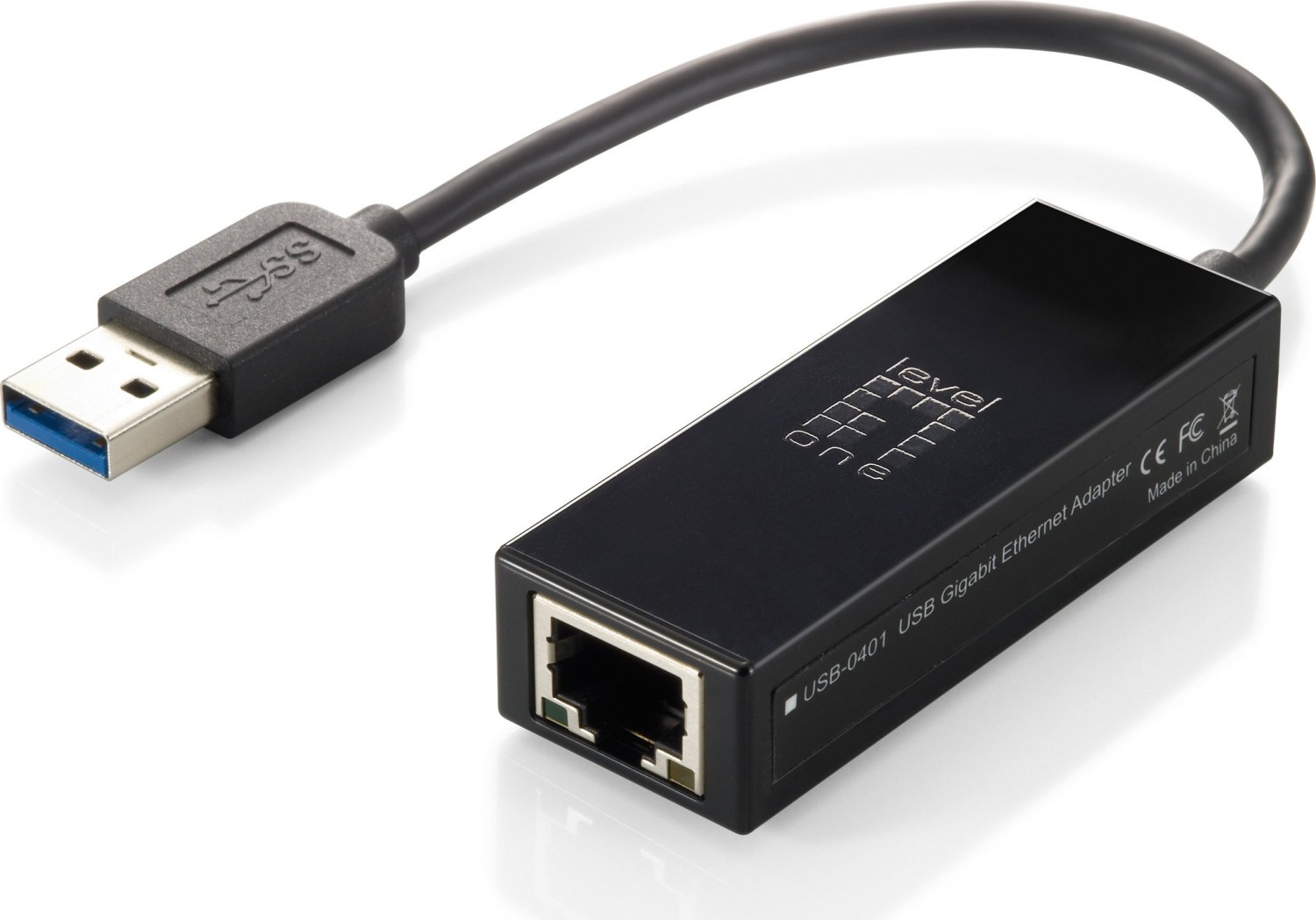
- Network Adapters: USB, PCIe, and PCI network cards for wired and wireless connectivity
- Surveillance Devices: IP cameras, NVRs, and camera management software
- Power over Ethernet Injectors and Extenders: Power distribution and long-distance Ethernet solutions
Each device’s manual focuses on the specific features and necessary setup steps relevant to its role.
Updating and Finding Manuals
LevelOne Manuals are typically available on the manufacturer’s official website under Support or Downloads. Users should always download the manual corresponding to their device model and hardware/firmware revision to ensure accuracy. When encountering ambiguous behavior, checking the release notes associated with firmware updates can reveal fixed bugs or changed behavior that affects configuration.
Security and Best Practices
Manuals generally emphasize best practices to secure networks and devices:
- Change default admin usernames and passwords immediately after setup
- Keep firmware updated to patch known vulnerabilities
- Disable unused services (telnet, UPnP) and restrict management access to trusted networks or IP addresses
- Use strong encryption (WPA2/WPA3) for wireless networks and complex passphrases
- Segment networks using VLANs for guest access and IoT devices
- Monitor logs and enable notifications for suspicious activities
Following these recommendations reduces exposure to common threats such as unauthorized access, bandwidth abuse, and data leakage.
Localization and Language Support
LevelOne Manuals are often provided in multiple languages to serve a global customer base. Localization includes translated text, region-specific regulatory notices, and illustrations that reflect local power plugs or mounting practices. Some manuals also include QR codes or links to video tutorials for visual learners.
Conclusion
LevelOne Manuals are essential resources for installing, configuring, and maintaining LevelOne networking devices. They combine practical setup instructions, in-depth configuration guidance, troubleshooting aids, and technical specifications. Whether a user needs a quick start to get online or an IT professional requires detailed CLI commands and VLAN setups, LevelOne Manuals are structured to provide the necessary information in an accessible format.
Search for 166 Manuals online


Type-in Brand or Model