
Hardware Manuals
Categories


Manuals
43 Pages

115 Pages
51 Pages
![TP-Link TL-WN725N, 2.4GHz WLAN, USB-A 2.0 [Plug] Manual](https://files-manually-dev1.nbg1.your-objectstorage.com/products/981-tp-link-tl-wn725n-24ghz-wlan-usb-a-20-plug/images/1.jpg)
46 Pages

32 Pages
2 Pages

135 Pages
21 Pages
79 Pages

38 Pages
196 Pages
2 Pages
15 Pages
![StarTech Multi-Slot-Cardreader, USB-A 3.0 [Plug] Manual](https://files-manually-dev1.nbg1.your-objectstorage.com/products/1068-startech-multi-slot-cardreader-usb-a-30-plug/images/1.jpg)
2 Pages
2 Pages

42 Pages
24 Pages
28 Pages

20 Pages

24 Pages
23 Pages

24 Pages
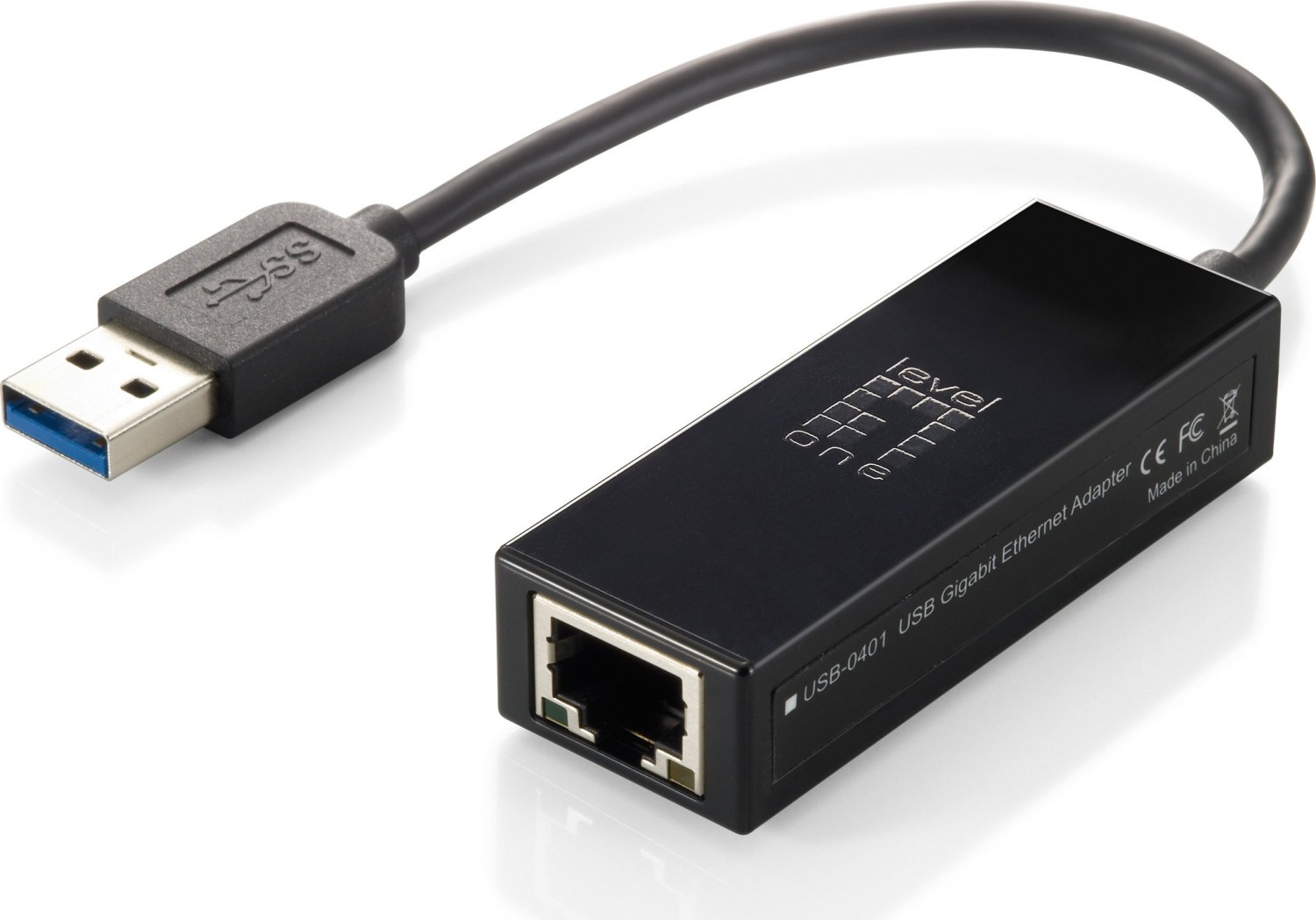
16 Pages
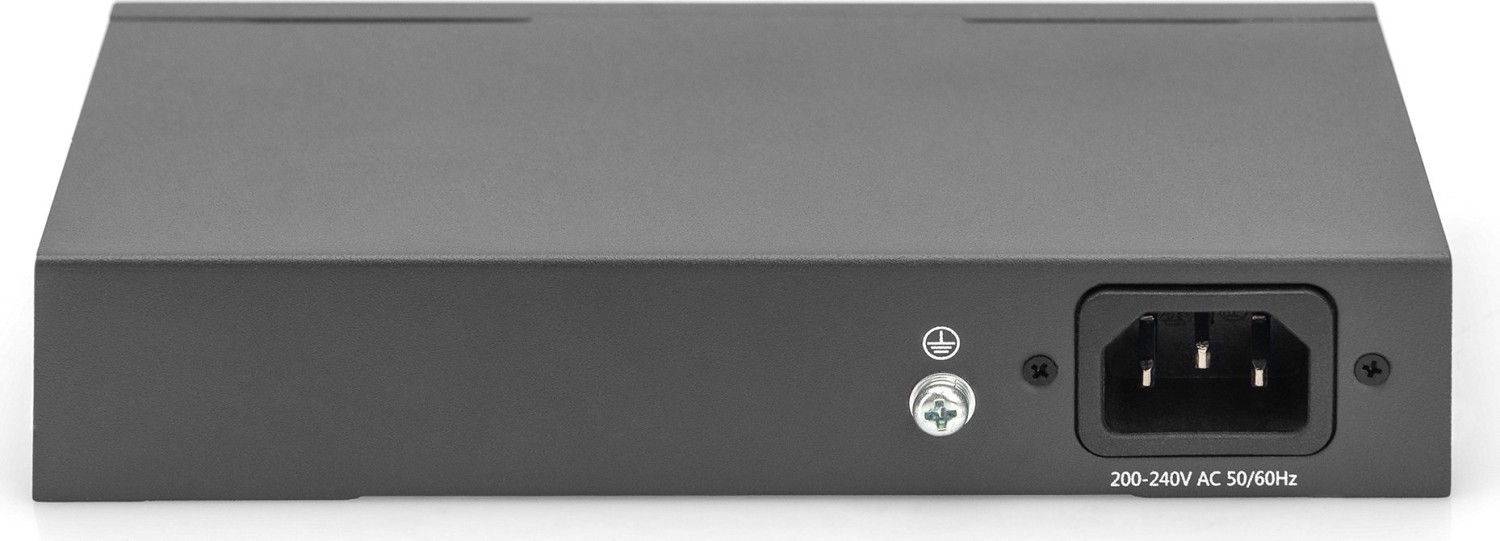
11 Pages
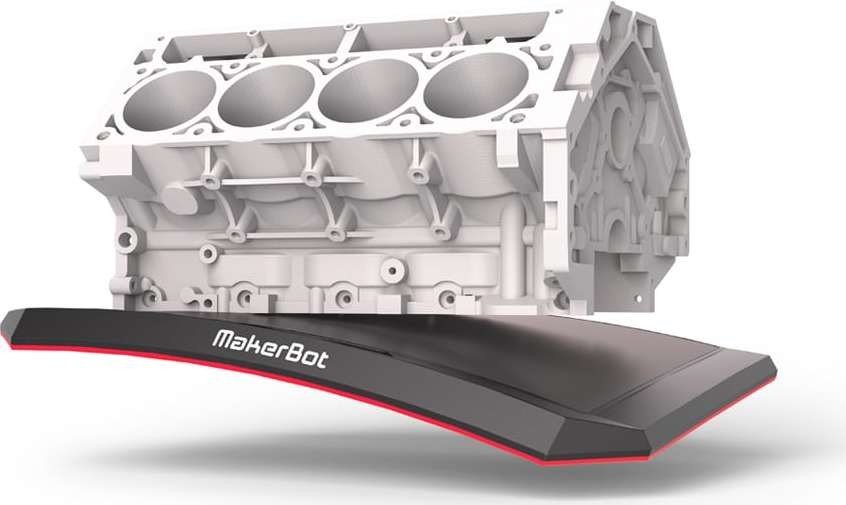
46 Pages

20 Pages
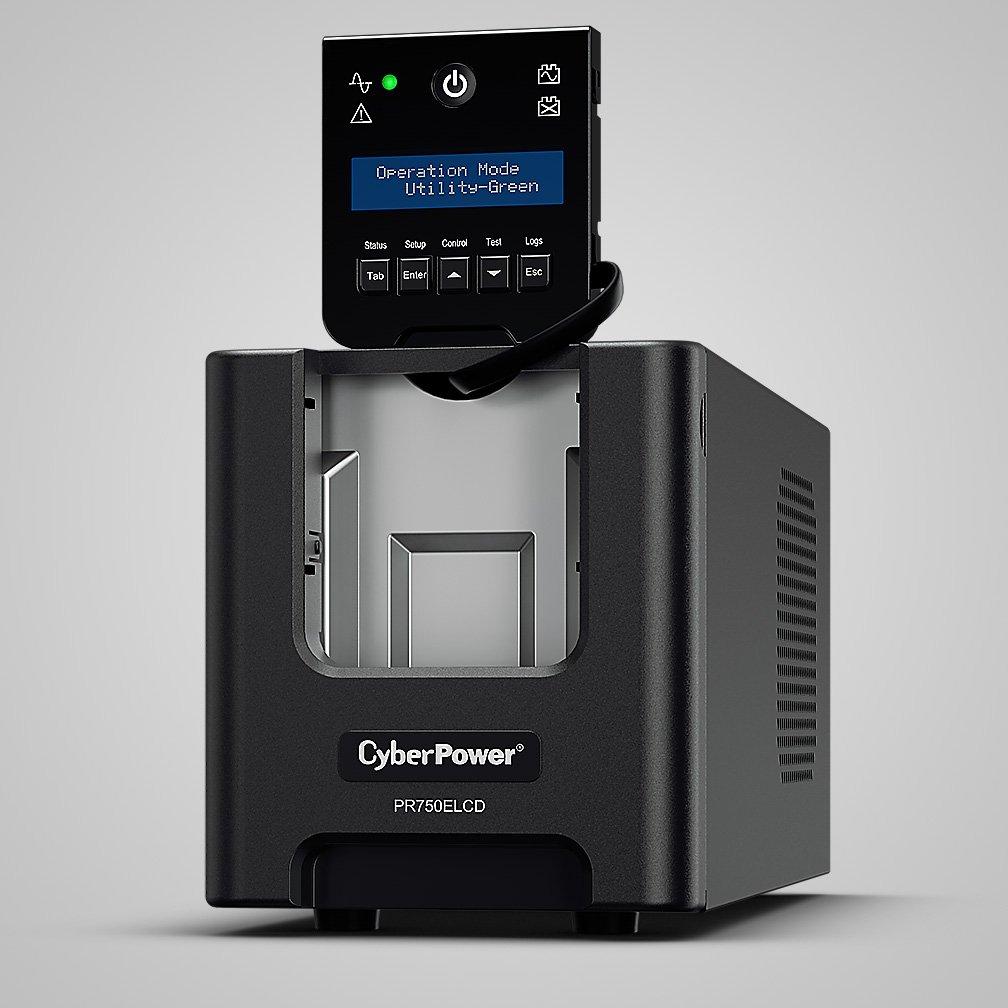
52 Pages
16 Pages

3 Pages

98 Pages

23 Pages
Hardware Manuals
Overview
Hardware manuals are comprehensive documents that provide essential information about physical devices, components, and systems. They serve as a primary reference for installation, configuration, operation, maintenance, troubleshooting, and safety procedures. Hardware manuals can cover a wide range of products, from consumer electronics and personal computers to industrial machinery, networking gear, and embedded systems. These documents are crucial for end users, technicians, engineers, and support personnel to ensure proper usage, longevity, and safe handling of devices.
Types of Hardware Manuals
User Manuals
User manuals are designed for end users and typically include quick-start guides, basic setup instructions, common use cases, and user-friendly troubleshooting tips. They focus on everyday operations and aim to make the product approachable for non-technical audiences.
Installation Manuals
Installation manuals provide step-by-step instructions for deploying hardware. This includes unpacking, site preparation, mounting or rack installation, cabling and connections, power requirements, and initial configuration. These manuals often include diagrams, checklists, and environmental specifications.
Maintenance and Service Manuals
Maintenance and service manuals target technicians and service engineers. They detail routine maintenance tasks, preventive measures, component replacement procedures, calibration steps, and deep-dive troubleshooting workflows. Service manuals may include part numbers, torque specifications, and circuit diagrams.
Technical Reference Manuals
Technical reference manuals provide in-depth specifications, architecture overviews, and interfaces of hardware components. These are valuable for system integrators and developers working with low-level interactions, firmware updates, or custom integrations.
Safety and Compliance Manuals
Safety manuals emphasize regulatory and compliance information, hazard identification, personal protective equipment (PPE) recommendations, and safe operation protocols. They also often reference relevant standards, certifications, and environmental considerations such as disposal and recycling guidelines.
Key Components of an Effective Hardware Manual
Title Page and Revision History
A clear title page should identify the product name, model number, manufacturer, and publication date. Revision history tracks updates, errata, and changes across versions—essential for maintaining document integrity.
Table of Contents
A detailed table of contents with clear headings and page references enables quick navigation through often lengthy manuals.
Product Overview
This section introduces the product, its purpose, major features, and intended audience. High-level diagrams and lists of included items help users confirm they have the correct package and parts.
Specifications
Technical specifications should list mechanical dimensions, weight, electrical ratings, environmental operating ranges, performance metrics, and interface details. Precision and clarity in specs help prevent misuse and ensure compatibility.
Installation and Setup
Installation instructions must be logical, sequential, and accompanied by visuals—images, exploded views, wiring schematics, and mounting templates. Safety warnings and prerequisite steps should be highlighted.
Operation Guide
This portion explains normal operation, user controls, indicators, modes of operation, and sample workflows. Screenshots, interface descriptions, and command references improve usability.
Maintenance and Troubleshooting
Maintenance schedules, routine checks, cleaning instructions, and consumable replacement procedures fall here. Troubleshooting sections should present symptoms, probable causes, and corrective actions in a diagnostic flow or table format.
Parts and Diagrams
Exploded views, part lists, and ordering information streamline repair and spare parts procurement. Including part numbers and manufacturer cross-references reduces downtime.
Electrical and Wiring Information
Clear wiring diagrams, pinouts, connector references, and grounding instructions are critical for installation and safety. Diagrams should be standardized and labeled consistently.
Firmware and Software Instructions
If applicable, instructions for firmware updates, software configuration tools, and supported protocols should be documented. Version compatibility matrices and rollback procedures help prevent bricking devices.
Compliance, Certifications, and Warranty
Detail regulatory compliance (CE, FCC, RoHS, UL, etc.), environmental disposal instructions, and warranty terms. This improves trust and legal clarity for both vendors and customers.
Appendices and Glossary
Appendices can include advanced configuration examples, command line references, or sample code. A glossary defines technical terms and abbreviations for readers of varying expertise.
Best Practices for Writing Hardware Manuals
Know Your Audience
Tailor content to the expected user base: consumer-friendly language for end users, and technical depth for engineers and technicians. Use role-based sections to separate novice and expert instructions.
Use Clear, Concise Language
Avoid ambiguous wording. Use active voice, present tense, and consistent terminology. Break complex tasks into numbered steps and keep sentences short.
Include High-Quality Visuals
Diagrams, photos, and flowcharts reduce cognitive load and clarify instructions. Ensure visuals are labeled, high-resolution, and match the text sequence.
Follow a Logical Structure
Organize content from general to specific: overview, setup, operation, maintenance, and troubleshooting. Provide cross-references and an index for quick lookup.
Emphasize Safety
Highlight warnings, cautions, and notes with a consistent style. Use standardized symbols and place safety information early in the document and near relevant procedures.
Provide Examples and Use Cases
Real-world examples, sample configurations, and common troubleshooting scenarios make the manual practical and actionable.
Maintain Up-to-Date Content
Keep manuals current with product revisions, firmware updates, and field feedback. Maintain a clear revision history and distribute updated manuals through accessible channels.
Delivery Formats and Accessibility
Hardware manuals are commonly distributed as printed booklets, PDFs, or online knowledge-base articles. Digital formats allow for searchability, hyperlinks, embedded multimedia (videos, interactive diagrams), and easy updates. Accessibility considerations include readable fonts, alt text for images, and compatibility with screen readers to support users with disabilities.
Localization and Internationalization
For global products, translate manuals into target languages and adapt safety standards, units of measurement, and regulatory references to regional requirements. Maintain a single-source authoring approach (structured content management) to ensure consistency across localized versions.
Version Control and Distribution
Use a version-controlled documentation process to track changes, approve updates, and distribute the correct manual for each hardware revision. Provide clear mappings between firmware/software versions and the manual edition.
Role of Manuals in Support and Field Service
Hardware manuals are essential tools for customer support and field service teams. They reduce mean time to repair (MTTR), enable consistent service procedures, and serve as training materials. Including diagnostic flowcharts, error code tables, and escalation guidelines improves first-call resolution rates.
Future Trends
Digital transformation is shaping hardware manuals through augmented reality (AR) overlays for step-by-step guidance, interactive 3D models for parts identification, and integrated telemetry that links device logs to specific troubleshooting steps. AI-driven search and conversational agents are increasingly enabling users to query manuals in natural language and receive contextual, task-oriented instructions.
Conclusion
Hardware manuals are indispensable artifacts that ensure safe, effective, and reliable use of physical products. Well-structured, accurate, and accessible documentation reduces downtime, prevents misuse, and improves user satisfaction. Investing in high-quality manual creation, maintenance, and distribution yields lasting benefits across product lifecycle, support operations, and customer experience.
Search for 166 Manuals online


Type-in Brand or Model