
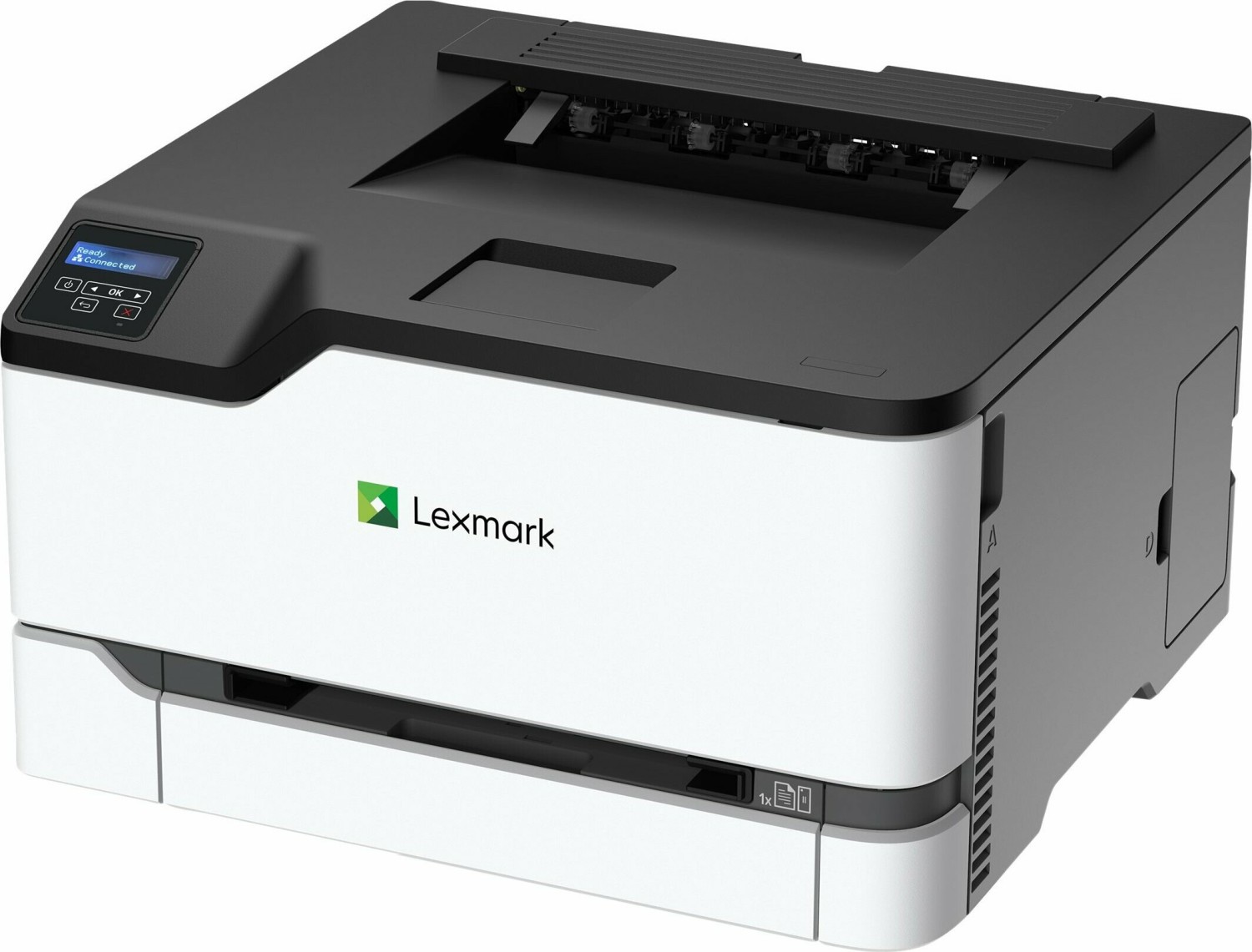
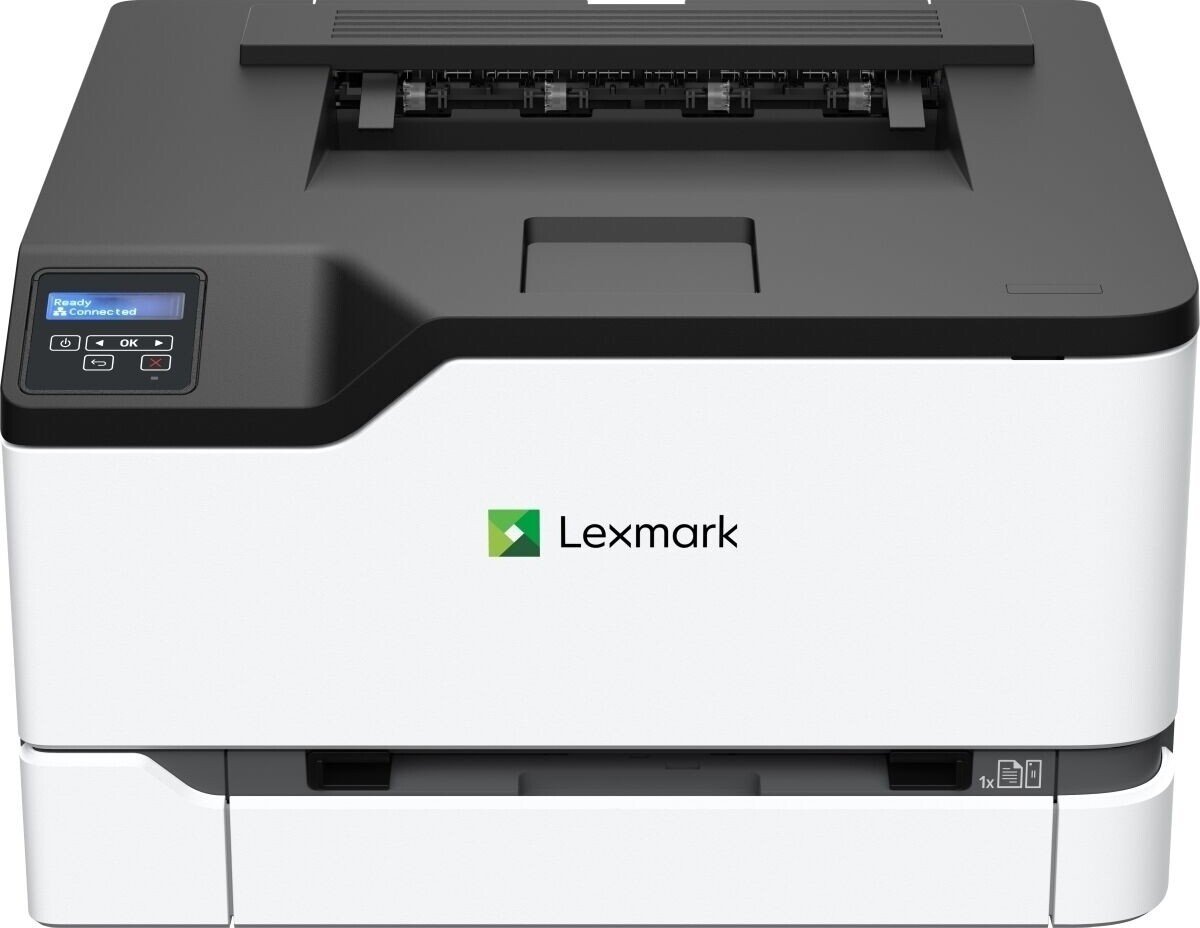
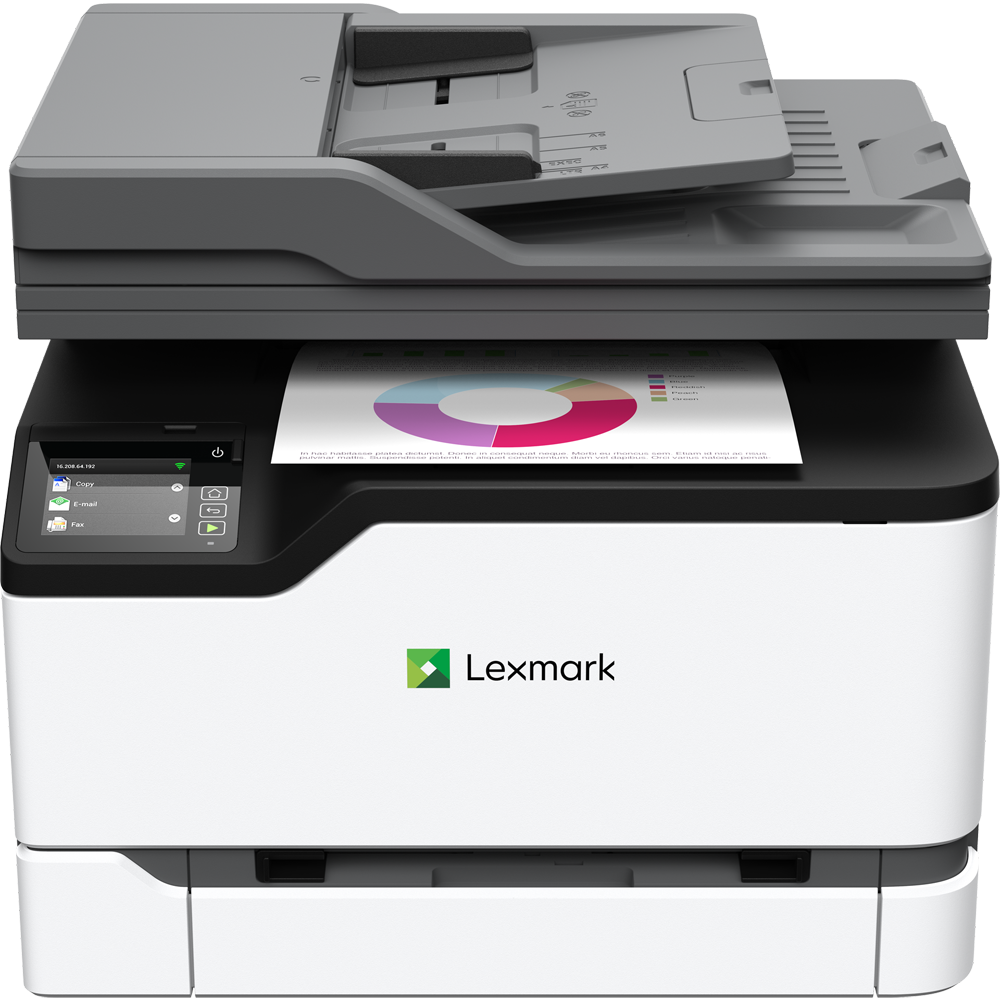
Lexmark C3326dw, Laser, multicolor Manual
PDF manual · 163 Pages
English



Ask a Question
Frequently Asked Questions
The C3326dw supports USB, Ethernet, and on supported models wireless connections including Wi‑Fi Direct, AirPrint, Mopria, and mobile setup via Lexmark Mobile Assistant. Cloud Connector enables printing from cloud services. Availability varies by model.
Is this answer helpful?
From the control panel navigate to Settings > Paper > Tray Configuration > Paper Size/Type and select the paper source. For universal media use Settings > Paper > Media Configuration > Universal Setup. Ensure tray guides match paper and set the printer to the same size/type loaded.
Is this answer helpful?
Enable Confidential Print Setup from Settings > Security on the control panel or via the Embedded Web Server. When printing, choose Print and Hold or PIN Printing in the driver or application, assign a PIN, then release the job at the printer by entering the PIN.
Is this answer helpful?
Open a web browser to the printer IP, go to Settings > Device > Update Firmware, then check for updates or upload the extracted firmware flash file. Firmware downloads are available from www.lexmark.com/downloads for your model.
Is this answer helpful?
Supported weights vary by source: light paper 60–74.9 g/m2, plain paper 75–90.3 g/m2, heavy up to 100 g/m2, and card stock up to 200 g/m2 depending on tray. Labels and envelopes are supported but may print slower; avoid unsupported coated or heavily textured papers.
Is this answer helpful?
To erase nonvolatile memory, navigate to Settings > Device > Maintenance > Out of Service Erase and select Sanitize all information on nonvolatile memory. To restore defaults, go to Settings > Device > Restore Factory Defaults and choose Restore all settings.
Is this answer helpful?
Drivers, utilities, and firmware are available at www.lexmark.com/downloads. Additional documentation, live chat, email, and phone support are accessible via support.lexmark.com; select your product and region for appropriate resources.
Is this answer helpful?
Advantages and Disadvantages
Advantages

- High-quality 4800 CQ resolution for sharp text and vivid color graphics.
- Flexible media handling: standard 250-sheet tray, manual feeder, optional trays, envelopes, labels, and card stock support.
- Multiple connectivity options: Ethernet, USB, Wi‑Fi Direct, AirPrint, Mopria, mobile printing and cloud connectors.
- Strong security controls: PIN/Confidential Print, memory sanitize, certificate management, and network restrictions.
- Comprehensive admin tools: Embedded Web Server, firmware updates, export/import configurations, and supply alerts.
Disadvantages

- Some wireless and advanced features available only on specific models.
- Labels, envelopes, and heavy card stock print at reduced speeds.
- Requires attention to correct paper type and storage to avoid jams and quality issues.
- Firmware updates and some configurations may require administrator access or Lexmark support.
- Higher paper weight handling may be limited by tray and configuration; optional trays may be needed for large volumes.
Product Description
Lexmark C3326dw — Reliable Color Laser Printing
The Lexmark C3326dw is a compact color laser printer designed for small offices and workgroups that need dependable, fast, and high-quality multicolor output. Balancing robust features with a straightforward setup, the C3326dw provides versatile paper handling, network connectivity, and secure printing options that help teams stay productive while protecting sensitive documents.
Practical performance and handling
This model delivers crisp text and vivid color graphics with a 4800 CQ print resolution option, producing professional-looking documents at office speeds. A standard 250-sheet tray and a manual feeder support a variety of media sizes—from envelopes and labels to card stock and custom paper—while optional trays expand capacity for higher-volume workflows. Paper handling is flexible: two-sided printing, tray linking, and universal paper configuration let you tailor the printer for mixed-job environments.
Easy setup and connectivity
Setup is straightforward: the printer supports USB, Ethernet, and wireless options (on supported models), and includes tools like Lexmark Mobile Assistant, Wi‑Fi Direct, AirPrint, Mopria, and Cloud Connector support for printing from mobile devices and cloud storage. Embedded Web Server and software installers from Lexmark downloads simplify driver installation, firmware updates, and adding hardware options.
Control, customization, and security
A user-friendly control panel with configurable home-screen icons and status indicators helps streamline daily tasks. Administrators can manage settings via the Embedded Web Server, export/import configuration files, and apply updates remotely. Security features include confidential (PIN) print, memory sanitization, network access controls, and certificate management to protect device data and user privacy. The printer supports erasing nonvolatile memory and restoring factory defaults for secure decommissioning or redeployment.
Maintenance and reliability
Lexmark provides extensive maintenance guidance: supply and part replacement, toner darkness adjustment, cleaning procedures, and toner patch sensor calibration. The printer offers notifications, email alerts, and supply estimates to prevent unexpected downtime. Designed to meet global safety standards, the C3326dw includes cautions for power, handling, and heat exposure and recommends proper environmental conditions for optimal operation.
Notes:
- Supports a wide range of paper weights (60–200 g/m2 depending on tray and media) and many envelope sizes; labels and card stock may print at reduced speed.
- Configure wireless using the mobile app, WPS methods, or on-panel setup where supported.
- Use only authorized power cords and surge protection per Lexmark guidance.
Search for 166 Manuals online


Type-in Brand or Model