
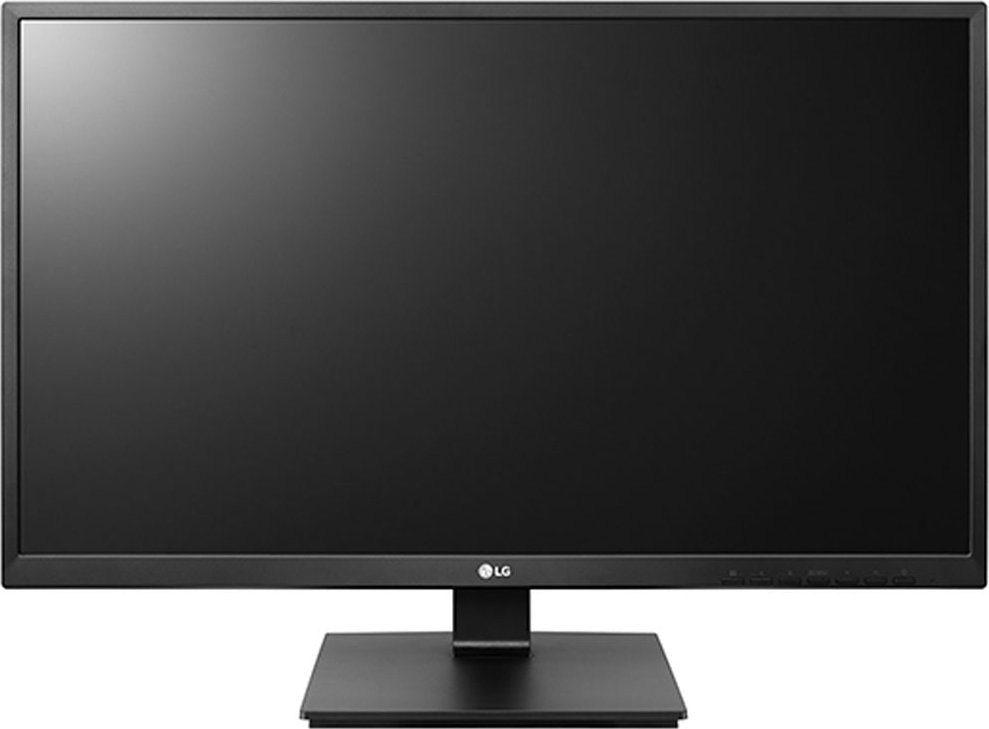
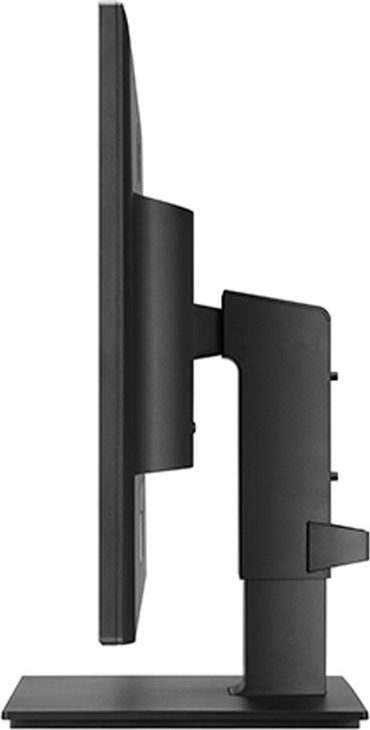
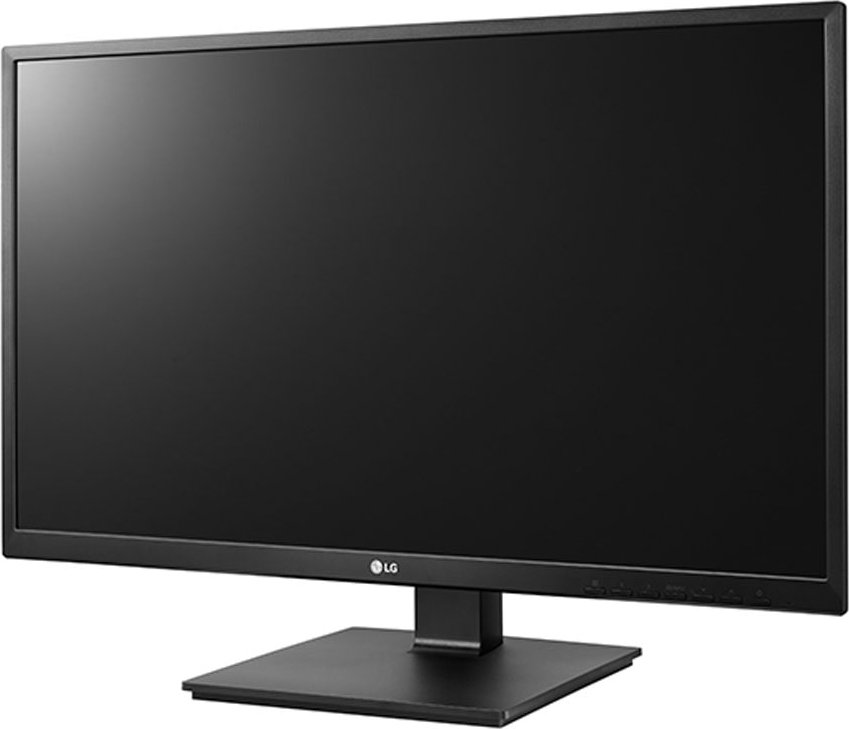
LG 27BK55YP-B, 27" Manual
PDF manual · 28 Pages
English



Ask a Question
Frequently Asked Questions
The native and recommended resolution is 1920 × 1080 at 60 Hz. Setting the monitor to its recommended resolution ensures optimal clarity and prevents scaling artifacts.
Is this answer helpful?
The monitor includes D-SUB (VGA), DVI-D, HDMI, and DisplayPort inputs, plus an audio in, headphone jack and a USB hub (one upstream, two downstream ports). Use certified HDMI/DP cables to avoid compatibility issues.
Is this answer helpful?
Yes. The monitor supports a 100 × 100 mm VESA wall mount. Ensure screws conform to VESA specs and do not exceed 8 mm from the back cover to avoid internal damage.
Is this answer helpful?
The stand provides up to 130 mm height adjustment, tilt from -5° to 35°, 355° swivel and 90° pivot for portrait orientation. Use these adjustments to reduce glare and align the screen with eye level.
Is this answer helpful?
Yes. It offers Smart Energy Saving with High/Low/Off options and an Automatic Standby mode (can power off after a set period). Typical on-mode power consumption is under ~16 W depending on the model and settings.
Is this answer helpful?
Check that the power and video cables are securely connected, confirm the PC’s output resolution and refresh rate match the monitor’s supported settings, try certified cables, and install the latest display driver from LG’s website.
Is this answer helpful?
Auto pivot is not supported. Rotate the panel physically for portrait mode and use your operating system or graphics driver shortcuts (e.g., Ctrl+Alt+arrow keys on Windows) to change display orientation.
Is this answer helpful?
Advantages and Disadvantages
Advantages

- 27" IPS panel with wide viewing angles and consistent color reproduction for varied tasks.
- Ergonomic stand with height, tilt, swivel and 90° pivot for portrait mode.
- Multiple inputs (D-SUB, DVI-D, HDMI, DisplayPort) plus USB hub and headphone jack.
- Low typical power consumption (around 13.95–16 W depending on model) and energy-saving features.
- VESA wall-mount support and Kensington lock for flexible installation and security.
Disadvantages

- Maximum resolution limited to 1920 × 1080, not ideal for high-DPI workflows.
- No advanced color gamut/ calibration info for professional color work.
- Some cables (HDMI/DisplayPort/DVI) not included in all regions; certified cables recommended.
- Auto pivot is not supported; OS or driver-based rotation required for some systems.
- Response-time high mode may cause image artifacts (image sticking) on fast motion.
Product Description
LG 27BK55YP-B, 27" Manual
The LG 27BK55YP-B is a 27-inch IPS LED monitor designed for versatile home and office use. Boasting a Full HD 1920 x 1080 resolution, the panel delivers wide viewing angles and consistent color reproduction that benefit productivity tasks, photo viewing and casual multimedia. Its slim profile and adjustable stand—offering height, tilt, swivel and pivot—make it easy to position for comfortable long sessions. With multiple inputs including D-SUB, DVI-D, HDMI and DisplayPort plus built-in USB hub and headphone jack, connectivity is straightforward whether you’re hooking up a PC, laptop or AV device.
Ergonomics and installation are emphasized: the stand supports up to 130 mm height adjustment, ±35° tilt, 355° swivel and 90° pivot for portrait mode. The monitor also supports VESA mounting for wall or arm installation, and includes a cable holder to keep connections tidy. Safety and handling guidance recommends disconnecting cables before moving, protecting the screen during assembly, and leaving 100 mm ventilation clearance from walls.
On the software side, the monitor supports downloadable drivers and OnScreen Control utilities from LG’s website. The OSD (On-Screen Display) menu offers picture presets (Reader, Photo, Cinema, Game), color temperature and six-color adjustments, gamma, sharpness, black level, response-time settings and a SUPER RESOLUTION+ enhancement. Sound controls and headphone output are included, while Smart Energy Saving and automatic standby modes help reduce power consumption. Power usage is modest: typical on-mode consumption is under ~16 W depending on model and settings, and standby/off power draw is minimal.
Practical features include a Kensington lock slot for security, compatibility notes for HDMI/DisplayPort cable types, and recommendations for using certified cables to avoid signal issues. Troubleshooting guidance covers common issues like no signal, flicker, incorrect colors, and OSD lock, with pointers to install drivers and set recommended resolutions for optimal display clarity.
Overall, the LG 27BK55YP-B targets users who need a reliable 27" IPS monitor with good ergonomics, flexible inputs and energy-conscious operation—suitable for office productivity, light creative work and general multimedia.
Notes
- Recommended resolution: 1920 x 1080 @ 60Hz.
- Use certified HDMI/DisplayPort cables to prevent display or audio issues.
- Leave at least 100 mm clearance for ventilation when wall-mounted.
- Wall-mount screws must conform to VESA standard; screw length should not exceed 8 mm from back cover.
- Auto-standby may turn off display after 4 hours unless disabled in OSD.
Search for 166 Manuals online


Type-in Brand or Model