
MXR M303 Clone Looper Manual
PDF manual · 5 Pages
English


Ask a Question
Frequently Asked Questions
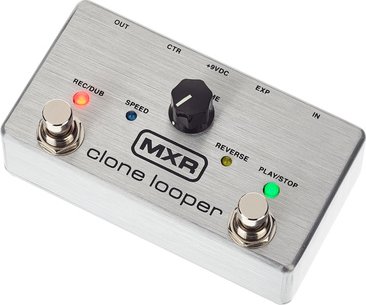
Plug your instrument into INPUT and amp into OUTPUT. Tap REC/DUB to start recording; the red LED flashes. Tap PLAY/STOP to close the loop and begin playback. Press REC/DUB again to overdub additional layers.
Is this answer helpful?
Press and hold the PLAY/STOP footswitch to undo the most recent layer; press and hold it again to redo that layer if desired.
Is this answer helpful?
Use the VOLUME knob’s push functions: press once for half-speed, double-press for double-speed, and press-and-hold to reverse the loop. LEDs indicate each state.
Is this answer helpful?
Yes. Connect an MXR Tap Tempo to the CTR jack to control speed/direction and quiet clear. Connect an expression pedal to the EXP jack to control loop volume or engage Play Loop Once mode.
Is this answer helpful?
The pedal ships with buffered bypass. To enable true bypass, press and hold the VOLUME knob while powering up the pedal.
Is this answer helpful?
It requires a 9V DC adapter such as the Dunlop ECB003 or compatible power supplies (DC Brick, Iso-Brick, Mini Iso-Brick). The pedal does not accept batteries.
Is this answer helpful?
Input impedance is 1 MΩ, output impedance 100 Ω, sampling rate 44.1 kHz, frequency response 20 Hz–20 kHz, noise floor -97 dBV, maximum I/O level +5 dBV, and current draw 225 mA.
Is this answer helpful?
Advantages and Disadvantages
Advantages

- High-fidelity 44.1 kHz sampling with low noise floor for clean loop playback and overdubs.
- Intuitive three-footswitch operation for record, playback, undo/redo, and quick layer clearing.
- Push/hold VOLUME controls allow half-speed, double-speed, and reverse without extra switches.
- Compact, rugged MXR housing suitable for pedalboards and live use.
- CTR and EXP jacks support tap tempo and expression pedal integration for flexible control.
Disadvantages

- Cannot be battery-powered—requires a 9V DC adapter and draws 225 mA.
- Limited internal memory/features compared with multi-function digital loopers.
- Buffered bypass by default; true bypass requires a power-up procedure to enable.
- Single-track looper design without built-in drum/metronome or multiple loop slots.
- Speed and reverse controls accessed via push functions may be less immediate for some users.
Product Description
MXR M303 Clone Looper — Compact, Tough, and Musical
The MXR M303 Clone Looper is a compact, high-fidelity looper pedal built in the rugged MXR housing. Designed for practice, live performance, and studio use, it provides intuitive loop recording and overdubbing across a straightforward control set. With true-sounding signal reproduction and a simple footswitch workflow, the M303 empowers players to capture musical ideas, build layered arrangements, and experiment with time and direction without fuss.
Key features and operation
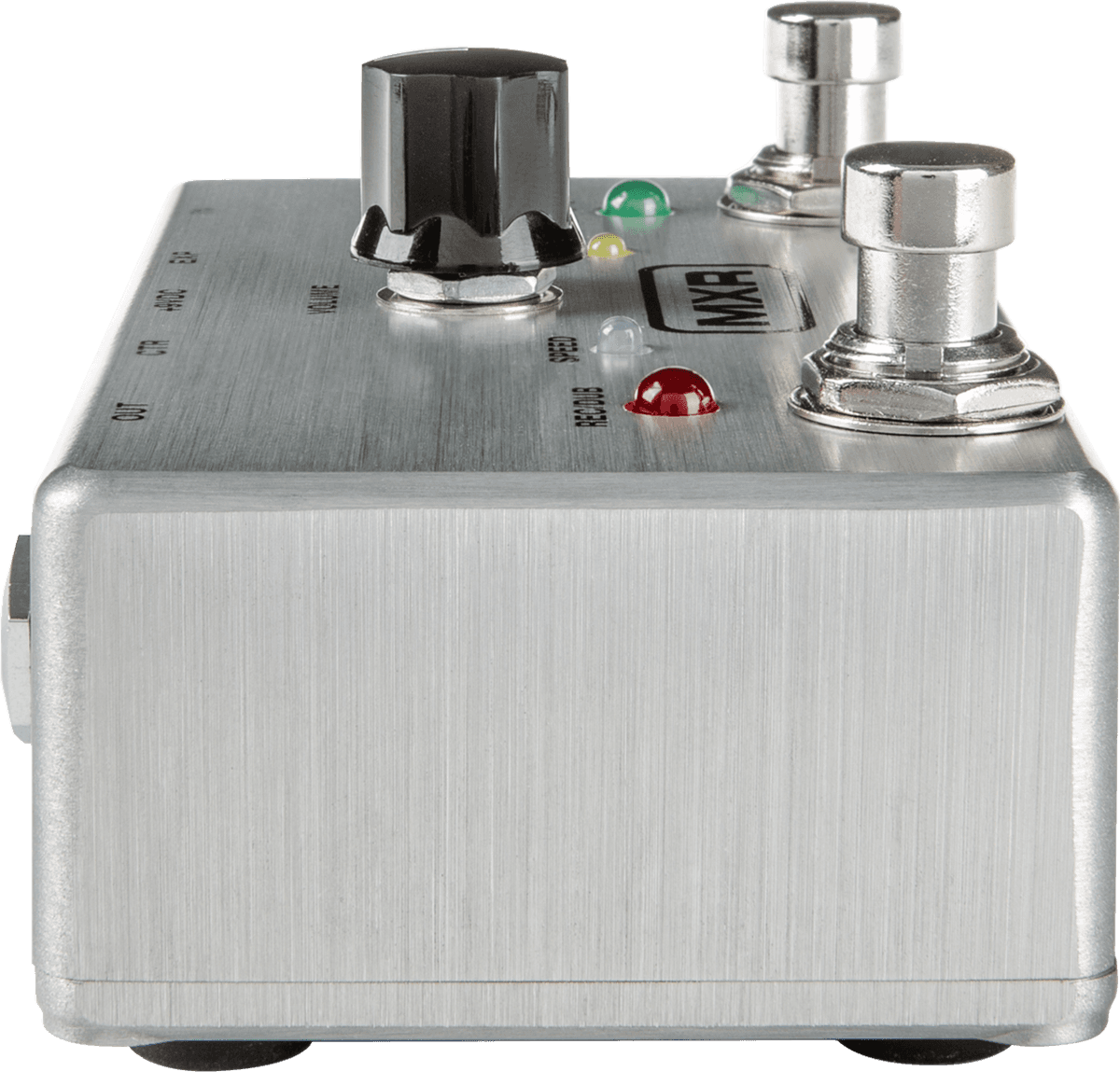
The pedal uses three footswitches for core functions: REC/DUB for recording and clearing, PLAY/STOP for playback, undo/redo and layer erase, and a dedicated switch behavior for quick record/play transitions. A single VOLUME knob controls output level and, via push and hold actions, access to speed and reverse functions: push once for half-speed, double-press for double-speed, and press-and-hold to reverse playback. Quiet clear and quick layer management make onstage edits unobtrusive.
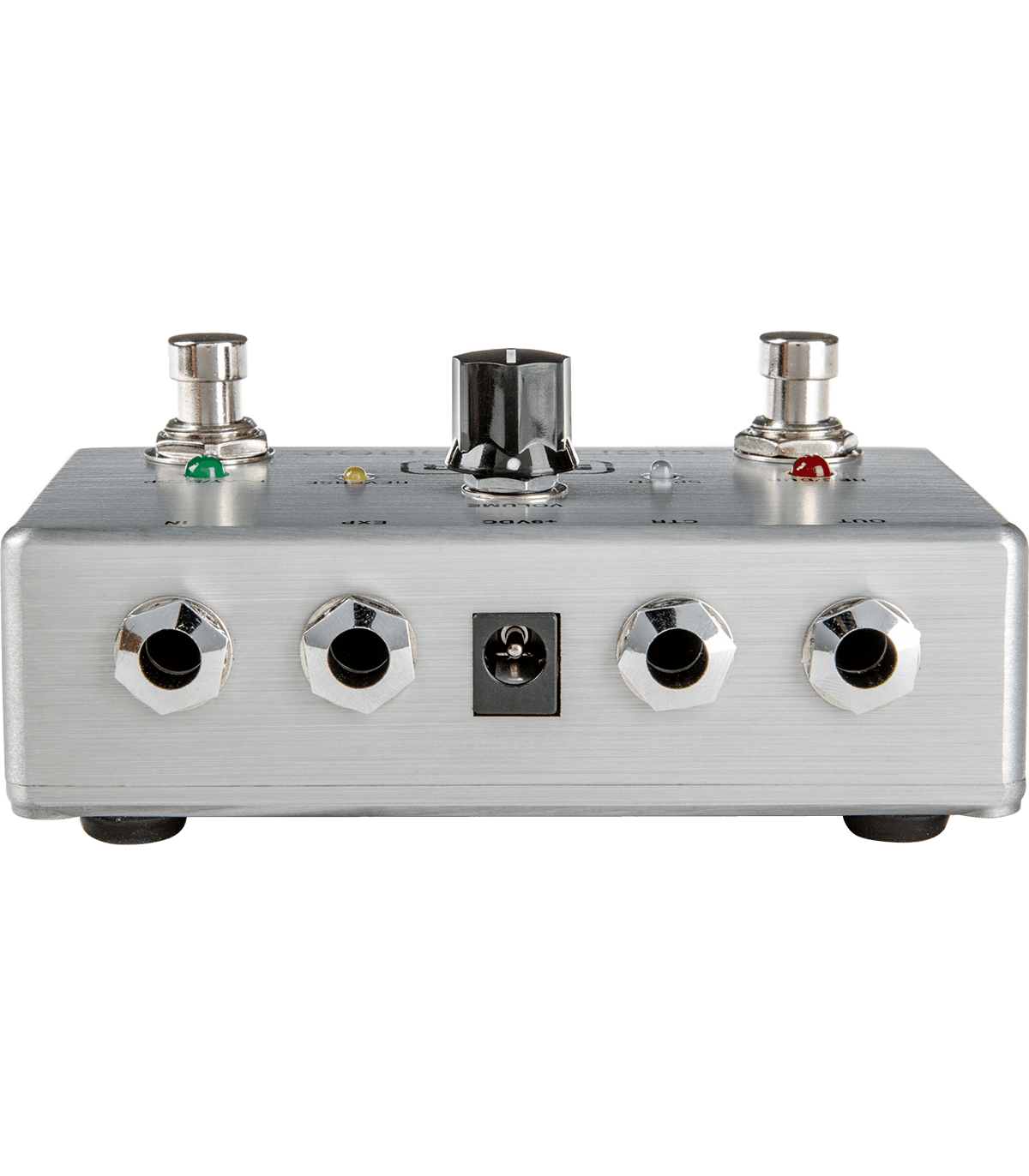
Connectivity includes an input and output, CTR jack for a tap switch to control speed, direction, and quiet clear, and an EXP jack for an expression pedal to control loop volume or engage Play Loop Once mode. The unit ships with buffered bypass by default but can be switched to true bypass during power-up. It runs on a 9V DC adapter (no battery power).
Sound and build
Housed in MXR’s durable enclosure, the M303 prioritizes high-fidelity sampling at a 44.1 kHz rate with a wide frequency response (20 Hz–20 kHz) and low noise floor. The pedal supports +5 dBV maximum input/output levels, a 1 MΩ input impedance, and draws 225 mA—making it robust for pedalboard integration.
Who it’s for
Guitarists and instrumentalists who want a hands-on looper with minimal learning curve will appreciate the M303. It fits players who need a reliable, high-quality looper for practice, layering at gigs, or crafting loop-based arrangements in the studio without complex menu diving.
Notes
- Use a 9V DC adapter (Dunlop ECB003 or compatible supply); the pedal is not battery-powered.
- Connect an MXR Tap Tempo Switch or expression pedal to expand speed, direction, and volume control.
- Toggle true bypass by holding the volume knob while powering up.
Search for 166 Manuals online


Type-in Brand or Model