
NAD M10 Manual
PDF manual · 14 Pages
English


Ask a Question
Frequently Asked Questions
The M10 supports a wide range of formats including MP3, AAC, FLAC, WAV, ALAC, DSD and MQA with PCM up to 32-bit/192 kHz. It also supports common streaming services via BluOS such as Spotify, TIDAL, Qobuz and others (subject to change).
Is this answer helpful?
You can connect via wired Ethernet (LAN) or Wi‑Fi. Use the BluOS Controller app on Android or iOS to run the Easy Setup Wizard, or use the manual wireless setup by joining the M10 hotspot and visiting http://10.1.2.3 to configure your Wi‑Fi SSID and password.
Is this answer helpful?
Dirac Live is an integrated room correction system that measures and corrects both frequency and impulse response across the listening area. It reduces room modes, tightens bass, improves imaging and delivers more natural, accurate sound. Setup requires measurements using the supplied microphone and the Dirac workflow.
Is this answer helpful?
Bridge Mode roughly doubles output (approx. 200W into 8 ohms) for higher power demands. In Bridge Mode the amplifier behaves as if speaker impedance is halved; avoid using speakers under 8 ohms in this mode to prevent thermal cut-out and potential damage.
Is this answer helpful?
Factory Reset can be initiated from the front panel Settings > Other > Factory Reset, or forced by holding the rear Standby button while reconnecting mains power until the NAD logo blinks red. A reset erases Wi‑Fi, shares, playlists and custom settings.
Is this answer helpful?
Yes; connect the TV’s HDMI ARC port to the M10 HDMI ARC input to receive TV audio. Ensure the TV audio format is set to PCM only. Note that the M10’s HDMI ARC port is audio-only and does not output video.
Is this answer helpful?
The M10 includes two detachable mains cords, a mic assembly with ferrite base, a USB mic sound adapter, USB flash drive, cleaning cloth and a Quick Setup Guide. The supplied mic is used for Dirac Live room measurements.
Is this answer helpful?
Advantages and Disadvantages
Advantages

- Integrated BluOS streaming with MQA and DSD support for high-resolution playback.
- Dirac Live room correction improves imaging, bass control and overall clarity.
- 100W per channel (8 ohms) with Bridge Mode for higher output when needed.
- Touchscreen display plus BluOS app offers intuitive local and remote control.
- Rich I/O: HDMI ARC, optical/coaxial, analog inputs, USB storage, LAN and Wi‑Fi.
Disadvantages

- Bridge Mode halves recommended speaker impedance; low-impedance speakers may overheat.
- Advanced features like Dirac require measurement mic and setup steps.
- Firmware and network-dependent features require periodic updates and stable internet.
- No video output from HDMI ARC; HDMI is audio-only for TV return channel.
- Service-only USB/port and some controls not intended for consumer servicing.
Product Description
NAD M10 — Compact Streaming Integrated Amplifier
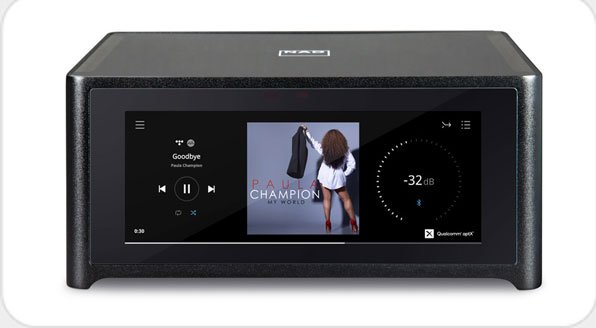
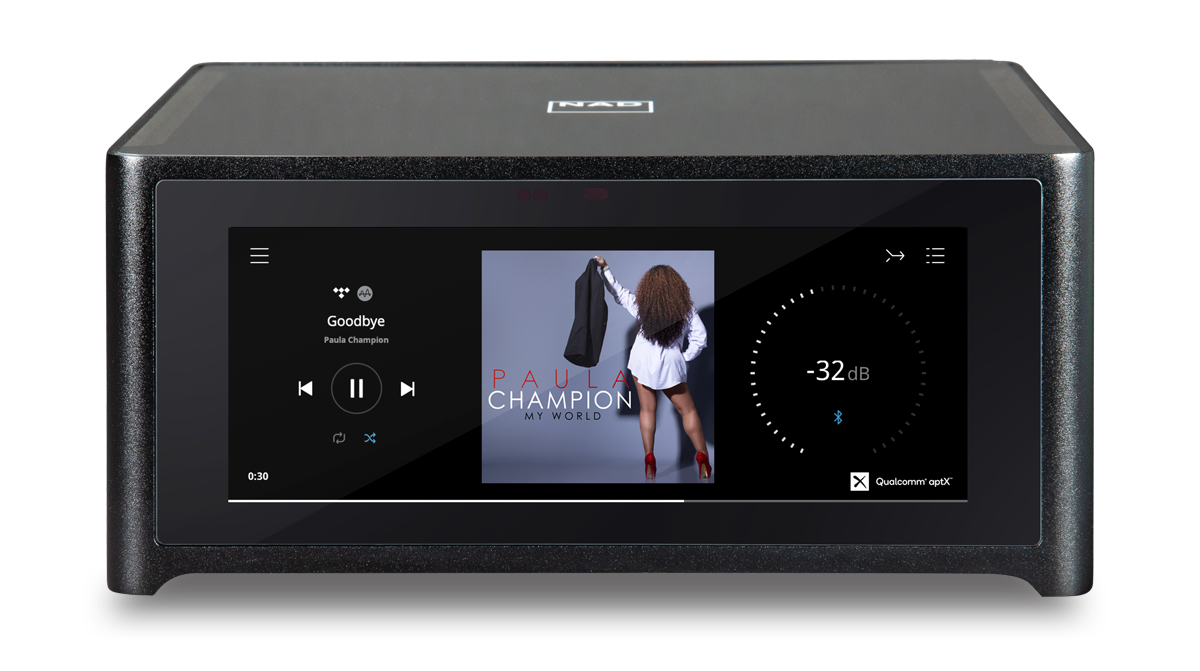
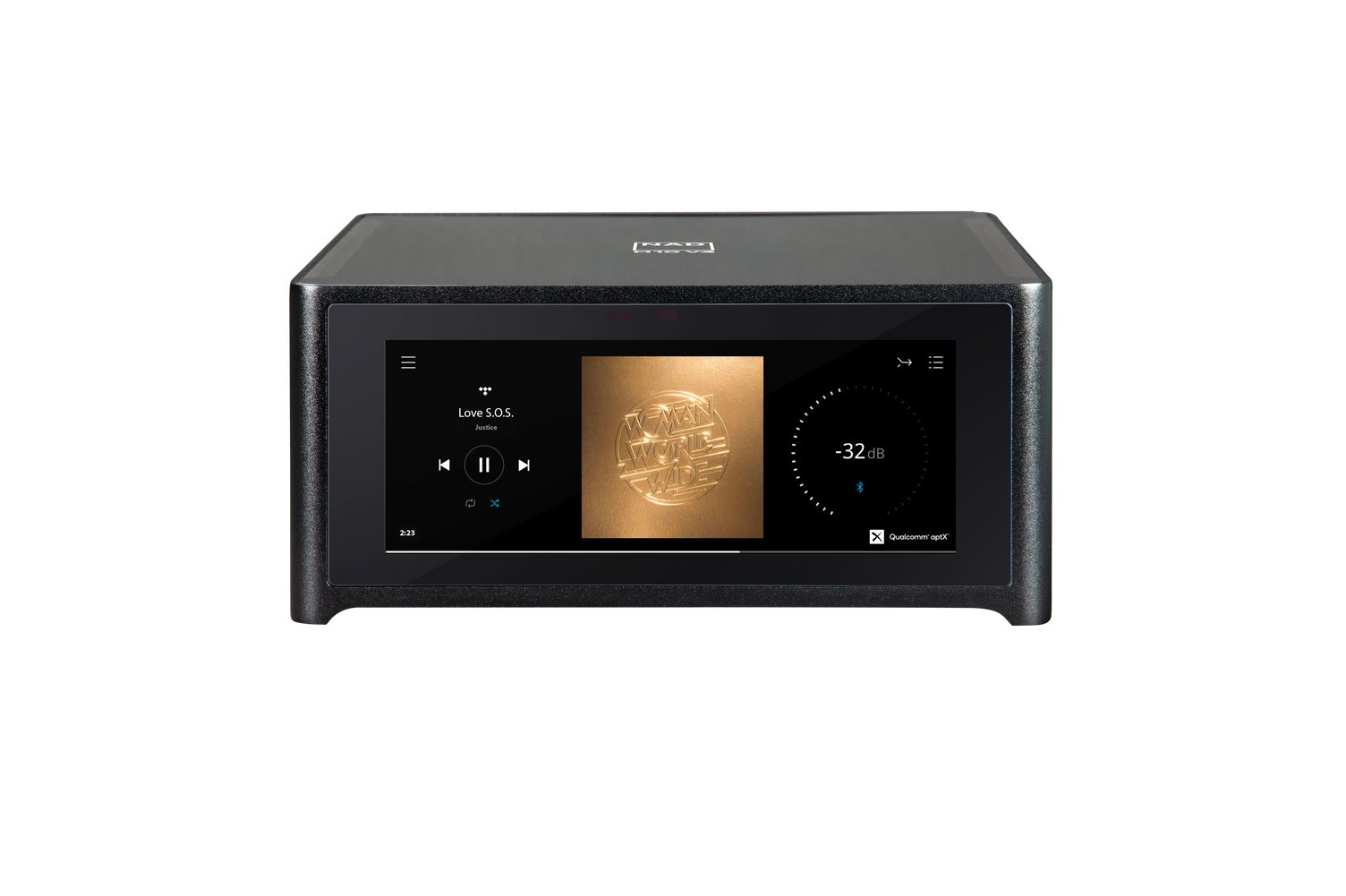
The NAD M10 is a high-performance, compact BluOS streaming integrated amplifier that blends modern streaming technology with robust amplifier architecture. With a sleek touchscreen front panel and the signature NAD logo indicator, the M10 delivers room-corrected, high-resolution audio in a space-saving chassis. It supports wired and wireless network connections, works with the BluOS Controller app for iOS, Android, Windows and macOS, and decodes MQA and DSD alongside common hi-res formats like FLAC and WAV.
Inside, the M10 hosts a powerful amplifier section capable of delivering 100W per channel into 8 ohms and robust dynamic power into lower impedances. A selectable Bridge Mode increases output for demanding speaker loads, while tone controls, pre-out and subwoofer outputs allow flexible system integration. The M10’s DAC supports up to 32-bit/192kHz PCM and a wide range of codecs, and the unit includes aptX HD two-way Bluetooth for convenient wireless playback.
Room correction is handled by integrated Dirac Live, which corrects frequency and impulse responses for improved imaging, tighter bass and more accurate sound in real listening environments. MQA decoding and rendering ensure authentic master-quality playback when streaming supported files. Practical features include multiple digital and analog inputs (optical, coaxial, HDMI ARC, analog RCA), USB mass storage playback, LAN and Wi-Fi connectivity, IR in and a 12V trigger for system control.
Setup is straightforward via the BluOS app’s Easy Setup Wizard for Android and iOS, or via a manual web setup page for desktops. The M10 offers comprehensive status indicators on the front panel, a touchscreen Now Playing display with album art and playback controls, and extensive menu options for source setup, presets, player settings and system info. Safety, ventilation, and environmental disposal notices are emphasized, and the package includes accessories like detachable power cords, a mic and USB mic adapter for Dirac measurements, and a quick start guide.
Whether used as a high-fidelity single-box solution or as a preamp in a larger system, the NAD M10 aims to combine audiophile-grade sound, modern streaming convenience and room-correction tools for a refined listening experience.
Notes
- Includes Dirac Live room correction and MQA decoding for high-resolution authenticity.
- Touchscreen and BluOS app provide flexible control and streaming access.
- Bridge Mode expands power for demanding speakers; follow speaker impedance guidelines.
- Save factory packaging for safe transport; factory reset clears all custom settings.
Search for 166 Manuals online


Type-in Brand or Model