
Native Instruments Manuals
Manuals
Categories

Native Instruments Manuals
Overview
Native Instruments manuals are comprehensive user guides and reference documents created to support users of Native Instruments' hardware and software products. Native Instruments is a leading developer of music production tools, including virtual instruments, effects, DJ software, hardware controllers, and sound libraries. Their manuals are designed to assist musicians, producers, DJs, and sound designers in understanding product features, installation procedures, workflow integration, and advanced techniques. These manuals range from quick-start guides aimed at beginners to in-depth technical documents for advanced users and system administrators.
Purpose and Audience
For Beginners
Native Instruments manuals often include step-by-step setup instructions, basic operational guidance, and troubleshooting tips tailored for users new to the product or to music production in general. Beginner sections typically explain core concepts such as MIDI routing, audio interface configuration, basic synthesis, sampling fundamentals, and how to get sounds into a DAW (Digital Audio Workstation).
For Intermediate Users
Intermediate-level content focuses on workflow optimization, feature overviews, and practical examples that help users move beyond basics. These sections usually cover mapping controllers, customizing presets, integrating instruments with common DAWs, and leveraging effects chains or modulation features to craft unique sounds.
For Advanced Users and Professionals
Advanced documentation dives into detailed parameters, scripting or macro capabilities, advanced synthesis techniques, in-depth routing and signal flow, calibration and optimization procedures, and tips for studio or live performance applications. Manuals for complex products (e.g., KONTAKT, REAKTOR, MASCHINE, TRAKTOR) provide deep dives into architecture, module interconnections, and advanced editing or programming features.
Common Structure and Sections
Native Instruments manuals tend to follow a consistent organizational structure to make information easy to find:
- Introduction and product overview: outlines the product’s purpose and key features.
- Installation and setup: step-by-step instructions for installation on Windows and macOS, authorization and activation via Native Access, driver installation, and initial hardware setup.
- Quick start guide: simple tasks to get the user producing sound quickly, often accompanied by screenshots or diagrams.
- Interface walkthrough: comprehensive descriptions of UI elements, controls, panels, and displays.
- Signal flow and routing: explanation of audio and MIDI paths, bus structures, and how to route signals in complex setups.
- Sound and preset management: how to browse, save, and organize presets, libraries, and samples.
- In-depth feature chapters: detailed coverage of oscillators, filters, modulators, samplers, effects, and macros.
- Performance and live use: tips for mapping, latency handling, and controller integration.
- Troubleshooting and FAQs: common issues, error codes, and solutions.
- Appendices: technical specifications, system requirements, supported file formats, and licensing information.
Notable Product Manuals
KONTAKT
KONTAKT manuals explain the architecture of the sampler, including instrument creation, scripting with KSP (KONTAKT Script Processor), multimode instruments, mapping editor, zone and group management, and advanced modulation. The manual also covers instrument libraries, sample management, and performance optimization for large sample sets.
REAKTOR
REAKTOR documentation covers ensemble construction, module-based synthesis, signal processing modules, macros, and building custom instruments and effects. It delves into the modular patching system, core-level programming, and DSP concepts relevant to advanced users.
MASSIVE, FM8, and SYNTHS
Manuals for individual synths detail oscillator types, routing options, filter architectures, modulation matrices, envelopes, LFOs, and key performance features like macro controls, effects, and preset system. They often include sound design examples and programming tips.
MASCHINE
MASCHINE manuals focus on integrated hardware/software workflows: pad and controller layouts, sampling, pattern sequencing, group and scene management, arrangement mode, and using MASCHINE as a plugin in a DAW. They also explain controller mappings, MIDI integration, and live performance features.
TRAKTOR
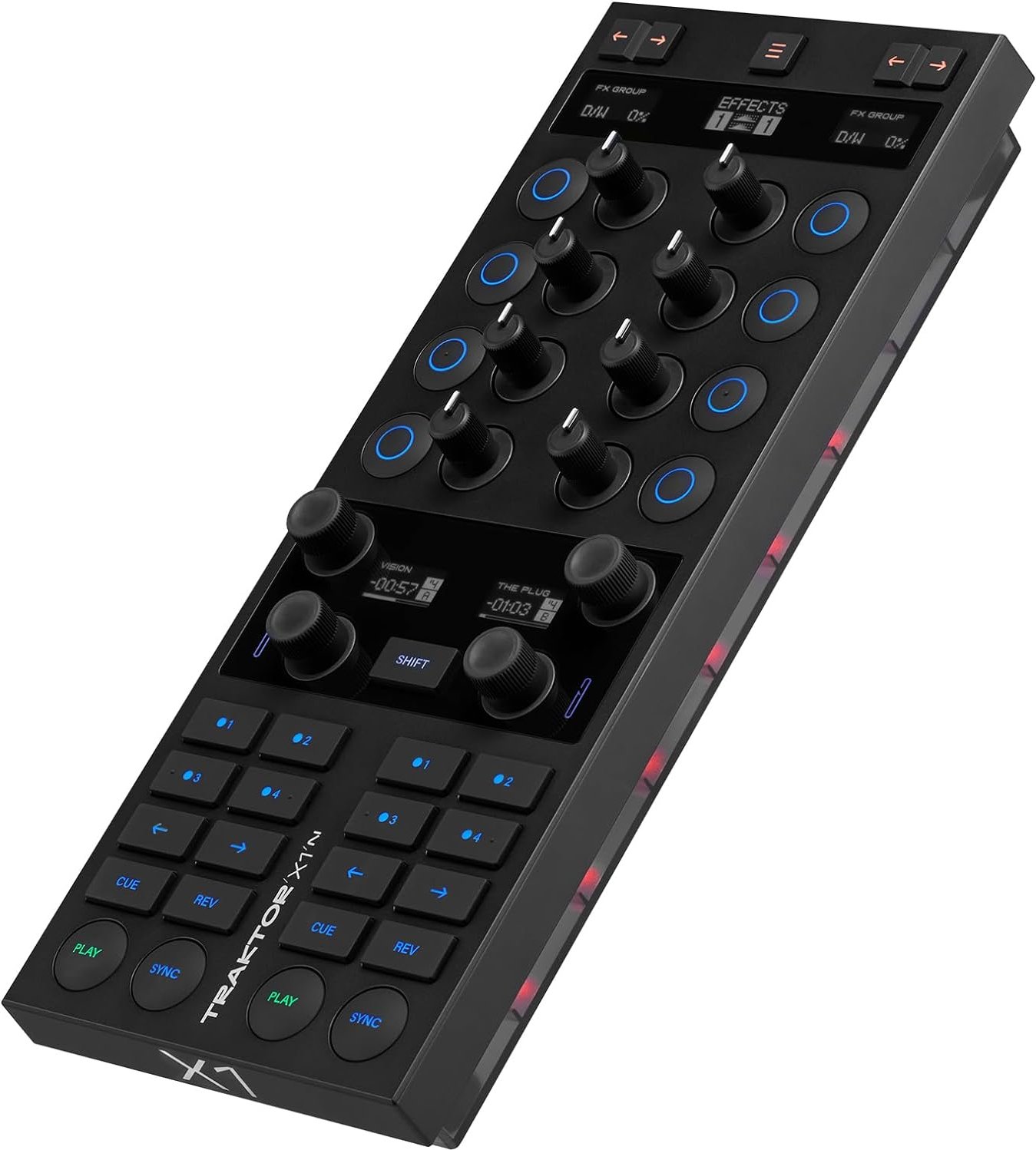
TRAKTOR manuals cover DJ-specific workflows: deck controls, mixer and effects sections, loop and cue management, timecode and vinyl control, beat detection and sync, and external hardware integration. They also include calibration procedures for controllers and sound cards.
KOMPLETE and Sound Libraries
KOMPLETE documentation is broader, often referencing individual instrument manuals while providing installation guidance for extensive sample libraries and content organization within Native Access. Manual sections may discuss library-specific features such as multis, layered instruments, and CPU/memory management strategies.
Installation, Authorization, and Native Access
A recurring chapter across Native Instruments manuals explains the Native Access application, which centralizes product installation, activation, updates, and library management. Details include:
- Creating or logging into a Native Instruments account.
- Registering serial numbers and redeeming product licenses.
- Downloading installers and sound libraries.
- Managing product updates and maintaining system compatibility.
- Offline activation procedures and troubleshooting license issues.
These sections are important for ensuring users can install products correctly and keep them up-to-date.
Tips for Effective Use
Native Instruments manuals often include practical tips and recommended workflows:
- Start with factory presets and analyze how patches are constructed.
- Use macro controls to simplify complex sound adjustments for live performance.
- Optimize sample streaming and use disk streaming options for large libraries.
- Map frequently used controls to hardware knobs and pads to speed up sound design.
- Keep drivers and OS up-to-date, and check system requirements before major upgrades.
Troubleshooting and Support
Manuals provide systematic troubleshooting steps: verifying system compatibility, checking audio and MIDI routing, resolving driver conflicts, resetting preferences, and addressing performance issues like CPU spikes or audio dropouts. They also point users to official support channels, community forums, knowledge base articles, and firmware updates when needed.
Localization and Accessibility
Native Instruments typically provides manuals in multiple languages for broader accessibility. Manuals also include clear diagrams, annotated screenshots, and sometimes keyboard shortcut tables for efficient navigation. For accessibility, some documents aim to be screen-reader friendly and provide clear textual descriptions of UI components.
Updates and Versioning
Manuals are versioned alongside product updates, with release notes highlighting new features, bug fixes, and changes to existing workflows. Reading the version-specific manual is important after major updates to understand new functionality and altered behavior.
Best Practices for Reading Manuals
- Read the Quick Start section first to get the product up and running.
- Consult the interface walkthrough when learning specific controls.
- Search the table of contents or use the PDF search function to find specific parameters or error codes.
- Follow recommended system settings to avoid latency and performance issues.
Community Resources and Tutorials
While manuals are authoritative references, the Native Instruments community and third-party educators provide additional tutorials, video walkthroughs, and preset packs that complement official documentation. Forums, social media groups, and tutorial platforms often clarify real-world workflows and offer practical examples beyond the manual’s scope.
Conclusion
Native Instruments manuals are essential resources for maximizing the potential of NI products. They cover installation, setup, hands-on operation, advanced sound design, and troubleshooting. Whether you are a beginner seeking straightforward setup instructions or a professional exploring deep technical details, the manuals provide structured, versioned, and searchable documentation to help you learn, troubleshoot, and innovate with Native Instruments’ hardware and software ecosystem.
Search for 166 Manuals online


Type-in Brand or Model