
Samsung HW-Q995D Manual
PDF manual · 31 Pages
English



Ask a Question
Frequently Asked Questions
Connect the supplied HDMI cable from the Soundbar HDMI TO TV (eARC/ARC) port to the TV HDMI ARC/eARC input. On the TV enable HDMI-eARC in sound settings if required. Select TV ARC/eARC on the soundbar and use the TV remote to control volume.
Is this answer helpful?
Q‑Symphony lets compatible Samsung TVs and the soundbar play simultaneously for wider immersion. Connect the soundbar to the TV (HDMI, optical or Wi‑Fi), then enable Q‑Symphony in the TV sound output settings if your TV supports it.
Is this answer helpful?
Power on subwoofer/surrounds, press and hold ID SET on their rear for 5 seconds until blue blinks, then press and hold Up on the soundbar remote for 5 seconds. Wait for LINK LED to glow solid blue confirming the connection.
Is this answer helpful?
Yes. Firmware updates occur automatically when the soundbar is online. You can also download the USB update file from Samsung support, unzip to a USB drive, insert it into the SERVICE port and power on the soundbar to perform the update.
Is this answer helpful?
Ensure wireless components are within ~10 m and clear of obstructions and interference (routers, microwaves). Reposition devices, check rear LED status, and perform manual ID SET reconnection if needed.
Is this answer helpful?
Enable SpaceFit Sound via the soundbar Sound Control button (turn it on with the Up button). The soundbar analyzes the listening space with its microphones and automatically adjusts audio. Some Samsung TVs also trigger this via Adaptive Sound+.
Is this answer helpful?
BT READY reconnects previously paired devices. BT PAIRING allows new devices to pair. Enter BT PAIRING by pressing PAIR on the remote or holding the Mic On/Off button for 5 seconds in BT mode.
Is this answer helpful?
Advantages and Disadvantages
Advantages

- Supports Dolby Atmos and DTS:X for immersive 3D audio and height effects.
- Multiple inputs (HDMI eARC, optical, HDMI in) plus Bluetooth, Wi‑Fi, AirPlay and SmartThings.
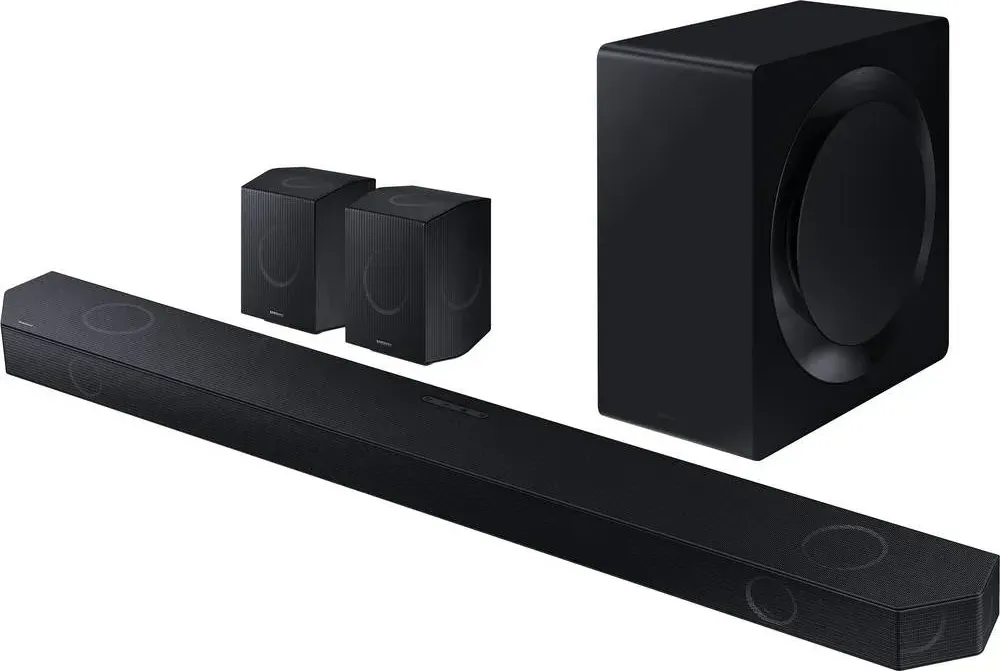
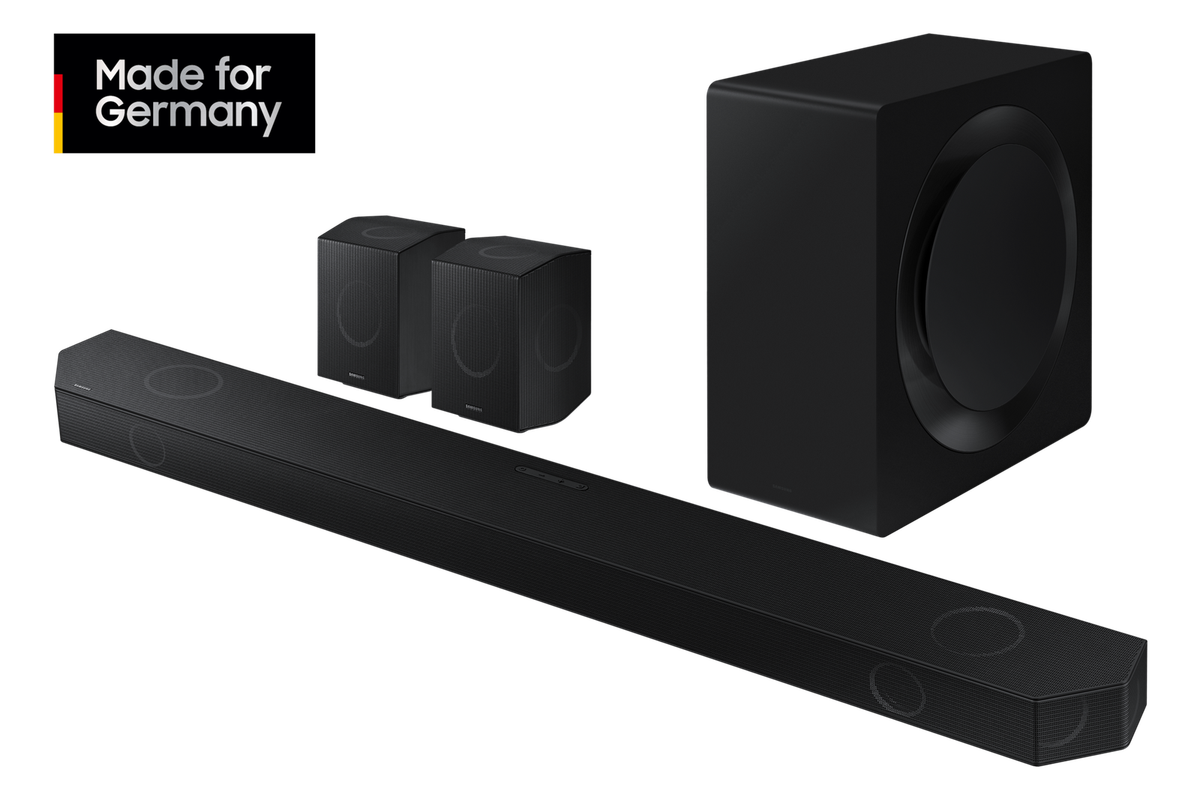
- Wireless subwoofer and surround speakers simplify placement and create wide soundstage.
- SpaceFit Sound room calibration and detailed EQ/channel level controls for tailored tuning.
- Q‑Symphony enables combined playback with compatible Samsung TVs for richer sound.
Disadvantages

- Some advanced features (Q‑Symphony, SpaceFit Sound) require compatible Samsung TVs.
- Wi‑Fi Dolby Atmos and Group Play are limited to certain TV and device models/years.
- Bluetooth supports SBC only—lossy codec may reduce wireless audio fidelity.
- Wireless range and performance depend on environment; metal walls and interference may disrupt links.
- Wall mounting requires careful selection of screws/anchors and proper installation to support weight.
Product Description
Samsung HW-Q995D — Immersive Home Theater Sound
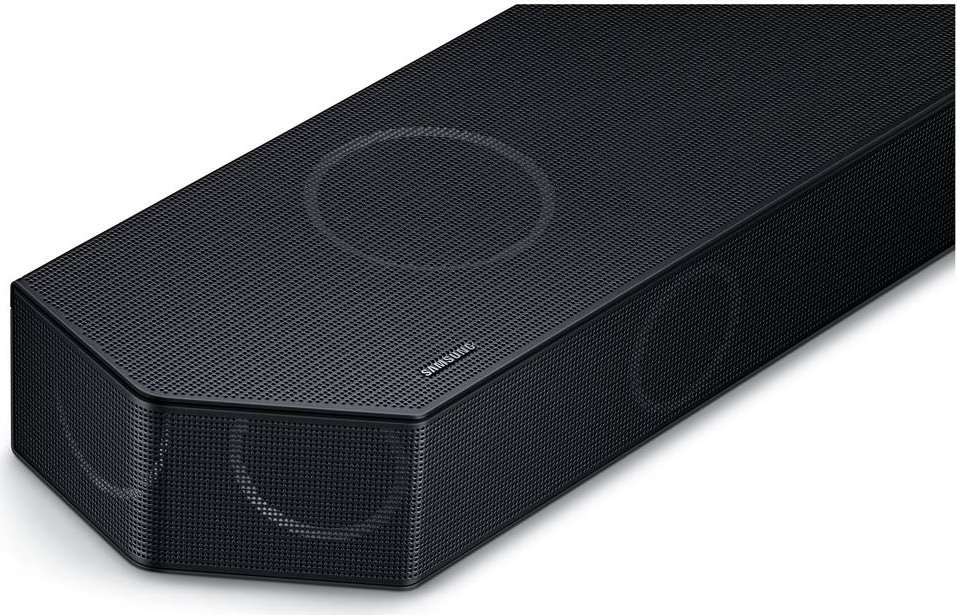
Experience cinematic audio with the Samsung HW-Q995D, a premium soundbar system designed to elevate movies, music, and gaming. Featuring Dolby Atmos and DTS:X support, this system delivers multidimensional sound through an expansive speaker layout that includes a powerful soundbar, wireless subwoofer, and wireless surround speakers. With up to 11.1.4 channel processing in some modes, the HW-Q995D produces immersive height, front, and rear channels for a true surround experience.
Key Features and Use Cases
The HW-Q995D supports HDMI eARC, optical and HDMI inputs, Bluetooth and Wi‑Fi connectivity, Apple AirPlay, and SmartThings integration for seamless setup with modern TVs and mobile devices. Q‑Symphony enables simultaneous playback from compatible Samsung TVs and the soundbar for richer sound staging. SpaceFit Sound automatically calibrates the audio to the room using the built‑in microphones, while adjustable EQ bands, sound modes (Standard, Surround, Game Pro, Adaptive Sound), and detailed channel-level controls let you tune performance to taste.
This soundbar is ideal for home theater enthusiasts who want object‑based audio (Dolby Atmos/DTS:X) for height effects, gamers seeking more immersive sound, and multiroom listeners using Wi‑Fi Group Play. The system supports firmware updates via Wi‑Fi or USB to keep features current, and the SmartThings Hub capability extends the unit into a smart home controller for compatible IoT devices.
Setup and Practical Notes
Installation offers flexible placement — wall mount or sit on a TV stand using included rubber feet. The recommended speaker layout and surround speaker positioning guidance help achieve optimal imaging. Wireless pairing for subwoofer and rear speakers is automatic but includes manual ID Set instructions when needed. Bluetooth pairing supports SBC/A2DP; use BT PAIRING for new devices or BT READY to reconnect previously paired devices. For the best Dolby Atmos or DTS:X playback, use certified Ultra High Speed HDMI cables and connect sources through HDMI inputs with the HDMI TO TV (eARC/ARC) port for full metadata passthrough.
Final Thoughts
The Samsung HW-Q995D blends high-channel object audio, versatile connectivity, and room calibration tools to deliver a premium, adaptable home audio solution. Its smart features and modular wireless components make it a top choice for immersive home entertainment setups.
Notes
- Use HDMI eARC for the highest-fidelity TV audio and enable eARC/HDMI-CEC on the TV when required.
- SpaceFit Sound and Q‑Symphony require compatible Samsung TVs for full functionality.
- Keep wireless components within recommended range and free of obstructions to avoid audio dropouts.
Search for 166 Manuals online


Type-in Brand or Model