

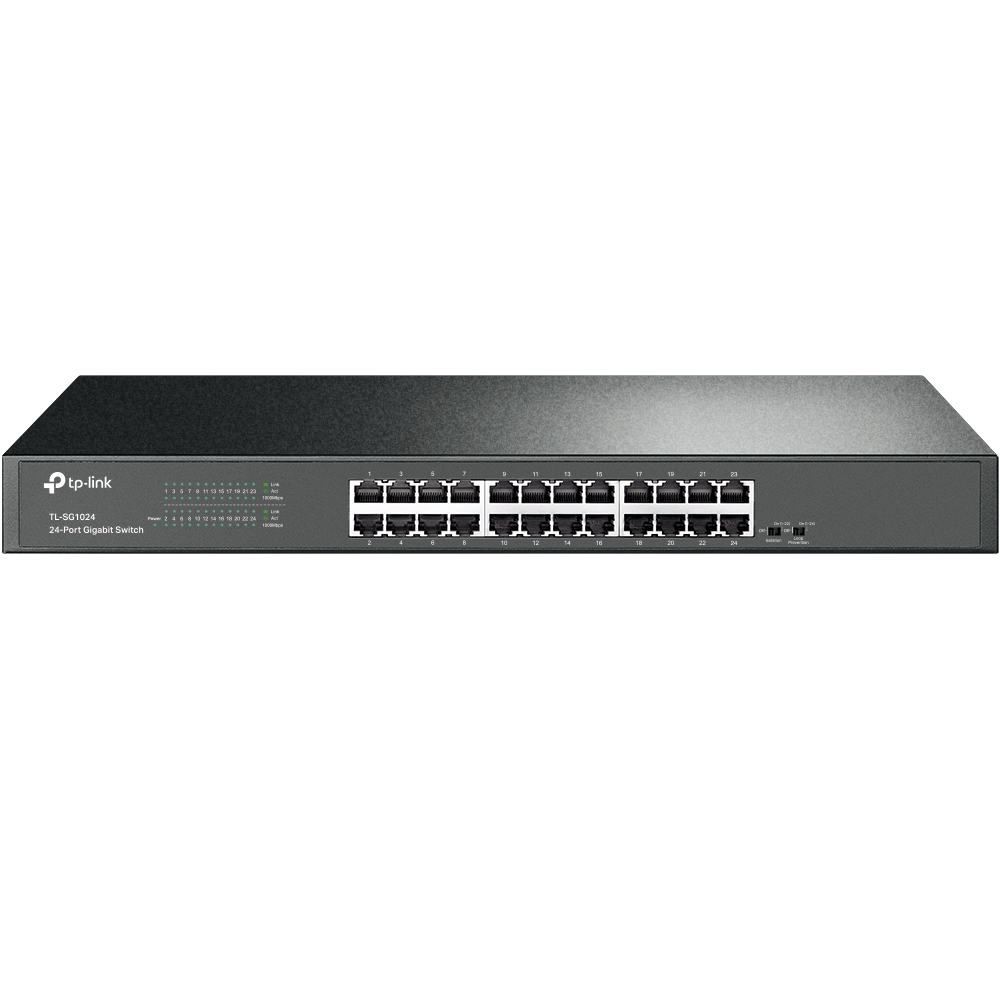
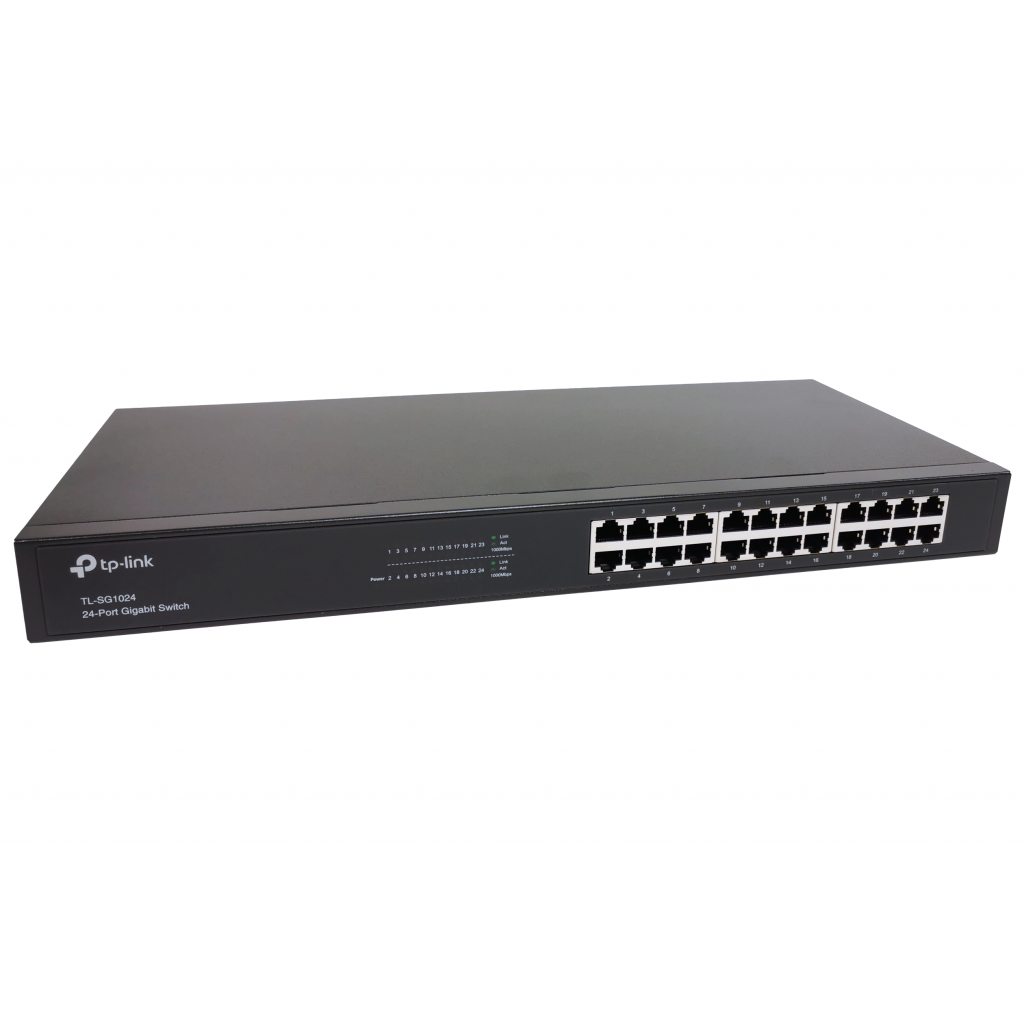
TP-Link TL-SG1024 Rackmount Gigabit Switch, 24x RJ-45 Manual
PDF manual · 32 Pages
English



Ask a Question
Frequently Asked Questions
Use Cat5e or better (Cat6 recommended) UTP/STP cable for 1000Base-T links, keeping each cable under 100 meters to ensure reliable Gigabit performance.
Is this answer helpful?
No. The TL-SG1024 is an unmanaged, plug-and-play switch that requires no software configuration. Ports support Auto-Negotiation and Auto-MDI/MDIX so devices can be connected directly.
Is this answer helpful?
Grounding can be done via the AC power PE conductor or by connecting a ground cable to the rear grounding terminal tied to a building grounding bar. The manual recommends short copper equipotential bonding cables (≥6 mm²) and using surge arresters for outdoor cabling.
Is this answer helpful?
On power-on the switch runs a self-test: LEDs flash briefly to reset. The Power LED lights when power is stable. Link/Act and 1000Mbps LEDs indicate port link status, activity and gigabit speed during operation.
Is this answer helpful?
Yes. The switch is rack-mountable and includes mounting brackets and fittings. Allow 5–10 cm clearance for airflow and follow mounting sequence recommendations in the manual.
Is this answer helpful?
Operate between 0°C and 40°C with 10% to 90% relative humidity (non-condensing). Store between -40°C and 70°C. Ensure adequate ventilation and avoid high-dust or high-interference areas.
Is this answer helpful?
TP-Link provides troubleshooting guides, firmware, drivers and user documentation on their support website; the manual lists the support URL for downloads and FAQs.
Is this answer helpful?
Advantages and Disadvantages
Advantages

- 24 Gigabit Auto-Negotiation RJ-45 ports with Auto-MDI/MDIX for simple, high-speed connectivity.
- Non-blocking switching architecture provides full wire-speed forwarding for maximum throughput.
- Rackmountable steel chassis with internal power supply for professional installations.
- Plug-and-play operation with MAC auto-learning/aging and diagnostic LEDs for easy troubleshooting.
- Comprehensive manual covering installation, grounding, lightning protection and safety guidance.
Disadvantages

- Unmanaged switch—no VLANs, QoS configuration, or advanced network management features.
- No PoE support on TL-SG1024 model; requires separate PSE switches for powered devices.
- Internal power supply may complicate replacement compared to hot-swappable modules.
- Physical installation and grounding guidance require attention to rack and cable practices.
- Class A device—may need mitigation for electromagnetic interference in residential settings.
Product Description
TP-Link TL-SG1024 Rackmount Gigabit Switch, 24x RJ-45 Manual
The TP-Link TL-SG1024 is a robust rackmount Gigabit unmanaged switch designed to upgrade wired networks to full 1000Mbps throughput. With 24 Auto-Negotiation RJ-45 ports supporting Auto-MDI/MDIX and full-duplex 1000Mbps performance, the TL-SG1024 provides a stable, plug-and-play backbone for small-to-medium office networks, server rooms, and creative workgroups that move large files or run bandwidth-intense applications.
Built on a non-blocking switching architecture, the TL-SG1024 forwards and filters packets at full wire speed, ensuring maximum throughput without complex configuration. Its MAC address auto-learning and auto-aging simplify deployment, while diagnostic LEDs make link, activity and speed status easy to verify. The switch offers desktop or standard 19-inch rack mounting in a sturdy steel chassis with an internal power supply for clean installation and a professional rack setup.
The manual covers physical installation steps, safety and environmental requirements, and lightning protection practices for both indoor and outdoor cabling. It emphasizes correct grounding—either through the AC power PE conductor or a dedicated grounding terminal—and explains equipotential bonding and the use of signal and power surge arresters. Practical guidance on rack mounting, ventilation clearances, site temperature/humidity ranges, and ESD precautions helps ensure reliable long-term operation.
Connection guidance in the manual includes RJ45 cabling rules, link verification, and a summary of the Power-On Self-Test behavior (LED patterns on startup). The documentation also lists troubleshooting tips for common issues such as unlit Power or Link/Act LEDs, and points users to TP-Link support and downloads for firmware and drivers.
Appendices provide detailed technical specifications and regulatory statements (FCC/CE), plus recommended cable categories (Cat5e or better for Gigabit) and environmental operating ranges. Overall, the TL-SG1024 manual focuses on safe, correct physical installation and practical deployment best practices for achieving consistent Gigabit performance.
Notes
- Designed for plug-and-play operation; no configuration needed.
- Use Cat5e or better cabling for 1000Mbps links.
- Maintain 5–10 cm clearance for airflow; operate at 0–40°C and 10–90% RH non-condensing.
- Follow grounding and lightning protection guidance to prevent surge damage.
Search for 166 Manuals online


Type-in Brand or Model