
Turtle Beach Ear Force XC1 Manual
PDF manual · 5 Pages
English



Ask a Question
Frequently Asked Questions
Insert the headset’s 2.5mm connector into the expansion port on the bottom of your Xbox 360 controller, then press the Xbox guide button, go to Settings > Preferences > Voice and select "Play Through Headset."
Is this answer helpful?
No. The XC1 uses a slotted ear cup design that allows ambient game audio to mix with chat so you can hear in-game cues while communicating with teammates.
Is this answer helpful?
Use the dedicated mic mute switch on the headset’s in-line controller to quickly mute or unmute your microphone without navigating dashboard menus.
Is this answer helpful?
Yes, but you should keep volume at moderate levels. Prolonged exposure to high volumes can cause hearing damage; start with low volume and increase gradually to a comfortable level.
Is this answer helpful?
The XC1 is designed for the Xbox 360 controller expansion port. It may work with other devices using a compatible 2.5mm connection or adapters, but full functionality and compatibility are not guaranteed.
Is this answer helpful?
Visit TurtleBeach.com/support for product support, warranty details, and additional product information provided by the manufacturer.
Is this answer helpful?
Advantages and Disadvantages
Advantages

- Slotted ear cup design preserves ambient game sound while enabling chat.
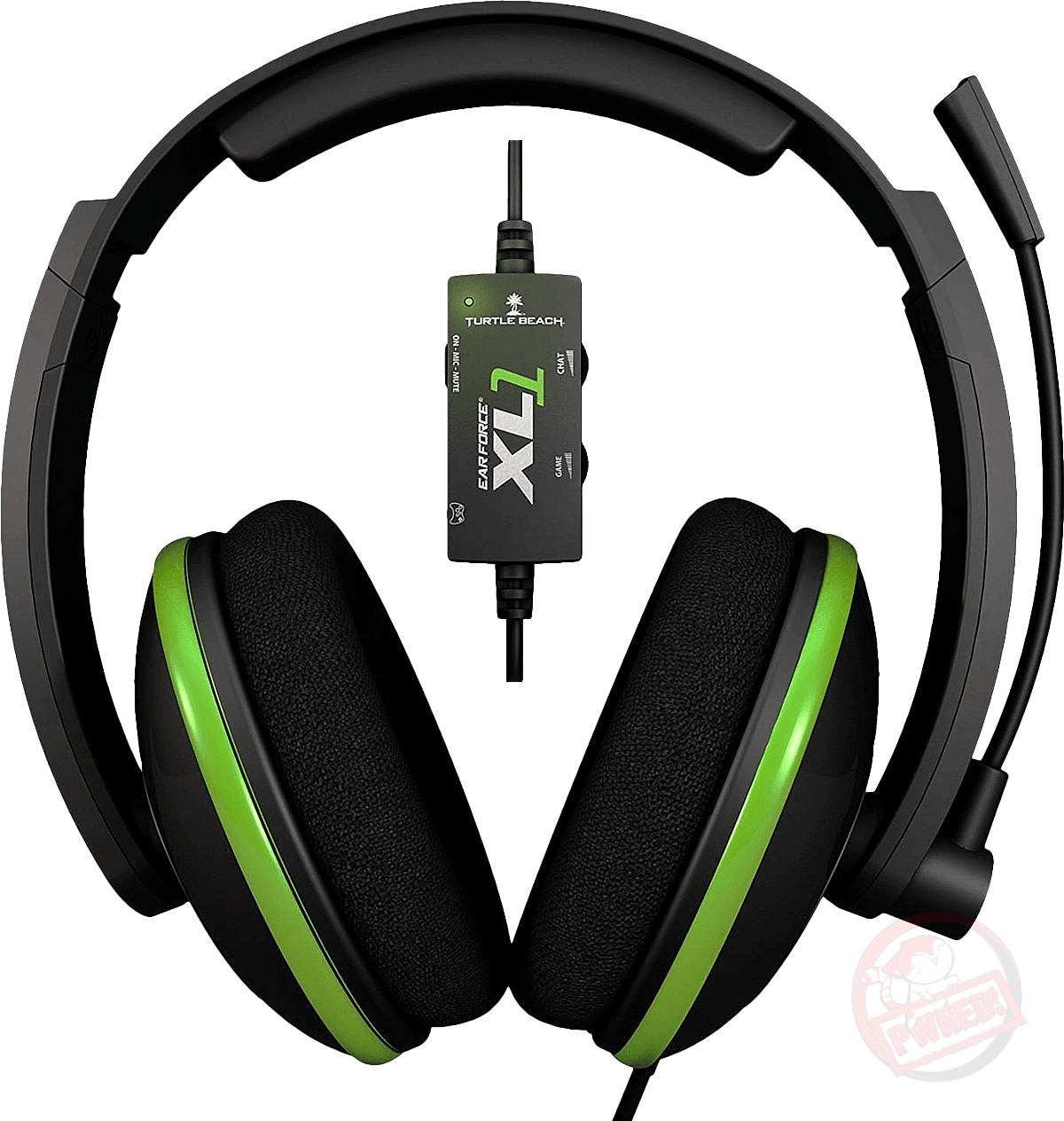
- In-line chat volume control for quick balancing of voice and game audio.
- Dedicated mic mute switch for instant privacy.
- Lightweight, comfortable design suited for extended play sessions.
- Simple plug-and-play 2.5mm connector for Xbox 360 controller compatibility.
Disadvantages

- Limited to Xbox 360 controller expansion port; not natively compatible with other platforms without adapters.
- Basic audio isolation due to slotted ear cup—less noise blocking in loud environments.
- Minimal feature set compared to modern headsets (no surround sound or detachable cable).
- Wired connection restricts movement versus wireless alternatives.
- Older model with limited advanced microphone or driver features.
Product Description
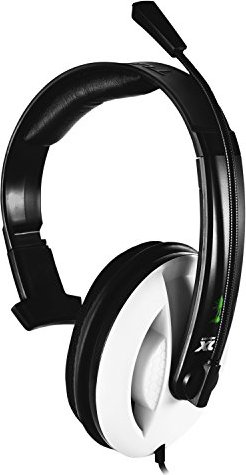
Turtle Beach Ear Force XC1 — Lightweight Xbox 360 Chat Headset
The Turtle Beach Ear Force XC1 is a compact, in-line controller headset designed for Xbox 360 gamers who prioritize clear party chat and situational awareness. Built around a slotted ear cup design, the XC1 allows ambient game audio to mix with chat, so you can hear in-game cues without removing the headset. Its simple 2.5mm connector plugs directly into the Xbox 360 controller expansion port for plug-and-play convenience.
Comfort and convenience are central to the XC1. The headset is lightweight and unobtrusive, making it ideal for long multiplayer sessions. An in-line chat volume control lets you dial in the balance between voice and game audio quickly, while a dedicated mic mute switch gives instant privacy when needed. The boom microphone is positioned for clear voice capture, and the overall design keeps setup minimal—just plug into the controller and enable "Play Through Headset" in the Xbox 360 voice settings.
Durability and safety are considered: disconnect cables before transporting and use moderate volume levels to avoid hearing damage. The XC1 conforms to regulatory standards and includes manufacturer support and warranty information through TurtleBeach.com/support. Its simple feature set and practical design make it a dependable choice for casual and competitive players who need reliable team communication without bulky hardware.
Whether you’re coordinating strategies or chatting with friends, the Ear Force XC1 offers a straightforward solution for in-game voice. Its mix of ambient awareness, in-line controls, and Xbox 360 compatibility makes it a practical headset for gamers seeking comfort and clear communication.
Notes
- Plug the 2.5mm connector into the Xbox 360 controller expansion port and set Voice > Play Through Headset in Preferences.
- Keep volume at safe levels; prolonged high volume can cause hearing damage.
- Disconnect cables before transporting to avoid damage.
Search for 166 Manuals online


Type-in Brand or Model