
Cooler Master Manuals
Manuals
Categories

Cooler Master Manuals
Overview
Cooler Master manuals are comprehensive guides provided by Cooler Master, a premier manufacturer of PC components and peripherals. These manuals are designed to help users install, configure, maintain, and troubleshoot a wide range of products including CPU coolers, cases, power supplies, fans, liquid cooling solutions, keyboards, mice, and other accessories. They combine clear step-by-step instructions, safety information, technical specifications, and diagrams to ensure users can maximize performance and longevity from their Cooler Master products.
Purpose and Importance
Installation Guidance
One of the primary purposes of Cooler Master manuals is to guide users through proper installation. Whether mounting a heavy air cooler onto a CPU socket, routing cables within a case, configuring fan headers, or installing a modular power supply, the manuals provide specific sequences and torque or tension recommendations. Proper installation reduces the risk of damage to components and ensures stable operation.
Safety and Compliance
Manuals include safety warnings and compliance statements to protect users and equipment. These sections typically cover electrical safety (for power supplies and devices that connect to mains power), proper handling of thermal compounds and liquids (for AIO and custom liquid cooling), and safe mechanical assembly. They may also reference regulatory marks and disposal instructions (e.g., WEEE directives) relevant to different regions.
Troubleshooting and Maintenance
Troubleshooting guides and maintenance tips help users identify common issues such as insufficient cooling, unusual noises, RGB lighting malfunctions, or software connectivity problems. Manuals often include diagnostic steps, suggested firmware or driver updates, and cleaning or lubrication advice to extend product lifespan.
Typical Manual Structure
Cooler Master manuals commonly follow a logical structure to make information easy to find:
- Title and model identification: Clear product name, model number, and revision date.
- Table of contents: Quick navigation points for key sections.
- Safety information: Precautions, warnings, and required certifications.
- Parts list and package contents: Inventory of included screws, brackets, cables, and accessories, often with diagrams for identification.
- Installation instructions: Step-by-step instructions with illustrations for assembling or mounting the product.
- Software and firmware: Information on downloadable utilities, drivers, RGB control apps (e.g., MasterPlus+, compatibility notes), and update procedures.
- Maintenance and care: Cleaning schedules, recommended solvents or tools to avoid, and component replacement guidance.
- Troubleshooting: Symptom-to-solution matrices for common faults.
- Technical specifications: Electrical ratings, physical dimensions, thermal performance metrics, fan curves, connector pinouts, and compatibility lists (e.g., CPU socket support).
- Warranty and support: Warranty coverage, contact information, and steps for RMA.
Types of Manuals by Product Category
CPU Air Coolers and AIO Liquid Coolers
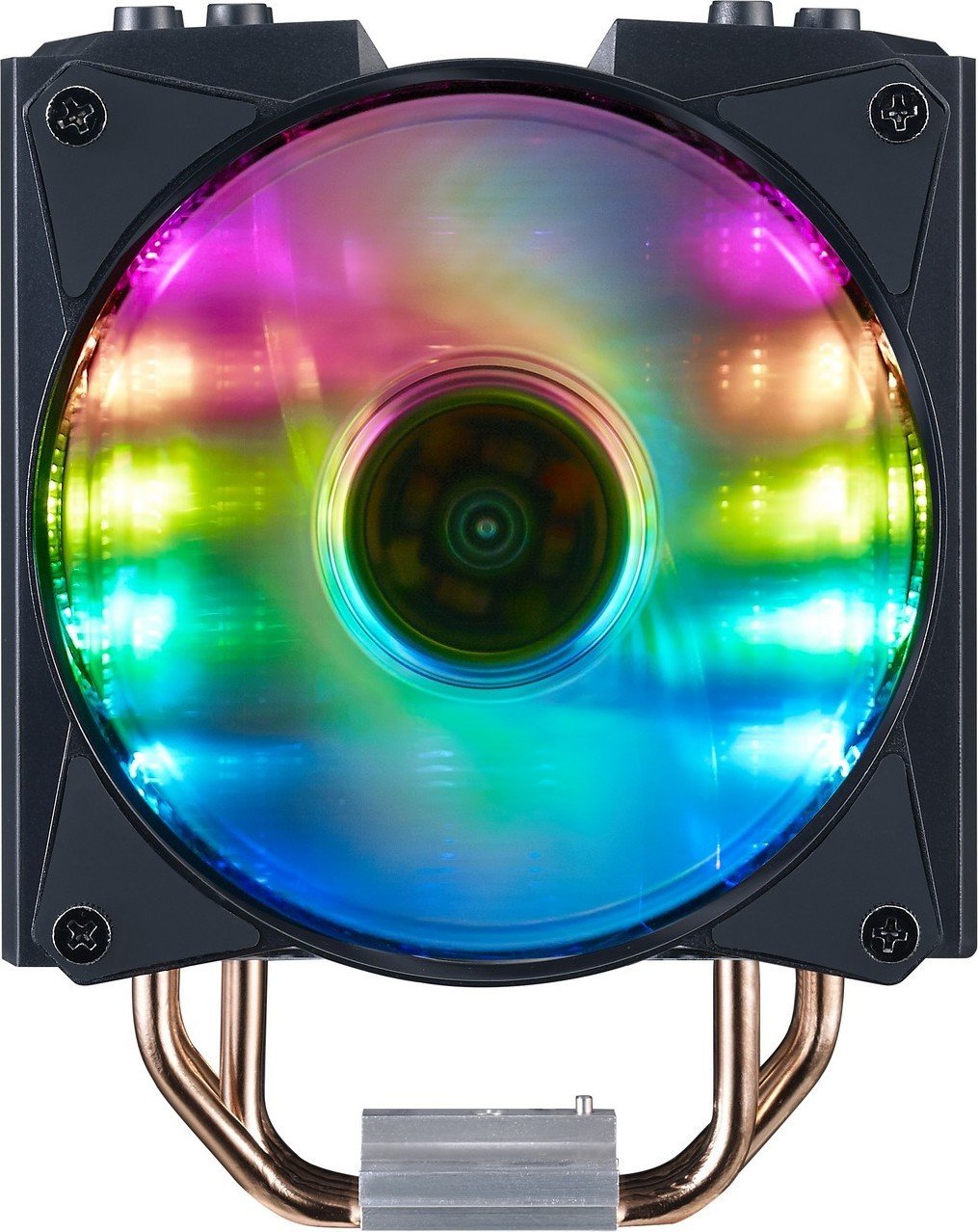
Manuals for coolers emphasize mounting hardware differences across CPU sockets (Intel vs AMD), backplate installation, pressure distribution for mounting brackets, and safe application of thermal paste. For AIO liquid coolers, additional sections cover radiator mounting orientation, tubing routing, pump installation, and bleed procedures if applicable. Performance testing figures or recommended fan configurations may be included.
Cases and Chassis
Case manuals detail layout options for drives, motherboard standoffs, radiator and fan positions, cable routing channels, and accessory panels. They often include multiple build examples to accommodate different GPU lengths, PSU depths, and storage configurations. Manuals also call out removable dust filters, filter cleaning instructions, and guidelines for tool-less drive bays.
Power Supplies
PSU manuals prioritize electrical safety: proper mains wiring, connector pinouts, supported voltages, continuous vs peak wattage ratings, and modular cable usage. They include installation steps for securing the PSU in the case, airflow orientation guidance, and warnings about opening the unit (voiding warranty and exposing high-voltage capacitors).
Fans and RGB Accessories
Fan manuals explain connector types (3-pin PWM, 4-pin RGB, ARGB 3-pin 5V), voltage and current limits, and daisy-chaining procedures for addressable LEDs. They include instructions for using fan controllers or motherboard BIOS settings to configure fan curves, and explain common error states like reversed polarity or incompatible controller protocols.
Peripherals (Keyboards, Mice, Headsets)
Peripherals manuals include device layout diagrams, button mapping instructions, switch replacement guides (if supported), and tips on customizing RGB profiles via Coolermaster software. For mechanical keyboards, they may include keycap puller usage, stabilizer lubrication recommendations, and firmware flashing steps.
Software Integration and MasterPlus+
Cooler Master often pairs hardware with software utilities such as MasterPlus+ for RGB lighting, fan control, and performance monitoring. Manuals provide download links, system requirements, and step-by-step setup guidance. Key points include:
- Compatibility matrix for supported devices.
- Instructions for detecting and registering hardware within the app.
- Creating and assigning lighting profiles and macros.
- Updating firmware for devices that support it, with rollback cautions.
Software sections emphasize safeguarding user settings and recommend backing up profiles before major updates.
Reading and Following Manuals Effectively
To get the most from a Cooler Master manual, users should:
- Verify the exact product model and revision to ensure instructions match their unit.
- Inspect package contents against the parts list before beginning assembly.
- Follow safety warnings before applying power or exposing internal components to avoid voiding warranties.
- Use the recommended tools and avoid over-tightening screws to prevent damage.
- Keep the manual accessible for future maintenance, firmware updates, or troubleshooting.
Common Troubleshooting Topics
Manuals often address frequent user issues such as:
- Fans not spinning: checking connectors, BIOS fan headers, and fan control profiles.
- RGB not responding: verifying cable type (ARGB vs RGB), software detection, and controller power.
- Leaks or pump failure in AIO units: warranty procedures and immediate steps to power down and dry components.
- Compatibility issues: confirming CPU socket support, clearance for tall RAM modules, or GPU length limitations.
Internationalization and Accessibility
Cooler Master manuals are typically available in multiple languages to serve global customers. They may include localized safety icons and region-specific compliance statements. Many manuals also provide downloadable PDFs and online flipbooks for easier access.
Warranty, Support, and RMA
Manuals outline warranty terms, coverage durations, and limitations (e.g., misuse, unauthorized modifications). They direct users to online support portals, community forums, and official contact channels for technical assistance or to initiate RMA. Clear instructions on packaging returns and required information (proof of purchase, serial numbers) help expedite support.
Where to Find Manuals
Official Cooler Master manuals can be found on the Cooler Master website under product support pages. They are also hosted on product pages, included as PDFs in downloads sections, and sometimes bundled on product packaging as printed quick-start guides. Third-party resources like enthusiast forums and tutorial sites may complement manuals with build logs and community tips.
Best Practices for Manufacturers and Users
Manufacturers should ensure manuals are clear, up-to-date, and include high-resolution diagrams. Users should keep the latest manual for their specific model and check for firmware or software updates that may change installation or troubleshooting steps.
Conclusion
Cooler Master manuals are an essential resource for building, maintaining, and troubleshooting Cooler Master hardware. They combine technical detail, safety information, and practical tips to help users achieve reliable performance. Proper use of these manuals reduces installation errors, extends component life, and ensures safer operation across the broad range of Cooler Master products.
Search for 166 Manuals online


Type-in Brand or Model