
Cooler Master MasterAir MA410M Manual
PDF manual · 16 Pages
English



Ask a Question
Frequently Asked Questions
The MA410M supports Intel LGA 2066/2011/1366/115x/775 and AMD AM4/AM3+/AM3/AM2+/AM2/FM2+/FM2/FM1. Cooler Master includes the necessary brackets and hardware for mainstream and many legacy sockets.
Is this answer helpful?
Yes. The cooler uses addressable RGB compatible with ASUS Aura Sync, ASRock Polychrome, Gigabyte Fusion, and MSI Mystic Light. It connects via 3-pin or 4-pin headers; verify your motherboard header type before connecting.
Is this answer helpful?
The MA410M offers strong air cooling for mainstream and many overclocked CPUs, especially in push-pull configuration. However, it typically won’t match the peak thermal performance of larger tower coolers or closed-loop liquid AIOs for extreme overclocking.
Is this answer helpful?
Its compact height is designed to minimize RAM clearance issues on most motherboards, but very tall RAM with large heatspreaders may still require checking physical clearance prior to installation.
Is this answer helpful?
Installation is straightforward if you follow the included diagrams and select the correct brackets for your socket. Beginners may find it slightly fiddly but manageable with basic PC-building experience.
Is this answer helpful?
Yes. The package includes screws, brackets, backplates, and other mounting hardware required for supported Intel and AMD sockets, as indicated in the product documentation.
Is this answer helpful?
Fans are balanced for airflow and noise; they remain relatively quiet at moderate loads but can become audible at higher RPMs during sustained heavy CPU workloads.
Is this answer helpful?
Advantages and Disadvantages
Advantages

- Broad socket compatibility across modern and legacy Intel and AMD platforms.
- Dual-fan push-pull setup improves sustained thermal performance versus single-fan designs.
- Addressable RGB lighting compatible with major motherboard sync ecosystems.
- Compact height reduces RAM clearance conflicts in most mid-tower builds.
- Nickel-plated direct-contact heatpipes and dense fin array for efficient heat transfer.
Disadvantages

- Not as capable as large tower air coolers or AIOs for extreme overclocking scenarios.
- Installation can be fiddly for first-time builders due to multiple brackets and fasteners.
- RGB header variations may require adapters or careful pin alignment before connection.
- Fans can become noticeably audible at high RPMs under heavy CPU loads.
- May still be unsuitable for very small form-factor cases despite compact profile.
Product Description
Cooler Master MasterAir MA410M Manual
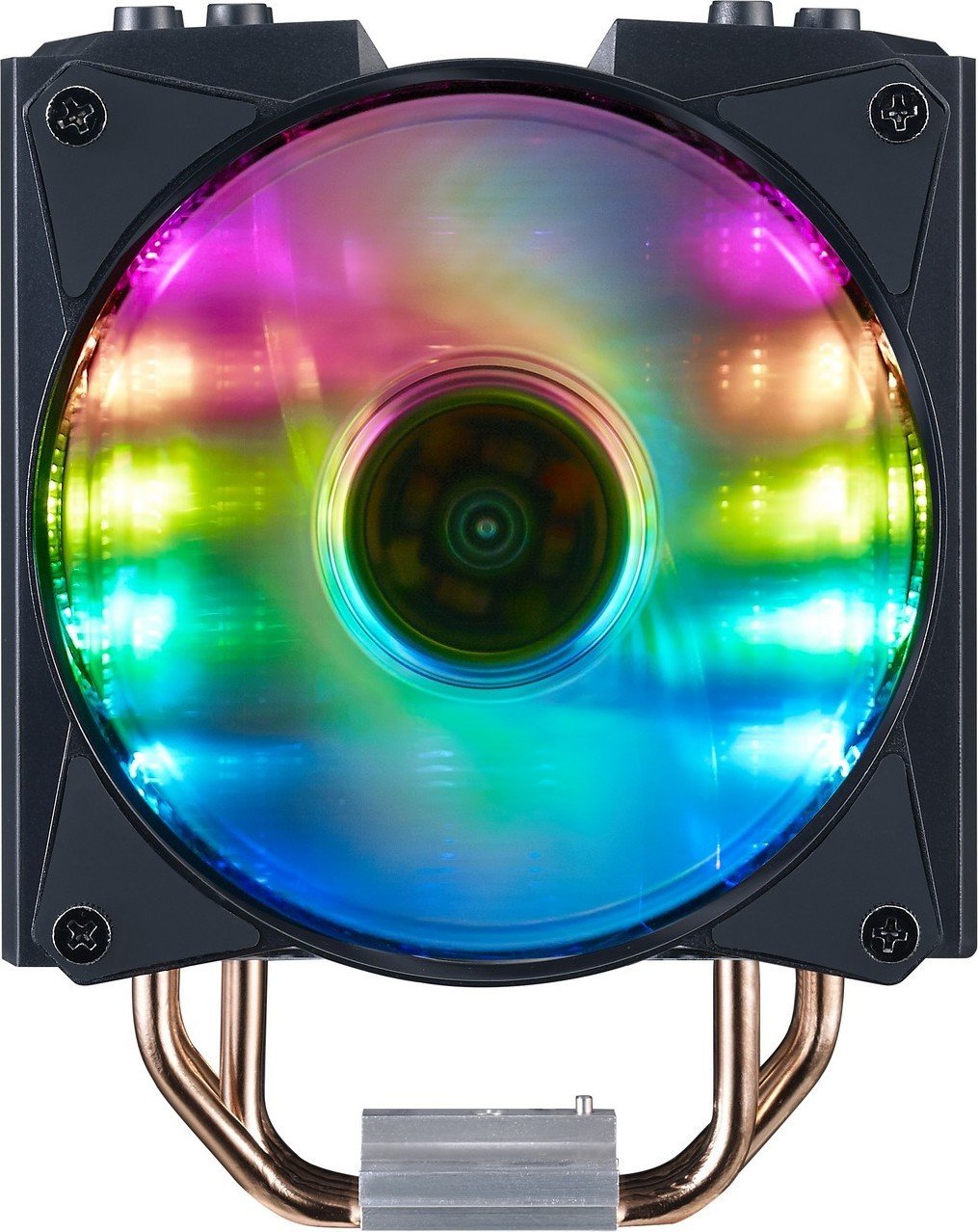
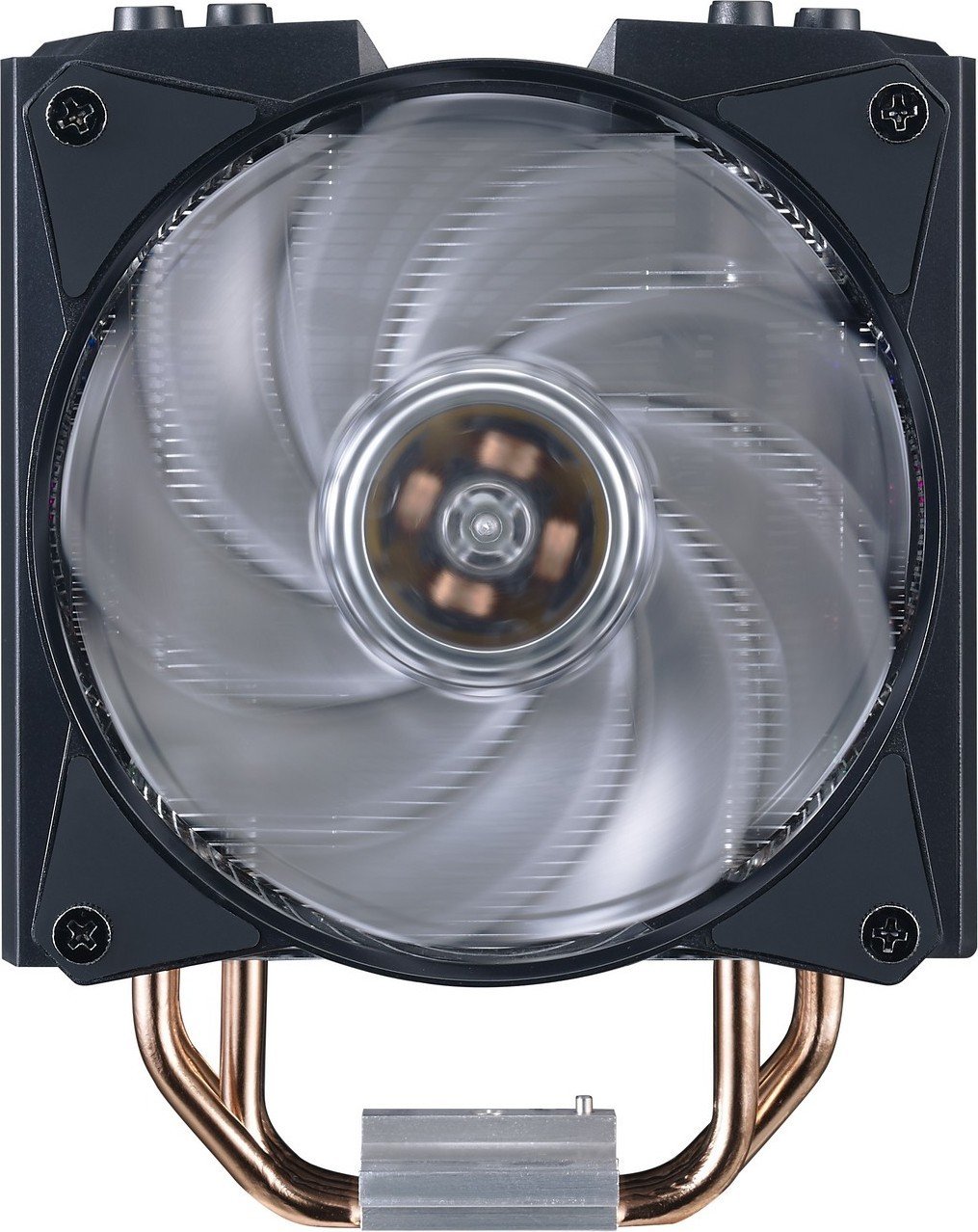
The Cooler Master MasterAir MA410M is a compact, high-performance CPU air cooler designed for mainstream and enthusiast builds. With a focus on efficient heat dissipation, refined aesthetics, and broad socket compatibility, the MA410M blends reliable cooling performance with customizable RGB lighting to suit modern gaming and productivity PCs. Its four-stack heatpipe tower, paired with a dual-fan push-pull configuration and precision-engineered aluminum fins, helps maintain lower CPU temperatures under sustained load while keeping noise levels reasonable.
Key features and design
The MA410M uses four nickel-plated heatpipes that make direct contact with the CPU, transferring heat into a dense fin array. The package supports a dual-fan setup for improved airflow: the primary fan delivers strong static pressure across the fins while the second fan in push-pull mode increases overall heat exchange. The cooler includes addressable RGB lighting compatible with major motherboard sync systems like ASUS Aura Sync, ASRock Polychrome, Gigabyte Fusion, and MSI Mystic Light, allowing for synchronized lighting effects. Its compact height makes it suitable for many mid-tower cases without interfering with tall memory modules.
Compatibility and installation
This cooler supports a wide range of Intel and AMD sockets, including modern and legacy platforms such as Intel LGA 2066/2011/1366/115x/775 and AMD AM4/AM3+/AM3/AM2+/AM2/FM2+/FM2/FM1. Cooler Master supplies the necessary mounting hardware, brackets, and fasteners for both Intel and AMD installations. The manual provides step-by-step diagrams for mounting to different socket types, ensuring secure contact and straightforward installation for builders with basic experience. Included documentation also covers header pinouts for 3-pin and 4-pin fans and 3-pin addressable RGB connectors common to motherboard manufacturers.
Performance and user experience
In real-world use, the MA410M balances cooling capability and acoustics—suitable for mid-range CPUs and many overclocked setups when paired with good case airflow. The dual-fan push-pull arrangement yields noticeably better sustained cooling than a single-fan configuration, especially under multi-threaded workloads. The RGB implementation enhances visual appeal without compromising thermal performance, and compatibility with major RGB ecosystems simplifies lighting control.
Notes
- Includes all mounting accessories for both Intel and AMD platforms.
- Addressable RGB supports various 3-pin and 4-pin header standards; consult motherboard header labels before connecting.
- Compact profile helps avoid RAM clearance issues on most motherboards.
Pros and Cons
Pros:
- Broad socket compatibility across modern and legacy Intel/AMD platforms.
- Dual-fan push-pull improves sustained thermal performance.
- Addressable RGB compatible with major motherboard sync ecosystems.
- Compact height reduces RAM clearance conflicts.
- Nickel-plated heatpipes and dense fins for efficient heat transfer.
Cons:
- Performance limited compared to large tower or AIO liquid coolers for extreme overclocks.
- Installation may be fiddly for first-time builders due to multiple brackets.
- RGB header differences between motherboard vendors can require adapter or careful pin alignment.
- Fans may produce audible noise at higher RPMs under heavy load.
- Not ideal for very tight small-form-factor cases despite compact height.
Most important results
- Broad socket support: Works with Intel LGA 2066/2011/1366/115x/775 and AMD AM4/AM3+/AM3/AM2+/AM2/FM2+/FM2/FM1.
- Dual-fan push-pull improves cooling versus single-fan setups for sustained CPU loads.
- Addressable RGB lighting compatible with ASUS Aura, ASRock Polychrome, Gigabyte Fusion, and MSI Mystic Light.
- Compact cooler height reduces RAM clearance issues in many mid-tower builds.
- Nickel-plated direct-contact heatpipes and dense fins provide efficient heat dissipation.
FAQ
-
Q: Which CPU sockets does the MA410M support? A: The MA410M supports a wide range including Intel LGA 2066/2011/1366/115x/775 and AMD AM4/AM3+/AM3/AM2+/AM2/FM2+/FM2/FM1; included brackets cover most mainstream and legacy sockets.
-
Q: Does the MA410M include RGB control and is it motherboard compatible? A: Yes, it features addressable RGB compatible with major sync systems (ASUS Aura Sync, ASRock Polychrome, Gigabyte Fusion, MSI Mystic Light) and connects via 3-pin or 4-pin RGB headers; check your motherboard header type.
-
Q: How does the cooler perform compared to AIOs or larger air towers? A: The MA410M delivers strong performance for mainstream and many overclocked CPUs, especially with push-pull fans, but it generally won’t match high-end large tower air coolers or AIO liquid solutions for extreme overclocking.
-
Q: Will the MA410M block tall RAM modules? A: Its compact height minimizes RAM clearance issues on most motherboards, but very tall RAM with large heatspreaders may require checking clearance before installation.
-
Q: Is the installation difficult for beginners? A: Installation requires following the included manual diagrams and attaching the correct brackets for your socket; it’s straightforward for those with basic PC-building experience but may take extra time for first-timers.
-
Q: Are all mounting accessories included? A: Yes, Cooler Master supplies the necessary screws, brackets, and backplates for supported Intel and AMD sockets in the package.
-
Q: Will the fans be quiet during use? A: Fans are tuned to balance airflow and noise; they remain reasonably quiet at moderate loads but can become audible at higher RPMs under sustained heavy CPU demand.
Search for 166 Manuals online


Type-in Brand or Model