
Digitus Manuals
Manuals
Categories


Digitus Manuals
Overview
Digitus Manuals represent a comprehensive collection of user guides, technical documents, and setup instructions produced for Digitus-branded networking, connectivity, and peripheral devices. These manuals are designed to help end-users, IT professionals, and system integrators install, configure, troubleshoot, and maintain a wide range of products, including switches, network adapters, KVM switches, docking stations, cables, adapters, and USB hubs. The content typically spans from quick-start guides to in-depth technical references, offering step-by-step procedures, diagrams, specifications, safety information, and firmware or driver update instructions.
Purpose and Audience
Purpose
The primary purpose of Digitus Manuals is to provide clear, actionable, and reliable information that ensures correct device setup and operation, reduces user errors, and minimizes downtime. Manuals also support warranty and service processes by detailing maintenance steps and specifying environmental or operational constraints.
Intended Audience
- End-users who require straightforward installation and basic operational guidance.
- IT administrators and technicians who need advanced configuration, network integration, and troubleshooting procedures.
- System integrators and resellers seeking specification sheets, compatibility data, and mounting or rack-mount instructions.
Common Components of Digitus Manuals
Product Introduction
Most manuals begin with an overview describing the product, its intended use cases, and the package contents. This section often highlights key features, supported standards (e.g., USB versions, Ethernet speeds, PoE support), and compatibility notes for operating systems or hardware.
Safety and Regulatory Information
Digitus Manuals include safety warnings, regulatory compliance statements (CE, FCC, RoHS), and disposal instructions. This section ensures users adhere to safe handling practices, avoid electrical hazards, and comply with local regulations for waste management and recycling.
Hardware Description and Specifications
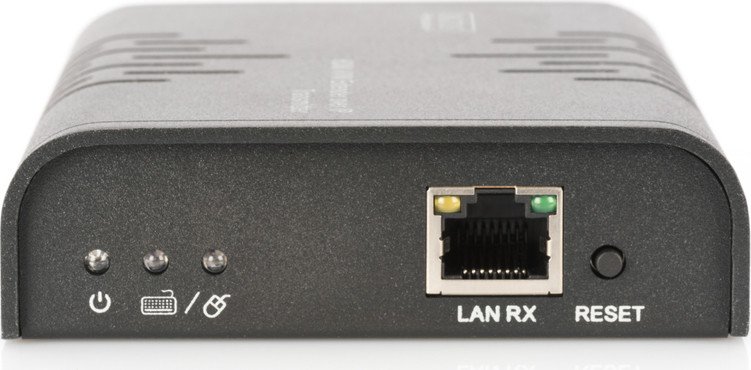
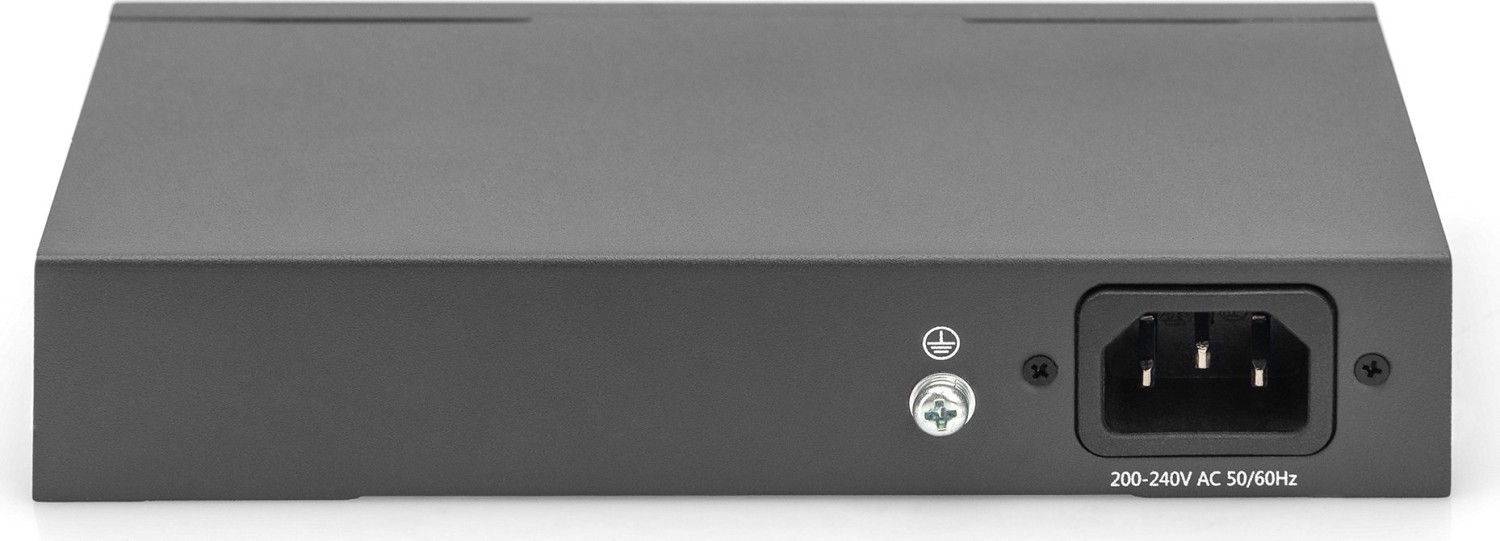
Detailed hardware descriptions explain the physical layout of the device, labels for ports, LEDs, buttons, and any removable components. Product specifications provide electrical, mechanical, environmental, and performance metrics, such as:
- Dimensions and weight
- Power requirements and consumption
- Supported network speeds and protocols
- Operating temperature and humidity ranges
Installation and Setup
Step-by-step installation guides cover both physical installation (mounting, cabling, power connection) and software setup (driver installation, firmware updates, and application configuration). These instructions often include:
- Quick start sections for basic connectivity
- Detailed configuration examples for more complex deployments
- Diagrams and images illustrating port connections
Network and Software Configuration
For networking equipment, manuals provide configuration details for switching, VLANs, link aggregation, QoS, SNMP, and other management features. For devices requiring drivers or utilities (e.g., docking stations and KVMs), instructions for installing and using vendor software are provided, along with troubleshooting tips for driver conflicts or OS-specific issues.
Troubleshooting and Diagnostics
A dedicated troubleshooting section helps users diagnose common problems, such as power issues, connectivity faults, or performance degradation. Manuals list diagnostic steps, LED indicator meanings, error codes, and recommended corrective actions. Advanced diagnostics may include CLI commands, log file locations, and methods for collecting data for support.
Maintenance, Firmware, and Updates
Guidance on maintaining the device—such as cleaning, firmware update procedures, backup of settings, and restoring factory defaults—is included. Firmware update sections typically explain:
- Supported update methods (web interface, TFTP, vendor utility)
- Pre-update precautions (backups and power stability)
- Step-by-step update instructions and rollback options
Compliance, Warranty, and Support
Information about warranty terms, customer support contacts, and how to obtain replacement parts or service is provided. Manuals also reference conformity declarations and certifications relevant to different regions.
Style and Accessibility
Digitus Manuals aim to balance technical accuracy with readability. They often adopt a modular structure so readers can quickly find relevant sections. To enhance accessibility, manuals may include:
- Clear headings and subheadings
- Numbered steps for procedural tasks
- Visual aids such as labeled diagrams, tables, and icons
- Multilingual sections or separate language editions
Examples of Device-Specific Content
Network Switches
Manuals for Digitus switches include port descriptions, VLAN setup, spanning tree protocols, PoE specifications, link-state indicators, and management interfaces (web GUI, SSH). Advanced topics may cover stacking, firmware compatibility, and performance tuning.
Docking Stations and Hubs
These manuals describe supported video resolutions, USB power delivery limits, driver installation, multi-monitor setups, and recommended cables. They also detail common problems like video flicker, handshake issues with different GPU vendors, or bandwidth limitations when multiple high-speed devices are connected.
KVM Switches
KVM documentation includes connection diagrams for keyboard, video, and mouse signals, hotkey combinations, switching modes (push-button, hotkey, OSD), and cascade configurations for multiple units. Compatibility notes for special keyboards, mice, and multimedia keys are common.
Adapters and Cables
Manuals for adapters and cables summarize supported protocols (e.g., DisplayPort to HDMI), maximum supported resolutions and refresh rates, pinouts, and best practices to avoid signal degradation. They may also provide troubleshooting tips for intermittent connections or lack of handshake between devices.
How to Use Digitus Manuals Effectively
- Start with the Quick Start section to verify the package contents and perform a basic connection test.
- Refer to the hardware layout and LED indicators to interpret device status during setup.
- Follow firmware and driver update instructions precisely, ensuring stable power and backups where applicable.
- Use the troubleshooting checklist before contacting support, so you can provide diagnostic details and error codes.
- Keep the manual or a digital copy available near the device for maintenance and reference.
Where to Find Digitus Manuals
Digitus Manuals are commonly available on the manufacturer’s official website, often linked from product pages. They may be provided in multiple languages and formats (PDF, HTML). Resellers and support portals also host manuals, and some community forums or knowledge bases extract and discuss manual content for specific troubleshooting scenarios.
Conclusion
Digitus Manuals are essential resources for successfully deploying and maintaining Digitus networking and peripheral devices. They provide structured, practical guidance from installation to advanced configuration and troubleshooting. Proper use of these manuals helps ensure devices operate safely, reliably, and within specified performance parameters, while enabling quicker resolution of issues through clear diagnostic steps and support information.
Search for 166 Manuals online


Type-in Brand or Model