
Feiyu Tech G6 Max Manual
PDF manual · 26 Pages
English



Ask a Question
Frequently Asked Questions
The G6 Max supports up to 1200g payload after proper balancing. Ensure the camera and lens are balanced across pan, tilt and roll before powering on to achieve optimal stabilization and avoid overworking the motors.
Is this answer helpful?
The theoretical battery life is about 9 hours, but real-world runtime depends on payload, motor power settings and usage (continuous movement, motor load and features like Bluetooth/Wi‑Fi). Heavier setups and higher motor tuning reduce battery life.
Is this answer helpful?
It’s compatible with many mirrorless and compact cameras (examples: Sony RX100 series, a6300/a6500/a6400, Canon EOS M50/RP, Panasonic GH/GX series) and action cams like GoPro HERO. Camera control features may vary by brand and connection method.
Is this answer helpful?
Use the Feiyu ON app to upgrade firmware. Keep your phone screen on, stay on the upgrade page, and avoid interrupting the process. Motors may power off during upgrade. If failure occurs, reboot the gimbal and retry; follow recovery prompts if needed.
Is this answer helpful?
Modes include Pan (default), Follow, All-Follow, Lock, Timelapse, Inception (360° spin), Portrait and customizable routes. The multifunction knob and trigger also enable fast-follow, axis control, follow focus and zoom where camera support exists.
Is this answer helpful?
Balancing is critical. Improper balance reduces stabilization performance, increases motor strain and shortens battery life. Unlock axis locks, adjust sliding arms and quick release plate until the camera stays level at rest, then power on.
Is this answer helpful?
Yes—via Feiyu ON app and supported shutter/connection cables or camera Wi‑Fi (2.4GHz for some action cams). Once paired, the shutter and mode buttons can trigger photo/video and camera functions depending on camera compatibility.
Is this answer helpful?
Advantages and Disadvantages
Advantages

- Supports up to 1200g payload after balancing, enabling mirrorless and compact setups.
- Dedicated position locks and sliding arms make pre-power balancing straightforward.
- Touchscreen, joystick and multifunction knob provide fast, tactile control on the fly.
- Feiyu ON app adds timelapse, inception, route setting, firmware upgrades and tracking.
- Multiple camera connection options (Wi‑Fi and shutter cables) and broad model compatibility.
Disadvantages

- Actual battery life varies; heavy payloads and high motor power reduce runtime significantly.
- Some features (follow focus, zoom) depend on camera compatibility and may need cables or app support.
- Firmware upgrades require uninterrupted phone/app connection and can temporarily disable motors.
- Charging via wrong Type‑C port (fixed plate) can damage the circuit board—care required.
- Proper balancing is essential; poor balance reduces stabilization and may strain motors.
Product Description
Feiyu Tech G6 Max — Comprehensive Guide and Hands-On Overview
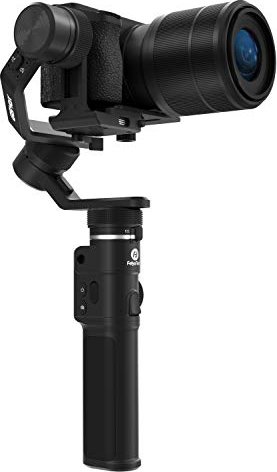
The Feiyu Tech G6 Max is a 3-axis handheld gimbal designed for mirrorless cameras, compact cameras, action cams and smartphones (with adapter). Lightweight yet capable, it supports up to 1200g payload after proper balancing, delivering up to nine hours of theoretical battery life and a full suite of shooting modes for vloggers, filmmakers and photographers who need stable, smooth footage on the move.
Key features and usability
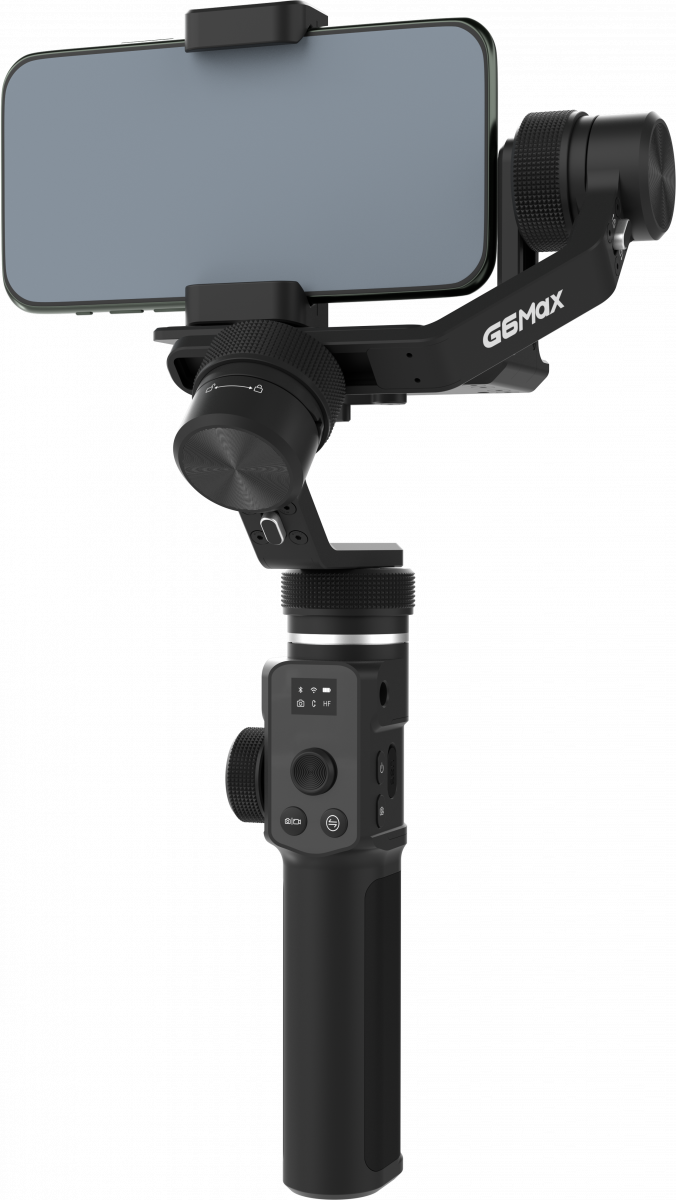
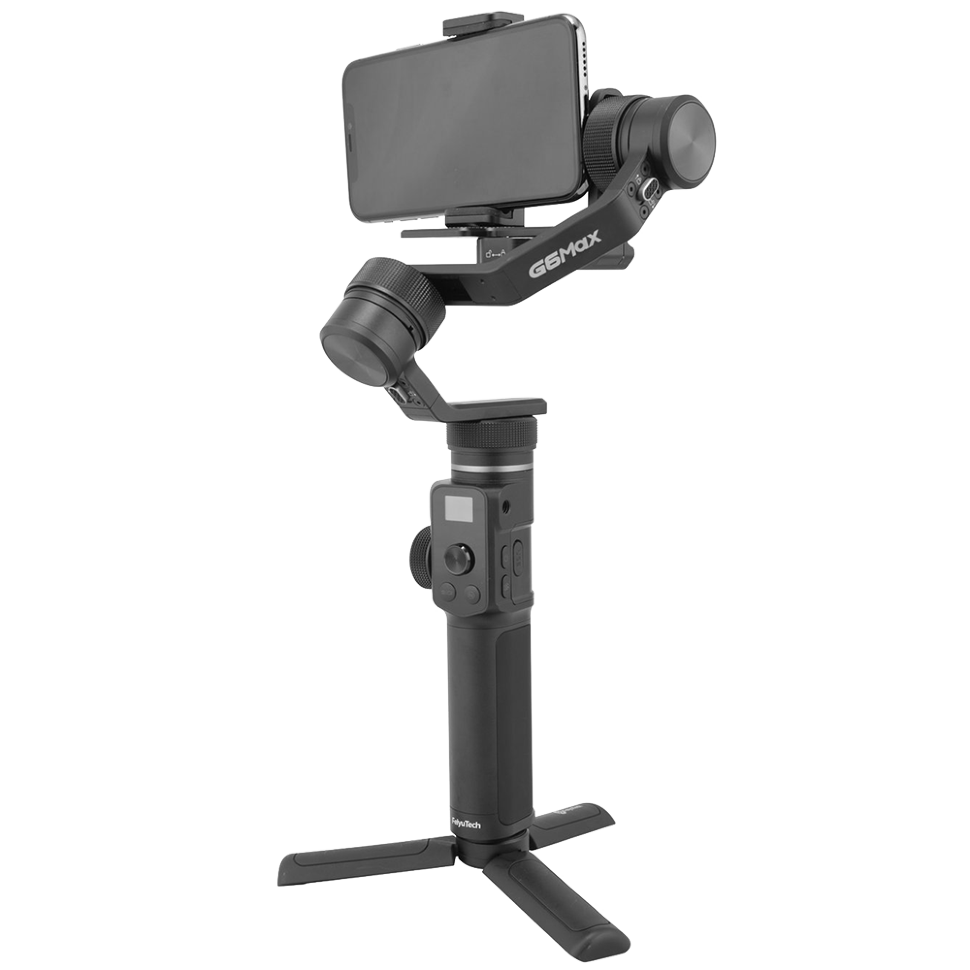
The G6 Max provides full pan (360°), tilt (280°) and roll (330°) ranges, with dedicated position locks for each axis to simplify transport and pre-power balancing. The quick release plate and sliding arms let you fine-tune balance across pan, tilt and roll using thumb screws and knob rings. When properly balanced, motors work efficiently and stabilization performance improves while power draw decreases.
Onboard controls include a touchscreen display, joystick, shutter/function buttons, trigger and a multifunction knob that toggles between axis control, follow focus and zoom (camera-dependent). Single/double/triple taps and long presses change modes quickly: pan, follow, all-follow, lock, inception and portrait. The trigger provides fast-follow and selfie rotation shortcuts, while the multifunction knob lets you precisely dial pan/tilt/roll or lens control when supported by the camera.
Connectivity and app integration
Feiyu ON app (iOS 9+/Android 6+) adds remote control, timelapse setup, route/motor configuration, firmware upgrades and advanced features like face/object tracking, panorama and beauty filters. Camera control is supported via Wi-Fi or shutter cables for many Sony, Canon, Panasonic models and action cams (GoPro, YI). The gimbal can remember camera Wi‑Fi credentials for faster reconnection.
Firmware updates are handled through the app; the process requires the phone screen to stay on and the app to remain active. Upgrades may temporarily power down motors; follow on-screen prompts to avoid interruptions.
Advanced modes and operation
Timelapse mode allows you to set start/end positions and rotation duration (limits apply: panning/tilting durations under 8 hours, interval and wait times constrained). Inception mode performs controlled continuous 360° rotation for dramatic spinning shots. Manual lock saves custom axis positions. Motor setup in the app lets you tune motor strength and adaptation for different camera setups.
Practical tips and safety
Always balance the gimbal before powering on. Charge via the designated Type-C port (5V/2A) and avoid charging through the fixed plate Type-C to prevent board damage. Initialize/calibrate the gimbal on a flat surface when changing payloads, after shipping, or after major temperature swings. Keep the gimbal dry, avoid corrosive liquids, and don’t disassemble—contact Feiyu after‑sales for repairs.
Notes
- Payload capability: 1200g after balancing; net gimbal weight ≈ 665g (no camera).
- Typical compatible cameras: Sony a6300/a6500 series, Canon M50, Panasonic GH/GX series, GoPro HERO.
- Battery life is theoretical; heavy loads or high motor settings reduce runtime.
- Use Feiyu ON for best functionality: remote control, timelapse, firmware and creative modes.
Search for 166 Manuals online


Type-in Brand or Model