
LevelOne LAN adapter, RJ-45, USB-A 3.0 (plug) Manual
PDF manual · 16 Pages
English


Ask a Question
Frequently Asked Questions
The manual lists support for Windows XP, Windows 7, Windows 8 and Mac OS X 10.6 and later. For newer OS versions, check the manufacturer's website for updated drivers.
Is this answer helpful?
On some Windows systems the manual cautions to install the provided driver before plugging in the adapter to avoid installation issues. For Mac OS X, install the package and reboot if prompted, then connect the adapter.
Is this answer helpful?
The amber Link LED indicates a 1000 Mbps connection when lit; it is off for 10/100 Mbps. The green Status LED blinks for LAN activity and is off when there is no network traffic.
Is this answer helpful?
Yes, it is USB 3.0 and USB 2.0 compliant, but when connected to a USB 2.0 port, throughput will be limited to USB 2.0 bandwidth and cannot achieve full Gigabit speeds.
Is this answer helpful?
Open Device Manager and check under Network adapters for an item named ASIX AX88179 USB3.0 to Gigabit Ethernet Adapter. A warning icon indicates a driver issue; uninstall the device, unplug the adapter and reinstall the driver if needed.
Is this answer helpful?
Yes, the adapter is USB bus-powered. Typical power consumption is about 420 mA during operation and around 38 mA in suspend mode. Ensure the host USB port can supply sufficient power.
Is this answer helpful?
Follow WEEE guidelines: do not discard with household waste. Use local collection and recycling schemes or contact your local authorities or the retailer for proper disposal instructions.
Is this answer helpful?
Advantages and Disadvantages
Advantages

- Gigabit Ethernet over USB 3.0 for fast wired connectivity on devices without built-in RJ-45 ports.
- Supports IPv4/IPv6 checksum offload and TCP large send offload to reduce CPU load.
- Energy Efficient Ethernet (IEEE 802.3az) and USB power-saving modes reduce power consumption.
- Compact, bus-powered design with broad OS support (Windows XP/7/8, Mac OS X 10.6+).
- LED indicators for link speed and network activity provide clear connection status.
Disadvantages

- Requires driver installation on some systems; Windows advises installing driver before connecting adapter.
- Backward compatibility with USB 2.0 limits Gigabit throughput to USB 2.0 speeds if used on older ports.
- Driver CD distribution may be inconvenient; modern systems may need downloaded drivers or updates.
- Bus-powered design may draw up to 420 mA in operation, which could affect some low-power ports.
- Limited OS list (no explicit support for newer Windows versions beyond Windows 8 in manual).
Product Description
LevelOne LAN adapter, RJ-45, USB-A 3.0 (plug) Manual
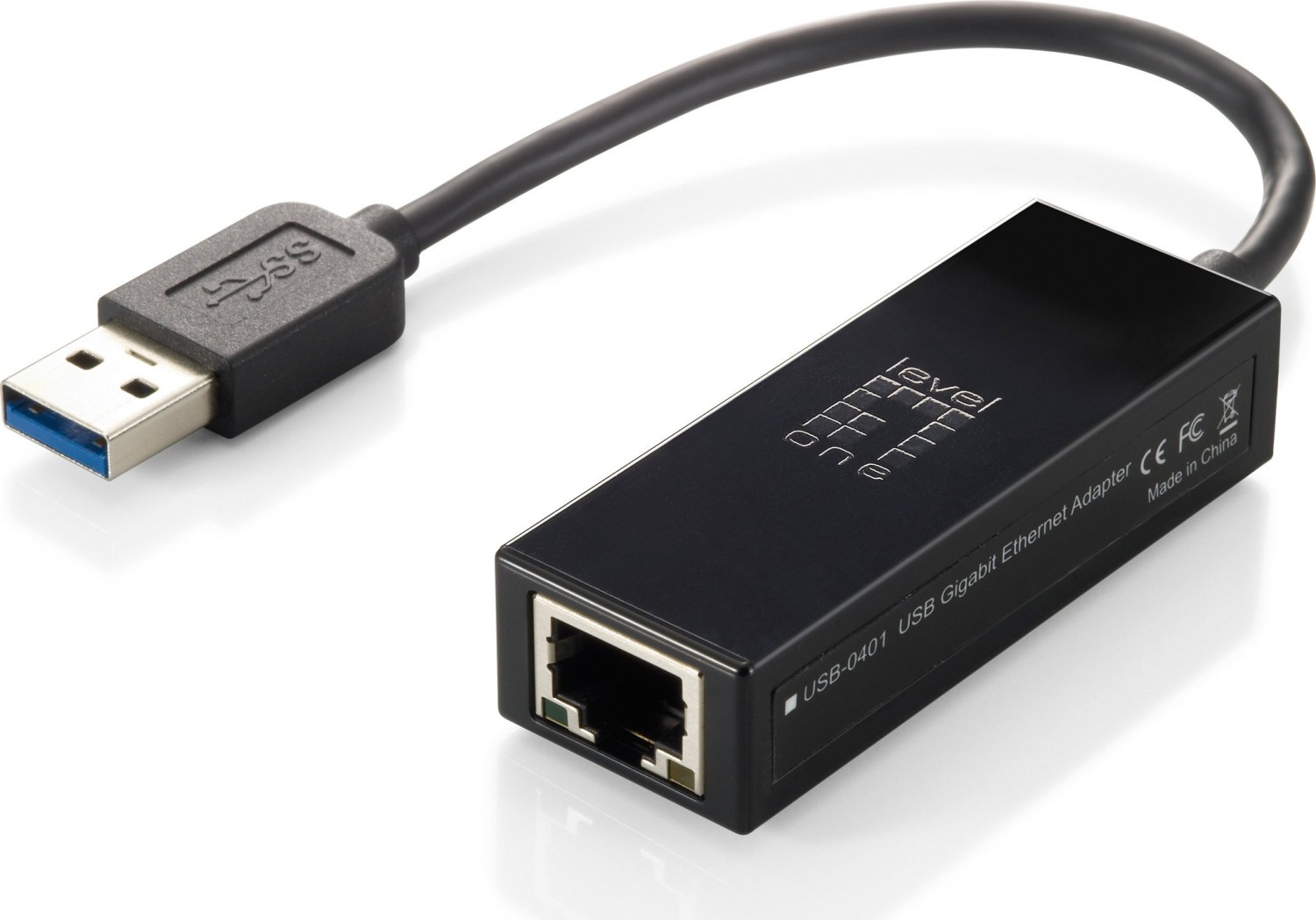
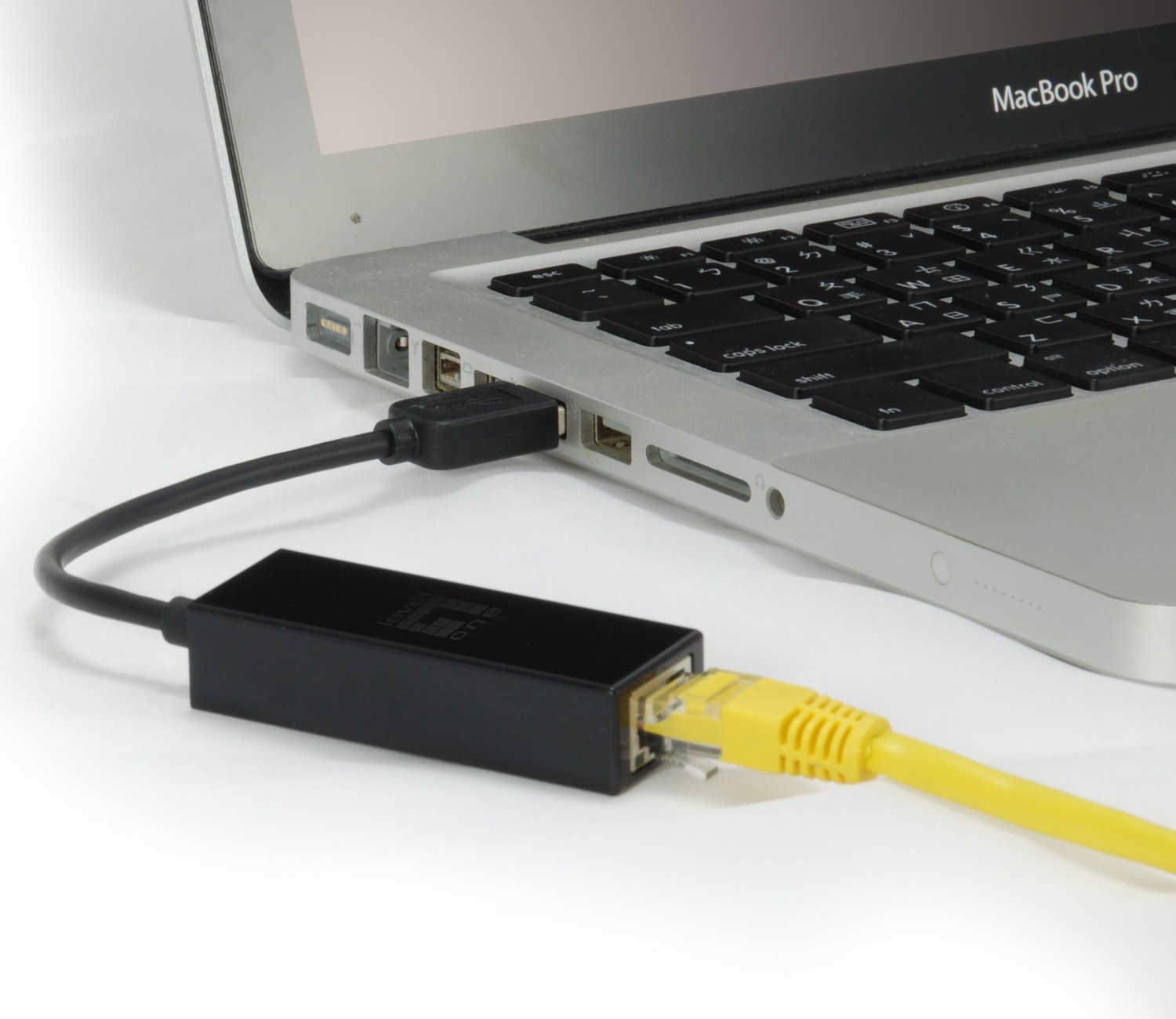
The LevelOne USB 3.0 Gigabit Ethernet adapter is a compact, bus-powered LAN solution that brings reliable RJ-45 wired networking to laptops, desktops, ultrabooks, docking stations and other USB-equipped devices. Designed around the ASIX AX88179 chipset, the adapter delivers Gigabit Ethernet performance over a USB-A 3.0 connection while remaining backward compatible with USB 2.0. It supports modern networking features such as IPv4/IPv6 checksum offload, TCP large send offload, and IEEE 802.3az Energy Efficient Ethernet to reduce CPU load and conserve power during idle periods.
Plug-and-play simplicity makes this adapter ideal for users who need a quick wired connection without opening a machine or replacing hardware. The adapter includes drivers for Windows XP through Windows 8 and Mac OS X 10.6 and later; installation instructions guide users through driver setup, hardware connection, and verification via Device Manager or System Preferences. LED indicators show link speed (amber for 1000 Mbps) and activity (green blinking), giving a clear visual status of the connection.
Physically the adapter is small and lightweight—about 84–97 mm long depending on cable—and housed in ABS plastic. It requires only an available USB port and draws approximately 420 mA during operation (38 mA in suspend). It supports full and half duplex modes with appropriate flow control and also accommodates jumbo frames for handling larger payloads efficiently.
Beyond setup, the manual walks through uninstall procedures for Windows, troubleshooting tips like reinstalling drivers when flagged in Device Manager, and platform-specific notes for Mac installations requiring a reboot to activate drivers. Regulatory and environmental information is included, noting FCC and CE compliance, RoHS adherence, and WEEE recycling guidance for EU users.
This adapter is a practical accessory for travelers, remote workers, or anyone needing a stable wired network link. It combines straightforward installation, energy-saving features, and broad OS support in a portable package.
Notes
- Supports dynamic cable length detection and Green Ethernet in Gigabit mode.
- Includes driver CD, quick install guide, and the adapter itself.
- For Mac installs, a system restart may be required to complete driver activation.
- Do not connect the adapter before driver installation on some Windows systems.
Search for 166 Manuals online


Type-in Brand or Model