
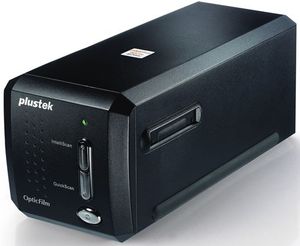
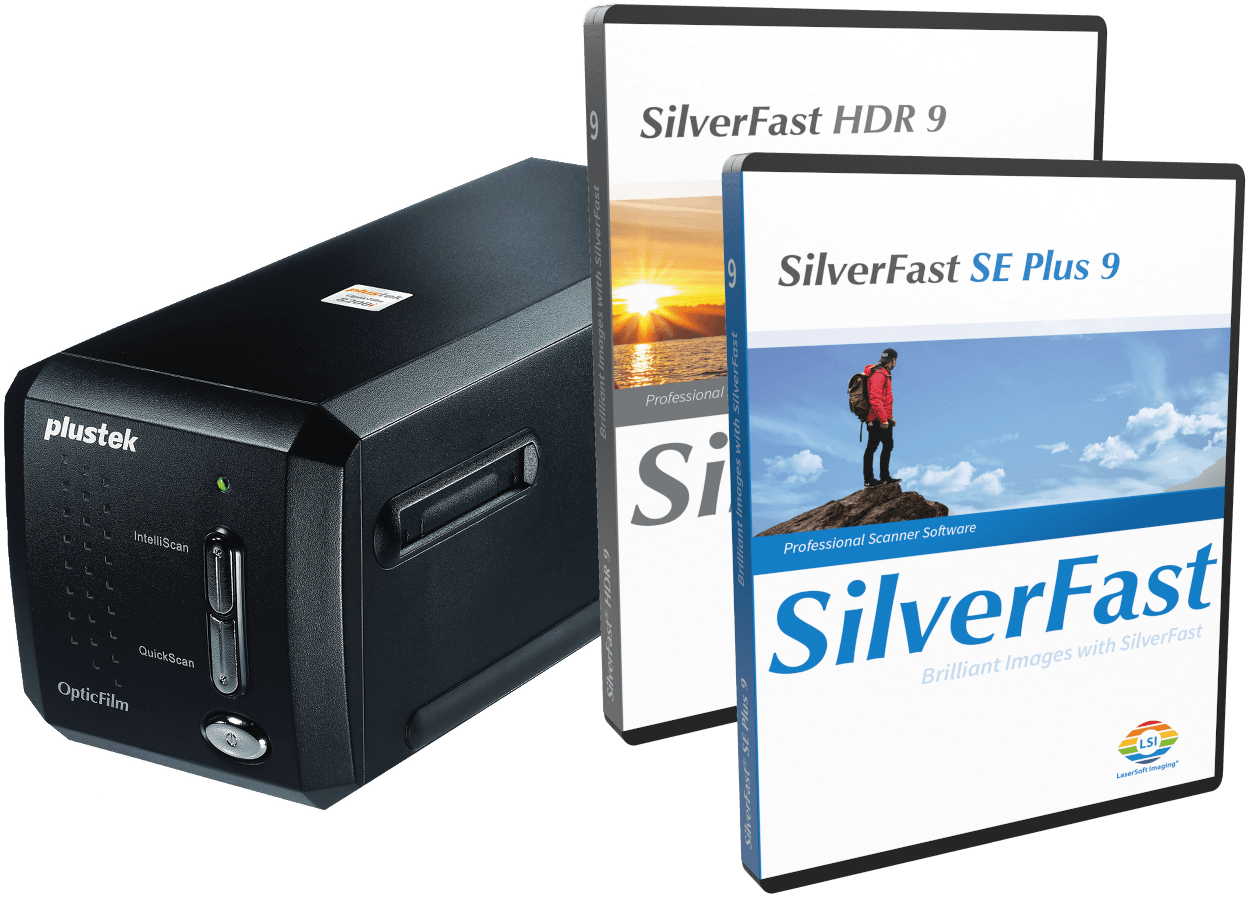
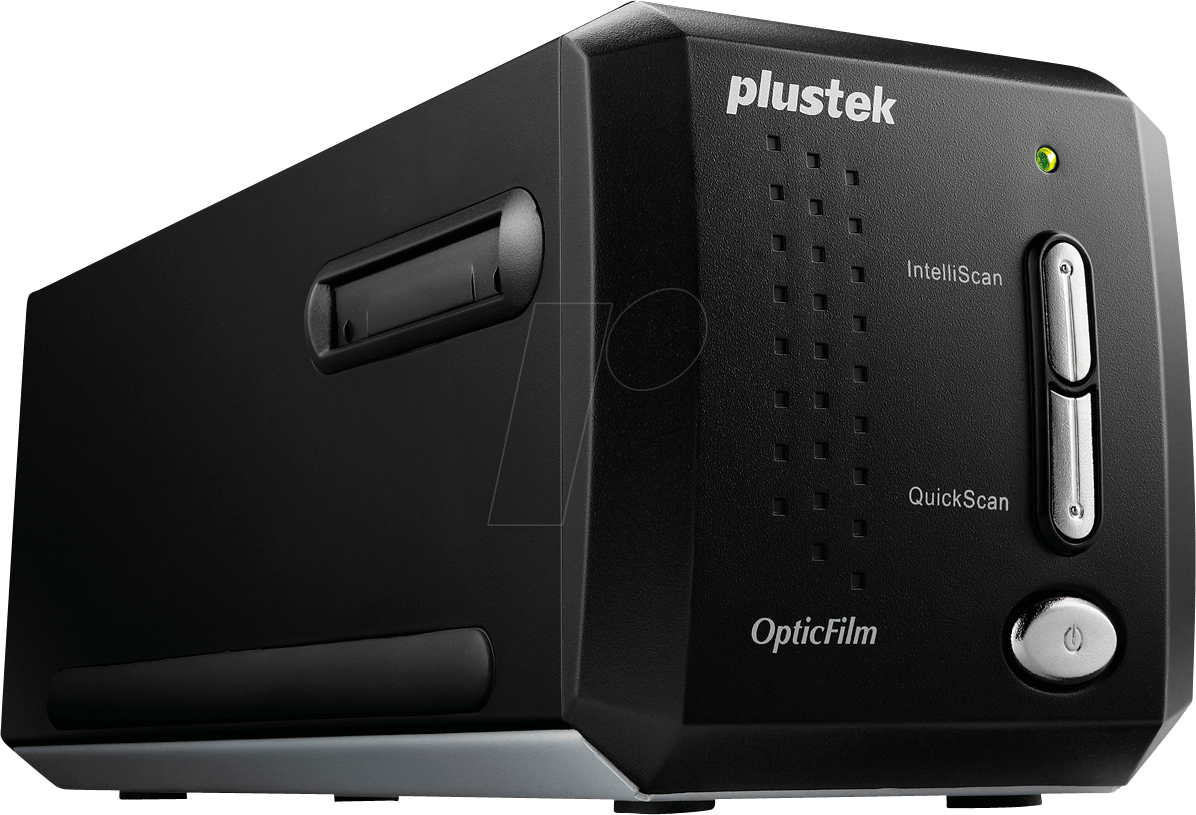
Plustek OpticFilm 8200i SE Manual
PDF manual · 2 Pages
English



Ask a Question
Frequently Asked Questions
Visit Plustek's drivers and downloads page to download the scanner driver and the SilverFast website to download the scanning software (choose SilverFast 8 Demo or the appropriate package). Follow platform-specific instructions and select the correct OS from dropdowns.
Is this answer helpful?
First verify that the USB cable and power cord are connected. Then check that the scanner appears under Imaging Devices in your Device Manager. If the image source is blank in SilverFast, re-check connections and device recognition before retrying.
Is this answer helpful?
No. iSRD relies on infrared detection which is ineffective on conventional black-and-white negatives and slides because of their silver content. iSRD works with color negatives (C41), color slides (E6), and paper proofs instead.
Is this answer helpful?
Open SilverFast, confirm Image Source and language, then click Start. Enter your first and last name and the SilverFast serial number and click Unlock. The SilverFast DVD serial is on the DVD-ROM case; if you exchanged a serial online, use the new serial provided.
Is this answer helpful?
From the SilverFast welcome screen open the Service Dialog and choose 'Software reset' to return to factory settings. Note this will erase all saved settings, so back up any presets before proceeding.
Is this answer helpful?
Refer to Plustek and SilverFast support pages for detailed help. Regional phone support contacts are provided on product documentation (for example USA/CA and UK numbers) and online resources list FAQs and troubleshooting steps.
Is this answer helpful?
Advantages and Disadvantages
Advantages

- High-quality 35mm scanning with good color and detail reproduction.
- Compact, purpose-built unit ideal for batch scanning with an included film holder.
- SilverFast software integration offers powerful color correction and workflow tools.
- Easy setup with clear troubleshooting steps for connectivity and device recognition.
- Driver availability and online download options for systems without CD/DVD drives.
Disadvantages

- iSRD infrared dust-removal is ineffective on conventional black-and-white film.
- SilverFast activation may require keeping or exchanging CD-based serials, which can be inconvenient.
- Users without CD/DVD drives must manually download drivers and software.
- Some users may need to manage software resets that erase saved settings.
- Limited to 35mm film formats; not suitable for larger negatives without adapters.
Product Description
Plustek OpticFilm 8200i SE — Professional Film Scanning Simplified
The Plustek OpticFilm 8200i SE is a dedicated 35mm film scanner designed for photographers and enthusiasts who need high-quality scans from negatives and slides. Compact and purpose-built, it offers a straightforward workflow for converting film into high-resolution digital images with accurate color and fine detail preservation. The unit is optimized for batch scanning with a film holder that accommodates multiple frames and delivers consistent results across dozens of images.
Key Features and Workflow
Setting up the OpticFilm 8200i SE is simple: place film into the supplied holder, connect the scanner via USB, and install the included scanning software. For users without a CD/DVD drive, drivers and SilverFast scanning software can be downloaded from Plustek and SilverFast websites. SilverFast integration streamlines color correction, dust and scratch removal (where applicable), and image sharpening. The 8200i SE supports IT-8 calibration on compatible software versions, enabling reliable color fidelity for critical scans.
The scanner emphasizes convenience: drivers for macOS are often included within SilverFast, and a clear unlock process is provided for SilverFast users. The bundled software facilitates settings adjustments like image source selection, language, and service dialogs to reset preferences. Troubleshooting tips include verifying power and USB connections and checking device recognition in system Device Manager.
Performance and Use Cases
This scanner is well-suited for hobbyists digitizing family archives, photographers needing quick high-quality scans from negatives or slides, and small studios requiring efficient batch scanning. It balances image quality and ease of use: color negatives, slides, and paper proofs scan reliably, while conventional black-and-white film is limited for infrared-based dust removal features due to silver content.
Notes
- macOS users may not require separate scanner drivers when using SilverFast, as some drivers are bundled. Keep the SilverFast DVD or follow online procedures to obtain a new serial if replacing a CD-based license.
- For users without optical media drives, download drivers and SilverFast from the official Plustek and SilverFast support pages.
- iSRD dust-removal functions are not effective on traditional black-and-white film due to silver grain.
Search for 166 Manuals online


Type-in Brand or Model