
PreSonus Quantum ES 2 Manual
PDF manual · 23 Pages
English



Ask a Question
Frequently Asked Questions
The Quantum ES 2 supports 24-bit audio at sample rates up to 192 kHz, providing high-resolution AD/DA conversion suitable for professional recording and playback.
Is this answer helpful?
The ES 2 includes two MAX‑HD combo mic/line inputs with up to +75 dB gain and one front-panel instrument input, offering flexible capture for vocals, guitars, and line sources.
Is this answer helpful?
Universal Control is required to access firmware updates, detailed preamp control, scene recall, and expanded monitoring/routing. Basic audio I/O works class‑compliant without it, but full functionality requires the software.
Is this answer helpful?
Yes — the ES 2 is class‑compliant with iOS/Android devices via USB-C. Many mobile hosts will work, but some setups may require an auxiliary USB‑C power supply if the device can’t provide sufficient current.
Is this answer helpful?
Auto‑Gain automatically measures and sets optimal input levels for mic or instrument channels. It runs a 10-second measurement period while you perform at expected levels, then applies the recommended gain to avoid clipping and ensure healthy signal levels.
Is this answer helpful?
Yes. In standalone mode analog inputs are summed to the main outputs and front-panel controls (gain, phantom, mute, Auto‑Gain, and level) remain available for simple mixing and monitoring.
Is this answer helpful?
Use Universal Control: boot the unit into recovery mode by holding the encoder while powering on, connect to Universal Control, and follow the prompted 'Update Firmware' process to restore or update firmware safely.
Is this answer helpful?
Advantages and Disadvantages
Advantages

- High-quality MAX‑HD preamps with up to +75 dB gain for clean mic capture.
- Low-latency monitoring via Universal Control for near-zero tracking delay.
- Compact, bus‑powered USB-C design suitable for mobile and desktop setups.
- 24-bit/192 kHz AD/DA conversion and strong dynamic range for pro audio fidelity.
- Multi-function hardware control and clear LED metering for hands-on workflow.
Disadvantages

- Limited I/O compared with larger studio interfaces (2 mic preamps on ES 2).
- May require optional auxiliary USB-C power with some computers or mobile devices.
- Some advanced routing and features require Universal Control software.
- Mobile app and class‑compliant behavior can be limited by host app restrictions.
- Speaker-switching and expanded cue/send features are available only on larger models.
Product Description
PreSonus Quantum ES 2 — Powerful, Portable USB-C Audio Interface
The PreSonus Quantum ES 2 is a compact, high-performance USB-C audio interface designed for musicians, podcasters, and home studio producers who demand low-latency monitoring, pristine preamps, and flexible I/O. Built around PreSonus’ MAX‑HD microphone preamps and high-resolution AD/DA converters, the Quantum ES 2 delivers 24‑bit audio at sample rates up to 192 kHz and a wide dynamic range, making it well suited for tracking vocals, instruments, and multi-source sessions on the go.
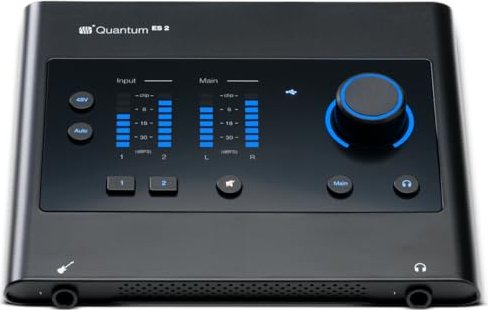
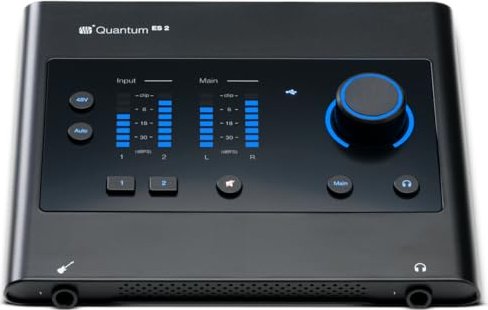
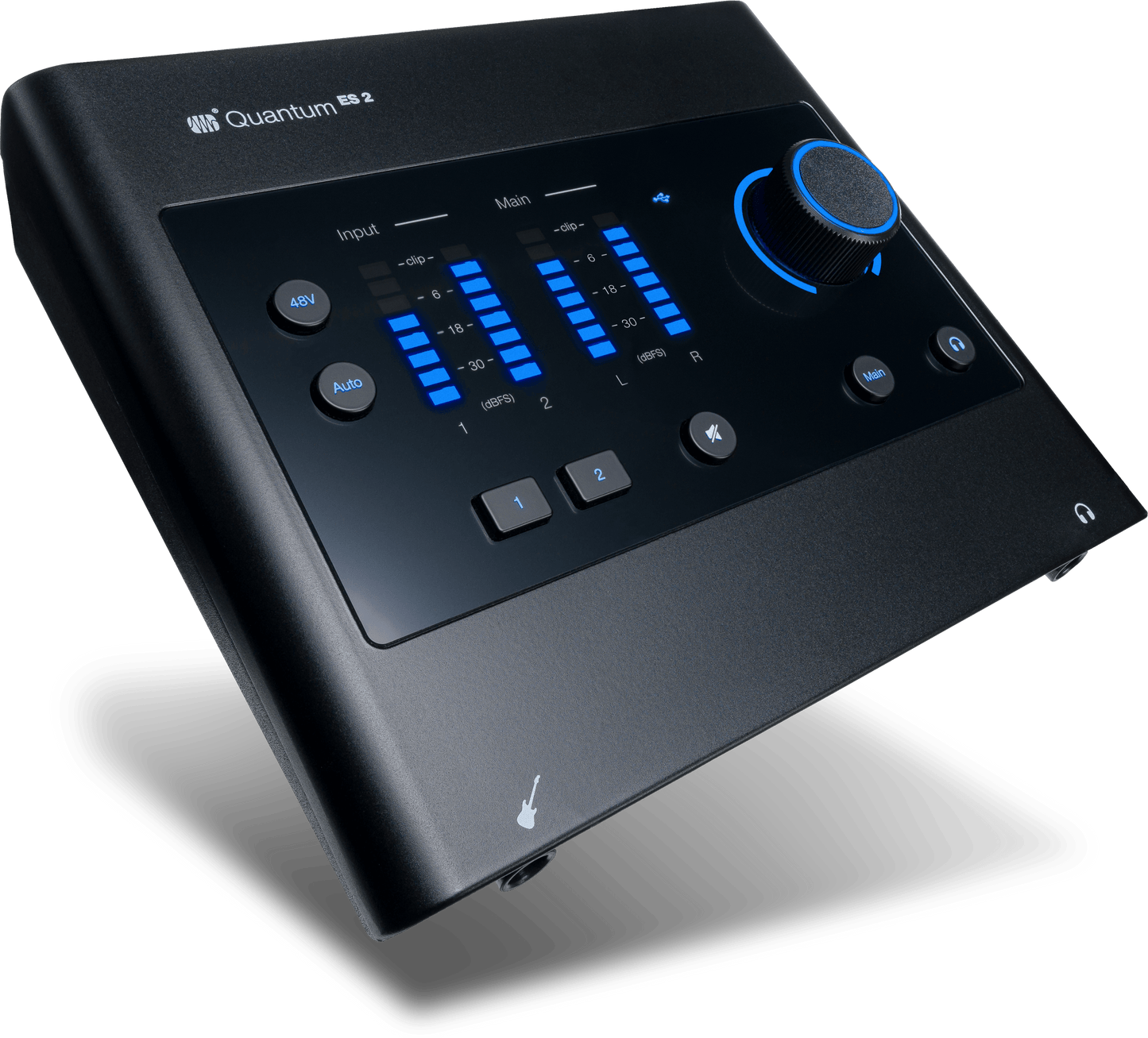
Small but feature-rich, the Quantum ES 2 provides two MAX‑HD combo inputs with up to +75 dB of gain (enough for demanding microphones), one front-panel instrument input, two balanced main line outputs, and a headphone output. The top-panel controls include a multi-function encoder for main, headphone, or gain control; dedicated channel-select buttons; 48V phantom power; an Auto‑Gain feature that measures and sets optimal input levels; and clear LED metering for visual feedback. The unit supports USB bus power but can accept optional auxiliary USB‑C power when connected devices can’t supply enough current.
Universal Control software expands the Quantum ES 2’s capabilities by enabling remote control of preamps, phantom power, monitoring mixes and recallable configurations. The interface integrates closely with Studio One and works with any DAW supporting Core Audio, WDM, or ASIO. Universal Control also provides low‑latency monitoring, send/cue mixes (on larger models), firmware updates and stored scene recall — handy for switching setups quickly between sessions.
Standalone operation makes the Quantum ES 2 a useful mini‑mixer: when no computer is connected, analog inputs are summed to the main outputs and many front‑panel controls remain functional. Mobile compatibility lets you connect to iOS/Android devices (class‑compliant) for recording on tablets and phones, though some mobile setups may require an auxiliary power source. Recovery and firmware update procedures are straightforward via Universal Control.
Overall, the Quantum ES 2 balances studio‑grade sound with portability and practical workflow tools. Its accurate conversion, quiet preamps, and hands‑on control make it a strong choice for creators seeking pro-level results without a large footprint.
Notes
- Supports 24‑bit/192 kHz conversion and up to 115 dB+ dynamic range in practice.
- Auto‑Gain is designed for mic and instrument inputs only.
- Optional auxiliary USB‑C power may be required for reliable operation with some hosts or mobile devices.
- Universal Control is required for firmware updates and unlocking full control and scene management.
Search for 166 Manuals online


Type-in Brand or Model